Free Shipping on Domestic Orders $75+

Zoomer Dino Boomer Back Button Replacement

What you need

    1. Zoomer Dino Boomer Back Button Replacement, Back Cover: step 1, image 1 of 1
      • Power off Zoomer Dino Boomer before disassembly.

      • Remove the eight 9.3mm Phillips #1 screws.

      Ask FixBot

      Add Comment

    2. Zoomer Dino Boomer Back Button Replacement: step 2, image 1 of 2 Zoomer Dino Boomer Back Button Replacement: step 2, image 2 of 2
      • Turn dinosaur over and hold upright.

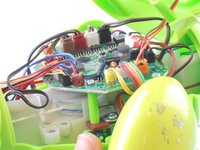
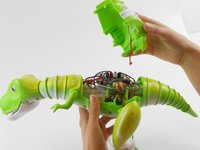
      • Use the spudger to pry apart the back cover from the remainder of the Zoomer Dino Boomer.

      • Be gentle while removing the back cover. The back cover of the Zoomer Dino Boomer is still connected to the electronic system by a wire.

      Ask FixBot

      Add Comment

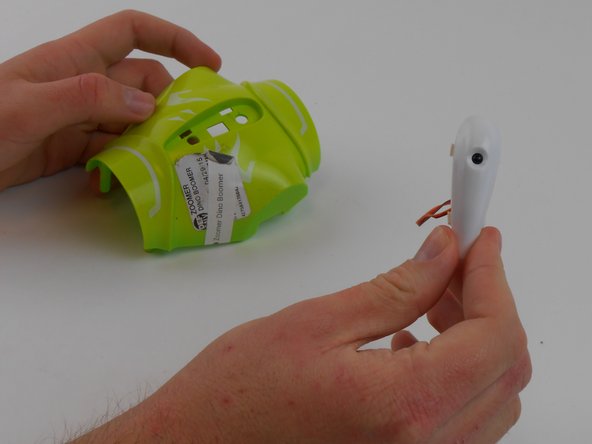
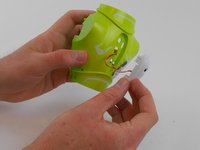
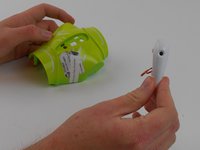
    3. Zoomer Dino Boomer Back Button Replacement: step 3, image 1 of 3 Zoomer Dino Boomer Back Button Replacement: step 3, image 2 of 3 Zoomer Dino Boomer Back Button Replacement: step 3, image 3 of 3
      Tool used on this step:
      Tweezers
      $4.99
      Buy
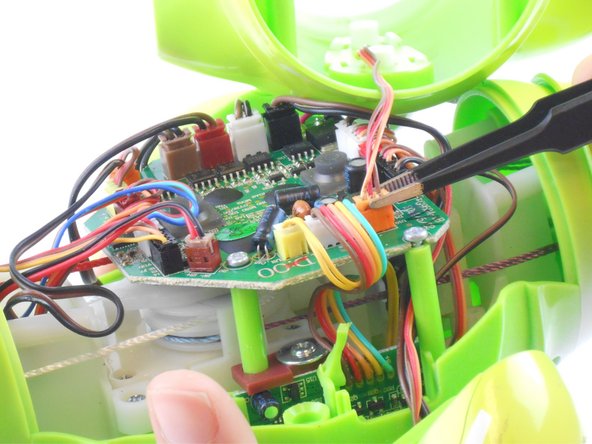
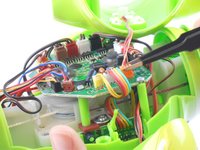
      • Disconnect the wire that connects the back cover of the dino to the main circuit board by carefully pulling on the orange wire connector with tweezers.

      • Remove back cover.

      • If you are having difficulty removing the connector from its socket, push in the small tabs on the side of the connector with the tweezers. This step may take some work.

      • Do not damage the wires or circuit board.

      Ask FixBot

      Add Comment

    1. Zoomer Dino Boomer Back Button Replacement, Back Button: step 4, image 1 of 1
      • Where the button is largest, squeeze the two white tabs together.

      Ask FixBot

      Add Comment

    2. Zoomer Dino Boomer Back Button Replacement: step 5, image 1 of 1
      • Push in the white circular piece between these tabs as far as it will go.

      Ask FixBot

      Add Comment

    3. Zoomer Dino Boomer Back Button Replacement: step 6, image 1 of 2 Zoomer Dino Boomer Back Button Replacement: step 6, image 2 of 2
      • Where the button is smallest, squeeze the two white tabs together and press the circular tab in-between them until the button comes loose.

      • Remove the back button.

      Ask FixBot

      Add Comment

Conclusion

To reassemble your device, follow these instructions in reverse order.

Cancel: I did not complete this guide.

Lauren Mannix

Member since: 08/29/15

398 Reputation

3 Guides authored

Team

USF Tampa, Team 16-1, Wollert Fall 2015 Member of USF Tampa, Team 16-1, Wollert Fall 2015

USFT-WOLLERT-F15S16G1

3 Members

10 Guides authored

0 Guide Comments

Add Comment

View Statistics:

Past 24 Hours: 1

Past 7 Days: 17

Past 30 Days: 47

All Time: 2,565