Introduction
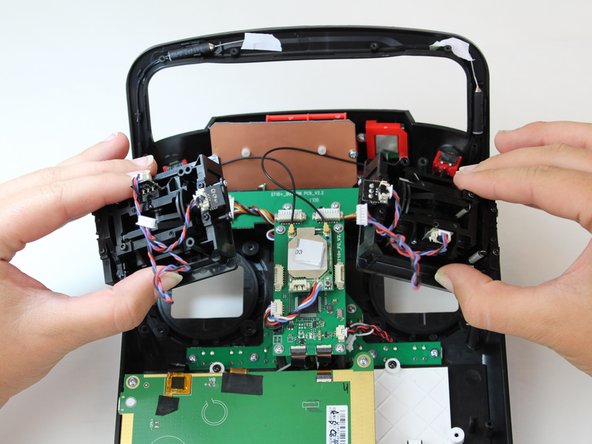
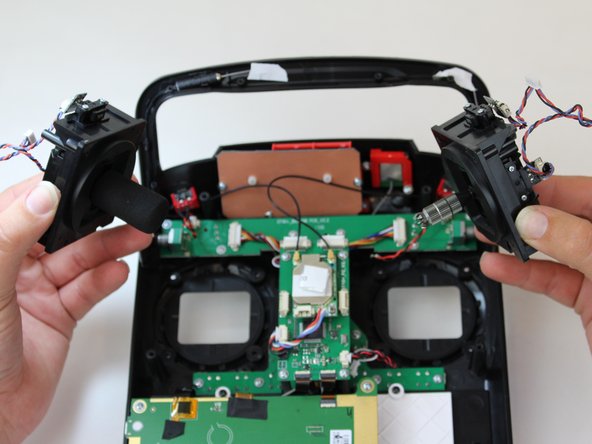
This guide explains how to properly remove and replace the joysticks to the Yuneec ST10 Plus, in case of mechanical issues with them. The joysticks are susceptible to wearing out with general use, and can break easily. Since these joysticks are the primary control function of the device, it is important to replace them if they stop working properly.
To check whether the joysticks have mechanical issues or electronic issues, move the joysticks in various directions to see whether they function as expected. If not, they have a mechanical issue that this guide can help fix.
What you need
-
-
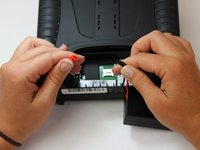
Flip the controller upside down to access the battery compartment.
-
Grab the compartment door and pull down.
-
-
-
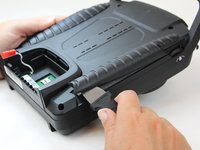
Slide the Jimmy underneath the rubber grips and pry upwards.
-
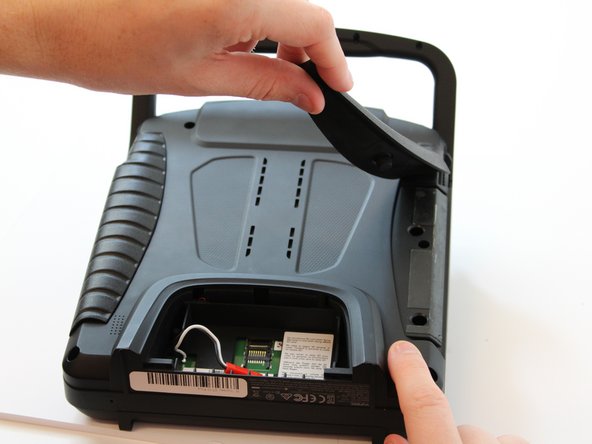
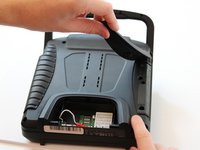
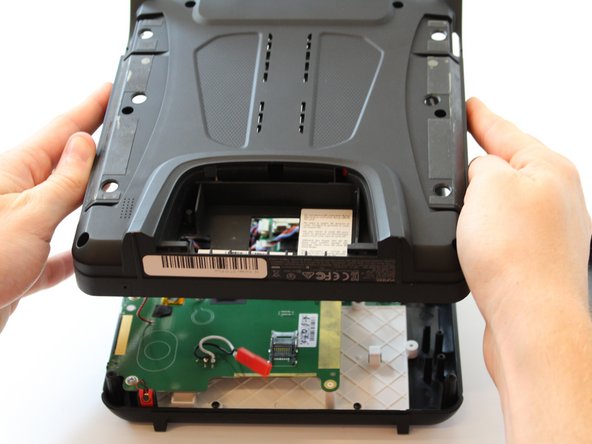
With your free hand grasp the rubber grips and pull upward to remove it.
-
-










Team

Embry-Riddle Aeronautical University, Team S6-G6, Watkins Spring 2020 Member of Embry-Riddle Aeronautical University, Team S6-G6, Watkins Spring 2020
ERAU-WATKINS-S20S6G6
5 Members
5 Guides authored
