15% Off Selected iFixit Tools — Limited Time
Free Shipping on Domestic Orders $75+

Yuneec ST10 Plus Camera Switch Spring Replacement

What you need

  1. Yuneec ST10 Plus Camera Switch Spring Replacement, Battery: step 1, image 1 of 1
    • Flip the controller upside down to access the battery compartment.

    • Grab the compartment door and pull down.

    Ask FixBot

    Add Comment

  2. Yuneec ST10 Plus Camera Switch Spring Replacement: step 2, image 1 of 1
    • Gently lift the blue tab connected to the battery in order to remove the battery from its housing.

    Ask FixBot

    Add Comment

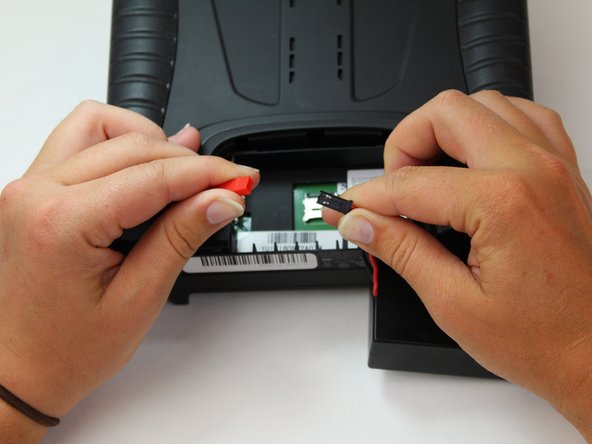
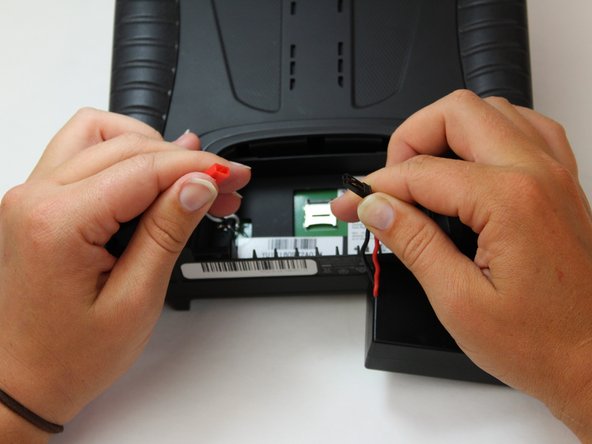
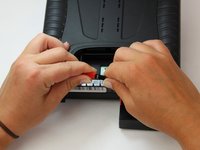
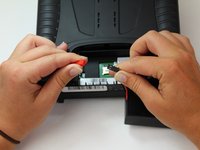
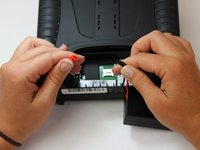
  3. Yuneec ST10 Plus Camera Switch Spring Replacement: step 3, image 1 of 3 Yuneec ST10 Plus Camera Switch Spring Replacement: step 3, image 2 of 3 Yuneec ST10 Plus Camera Switch Spring Replacement: step 3, image 3 of 3
    • To disconnect the battery from the remote, grab the red and black connectors.

    • Pull gently on connectors until they disconnect.

    Ask FixBot

    Add Comment

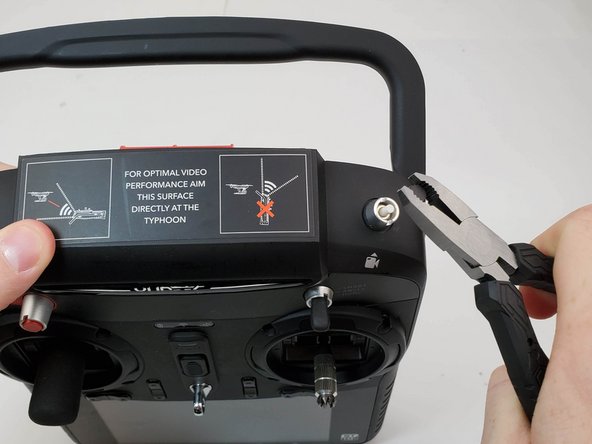
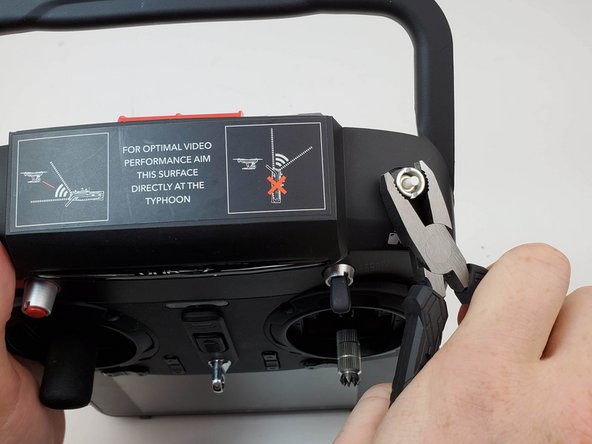
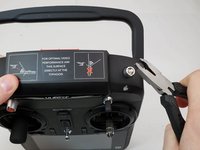
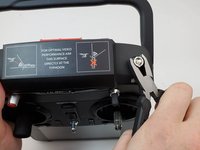
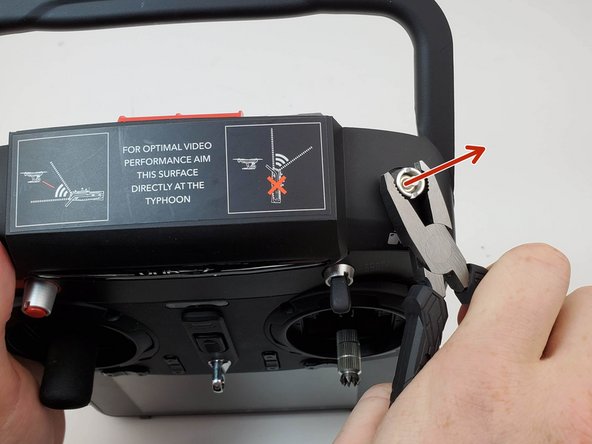
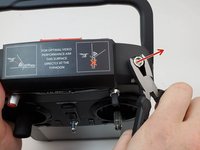
  4. Yuneec ST10 Plus Camera Switch Spring Replacement, Camera Switch: step 4, image 1 of 3 Yuneec ST10 Plus Camera Switch Spring Replacement, Camera Switch: step 4, image 2 of 3 Yuneec ST10 Plus Camera Switch Spring Replacement, Camera Switch: step 4, image 3 of 3
    • Grab ahold of the top of the black cap on the button with the pliers and pull up forcefully.

    Ask FixBot

    Add Comment

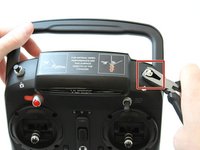
  5. Yuneec ST10 Plus Camera Switch Spring Replacement: step 5, image 1 of 2 Yuneec ST10 Plus Camera Switch Spring Replacement: step 5, image 2 of 2
    • Twist counter clockwise on the silver portion of the device with a pair of pliers.

    Ask FixBot

    Add Comment

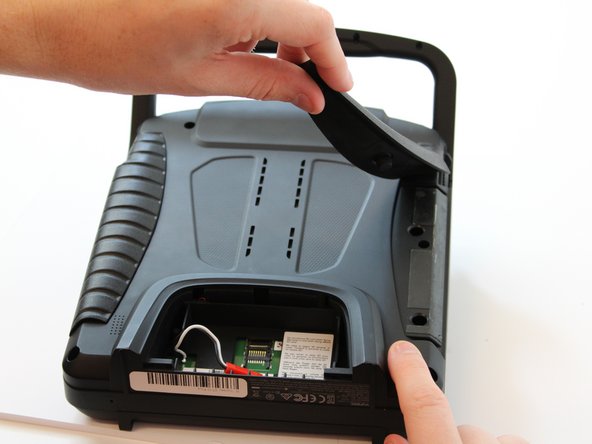
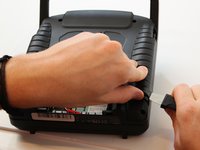
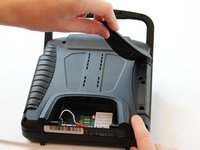
  6. Yuneec ST10 Plus Camera Switch Spring Replacement: step 6, image 1 of 2 Yuneec ST10 Plus Camera Switch Spring Replacement: step 6, image 2 of 2
    • Slide the Jimmy underneath the rubber grips and pry upwards.

    • With your free hand grasp the rubber grips and pull upward to remove it.

    Ask FixBot

    Add Comment

  7. Yuneec ST10 Plus Camera Switch Spring Replacement: step 7, image 1 of 1
    • Remove the six 1.3 cm screws located on the back panel of the remote using the 5.5mm hex screw bit.

    Ask FixBot

    Add Comment

  8. Yuneec ST10 Plus Camera Switch Spring Replacement: step 8, image 1 of 1
    • Remove the four 6mm screws from the handle using the 4mm hex driver bit.

    Ask FixBot

    Add Comment

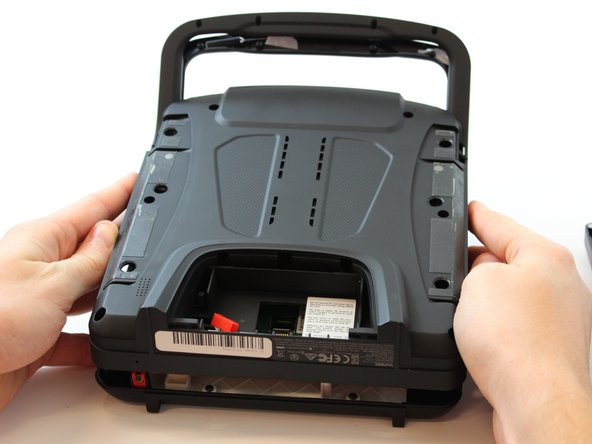
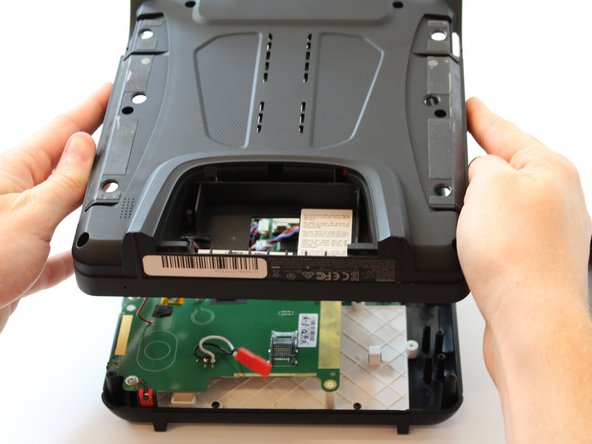
  9. Yuneec ST10 Plus Camera Switch Spring Replacement: step 9, image 1 of 2 Yuneec ST10 Plus Camera Switch Spring Replacement: step 9, image 2 of 2
    • Carefully pull up and over on the back panel to remove. Take your time because there are wires connecting the two panels that can easily torn.

    Ask FixBot

    Add Comment

  10. Yuneec ST10 Plus Camera Switch Spring Replacement: step 10, image 1 of 2 Yuneec ST10 Plus Camera Switch Spring Replacement: step 10, image 2 of 2
    • Flip your device.

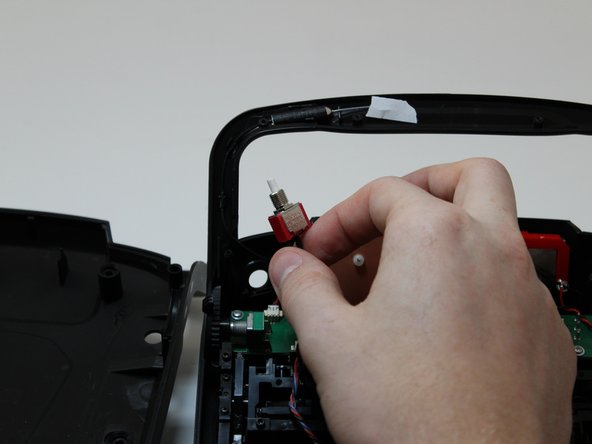
    • Once the silver cover holding the switch in place is removed, remove the switch by grabbing it and pulling back towards you.

    Ask FixBot

    Add Comment

  11. Yuneec ST10 Plus Camera Switch Spring Replacement: step 11, image 1 of 3 Yuneec ST10 Plus Camera Switch Spring Replacement: step 11, image 2 of 3 Yuneec ST10 Plus Camera Switch Spring Replacement: step 11, image 3 of 3
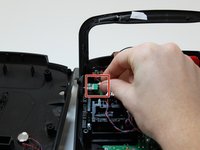
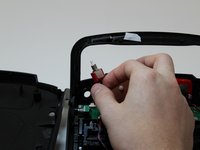
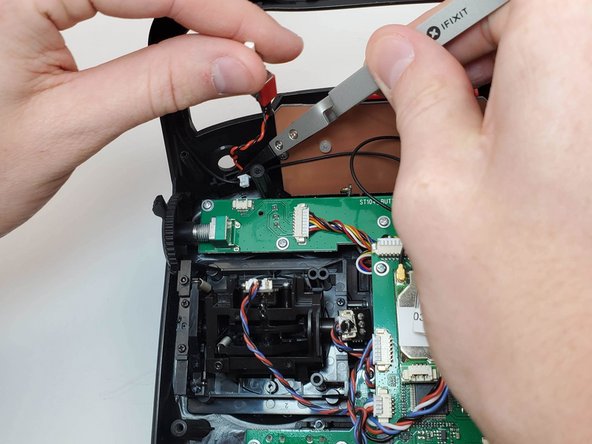
    • Once the switch is removed, disconnect the switch from the circuit board by pulling the cable from the cable connector.

    • The cable will come out by pulling it away from you if the bottom of the controller is oriented closer to you.

    Ask FixBot

    Add Comment

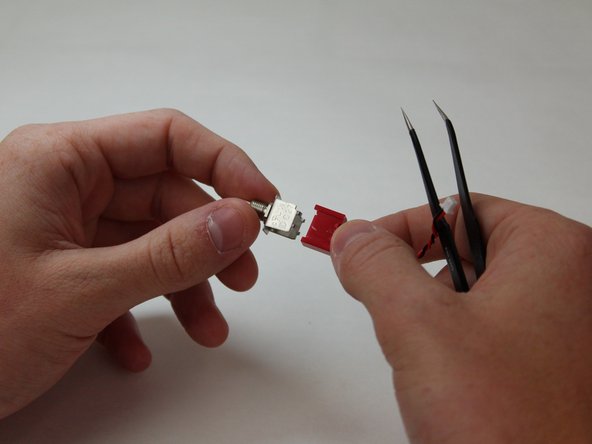
  12. Yuneec ST10 Plus Camera Switch Spring Replacement, Camera Switch Spring: step 12, image 1 of 2 Yuneec ST10 Plus Camera Switch Spring Replacement, Camera Switch Spring: step 12, image 2 of 2
    • Carefully pry up the small metal feet surrounding the red switch connector on both sides using a metal spudger.

    • There are four feet located on the silver portion of the switch.

    Ask FixBot

    Add Comment

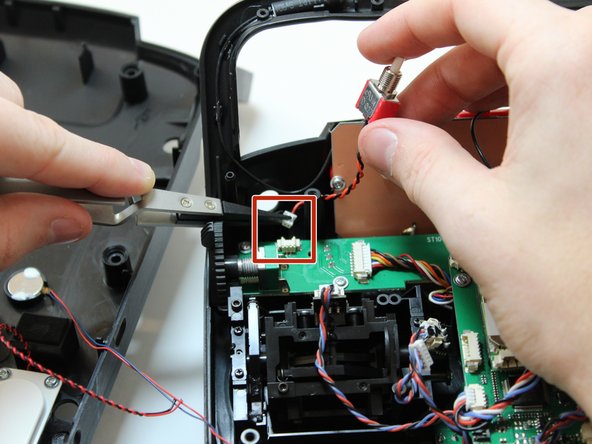
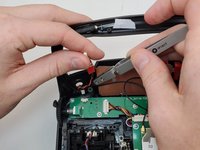
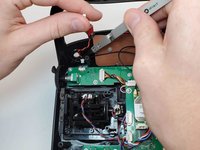
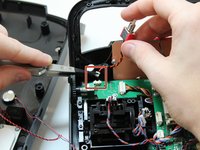
  13. Yuneec ST10 Plus Camera Switch Spring Replacement: step 13, image 1 of 3 Yuneec ST10 Plus Camera Switch Spring Replacement: step 13, image 2 of 3 Yuneec ST10 Plus Camera Switch Spring Replacement: step 13, image 3 of 3
    Tool used on this step:
    Tweezers
    $3.99
    Buy
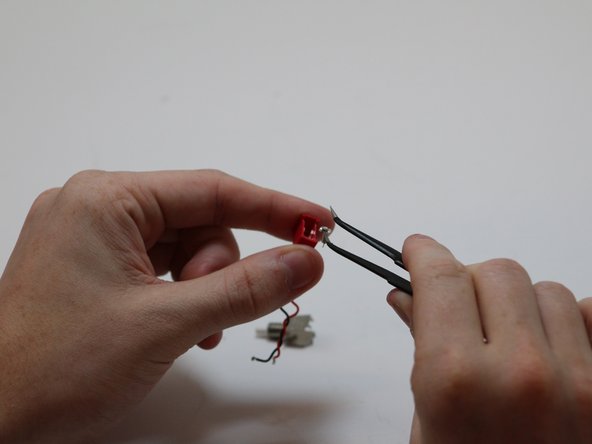
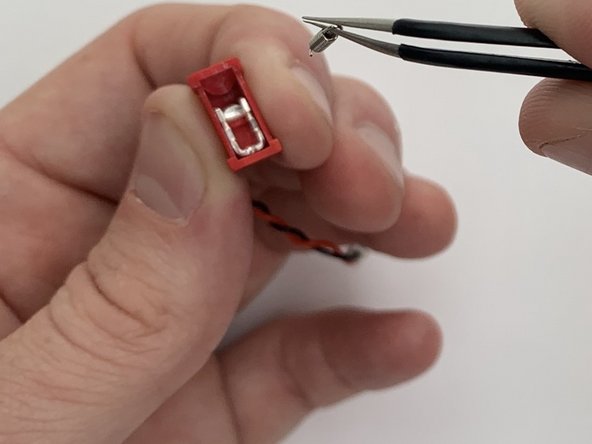
    • Make sure to pull up and out where the spring connects. Do not pull from the middle of the spring or it will snap it.

    • With the angled tweezers pinch the end of the spring with the loop and gently push the spring down and back, then lift up.

    • Pinch the spring with the angled tweezers, bringing it to a vertical position. Then push down on the spring to remove it from the port that it is connected to.

    • Pull the spring away from the housing.

    Ask FixBot

    Add Comment

Conclusion

To reassemble your device, follow these instructions in reverse order.

Cancel: I did not complete this guide.

0 Guide Comments

Add Comment

View Statistics:

Past 24 Hours: 0

Past 7 Days: 6

Past 30 Days: 28

All Time: 321