Introduction
This guide will provide a step by step process to the removal and replacement of the shoulder buttons controlling the camera or video on the Yuneec ST10 Plus drone controller. The lefthand switch triggers the drone camera to take a snapshot and the righthand switch toggles the recording feature. If either of these functionalities stop working and you’ve troubleshot the problem to the physical switches, this guide can help you to replace the malfunctioning button and resume the functionality of the remote.
Good news: the two switches are connected with cable connectors, so no soldering will be required to replace them!
What you need
-
-
-
Flip the controller upside down to access the battery compartment.
-
Grab the compartment door and pull down.
 Ask FixBot
-
-
-
Gently lift the blue tab connected to the battery in order to remove the battery from its housing.
-
-
-
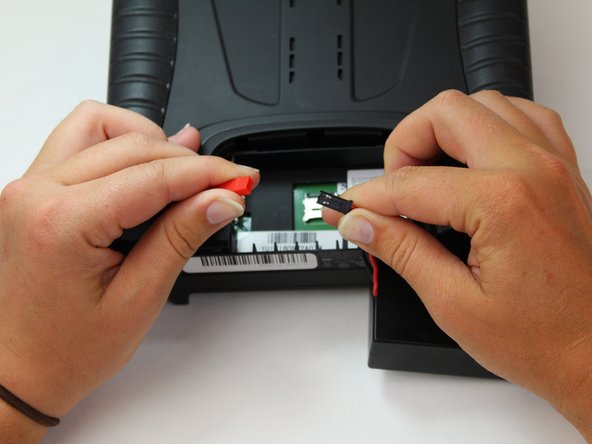
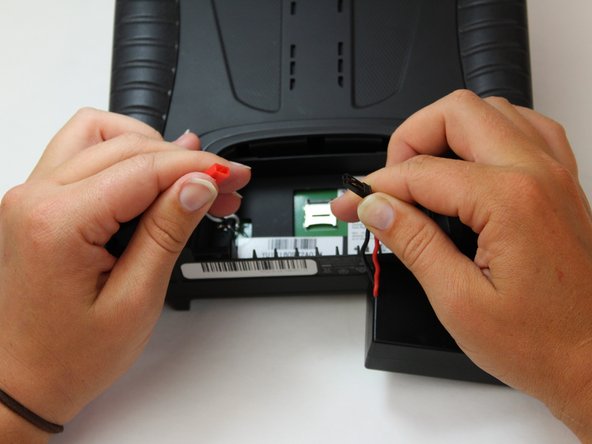
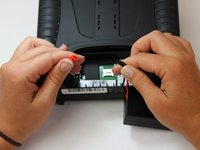
To disconnect the battery from the remote, grab the red and black connectors.
-
Pull gently on connectors until they disconnect.
-
-
-
-
-
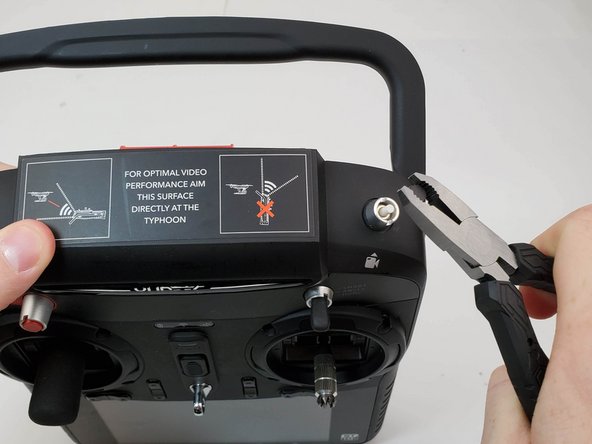
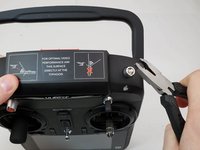
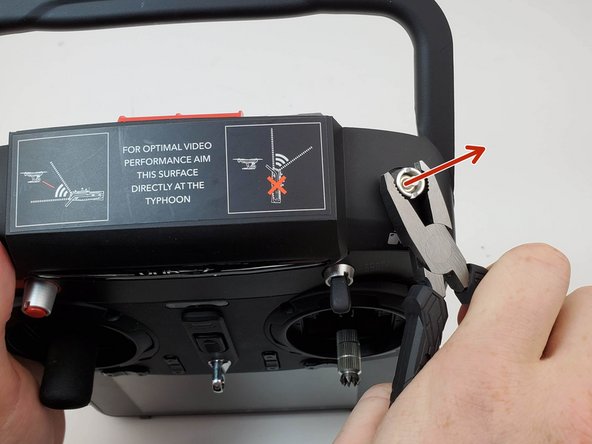
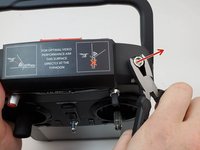
Grab ahold of the top of the black cap on the button with the pliers and pull up forcefully.
-
-
-
-
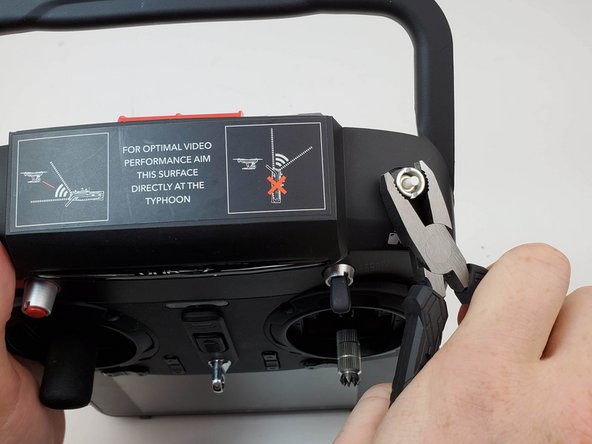
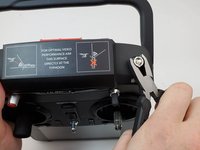
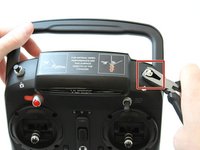
Twist counter clockwise on the silver portion of the device with a pair of pliers.
-
-
-
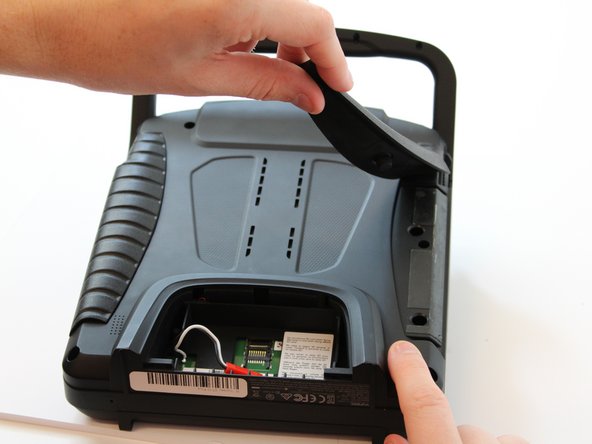
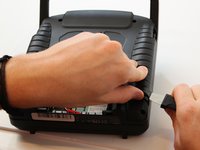
Slide the Jimmy underneath the rubber grips and pry upwards.
-
With your free hand grasp the rubber grips and pull upward to remove it.
-
-
-
Remove the six 1.3 cm screws located on the back panel of the remote using the 5.5mm hex screw bit.
-
-
-
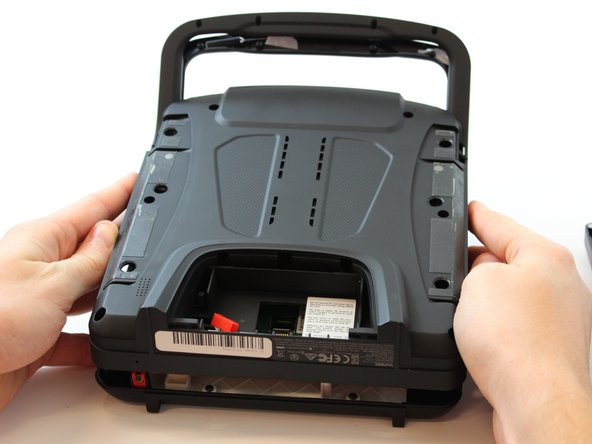
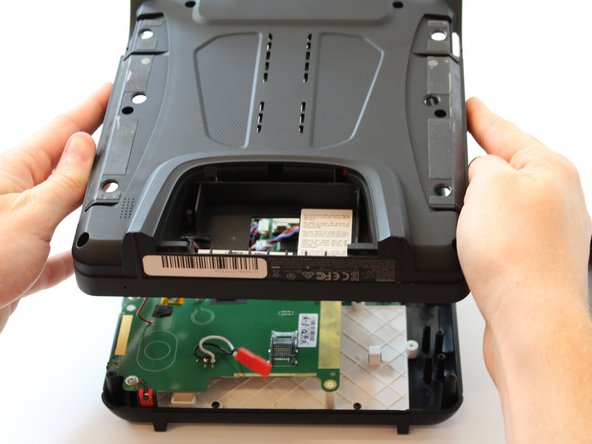
Carefully pull up and over on the back panel to remove. Take your time because there are wires connecting the two panels that can easily torn.
-
-
-
Flip your device.
-
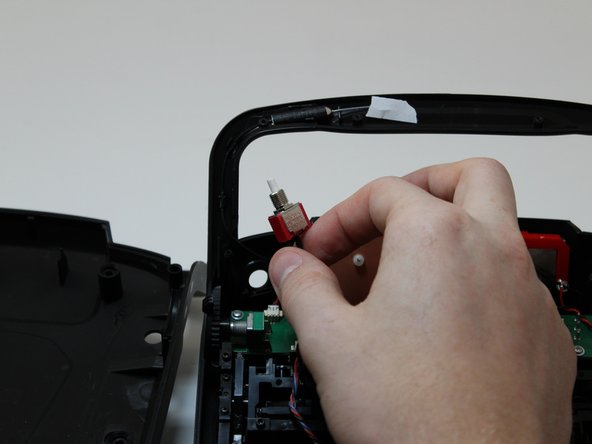
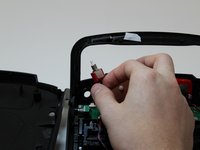
Once the silver cover holding the switch in place is removed, remove the switch by grabbing it and pulling back towards you.
-
-
-
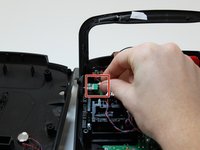
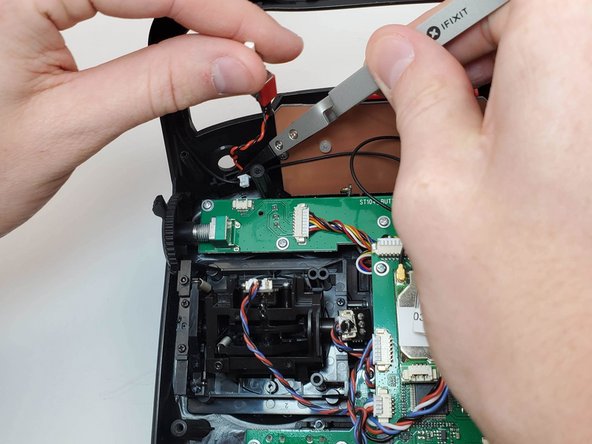
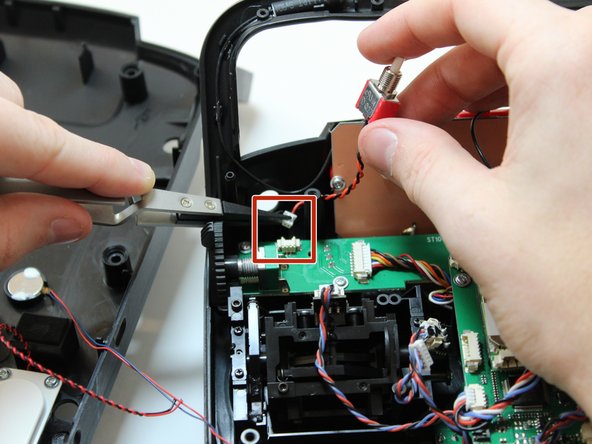
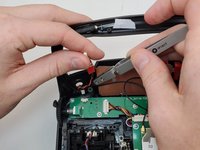
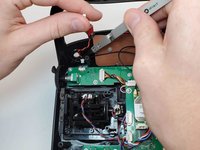
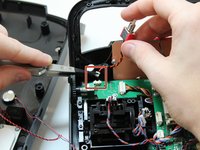
Once the switch is removed, disconnect the switch from the circuit board by pulling the cable from the cable connector.
-
-









To reassemble your device, follow these instructions in reverse order.

Team

Embry-Riddle Aeronautical University, Team S6-G6, Watkins Spring 2020 Member of Embry-Riddle Aeronautical University, Team S6-G6, Watkins Spring 2020
ERAU-WATKINS-S20S6G6
5 Members
60 Guides authored
