Introduction
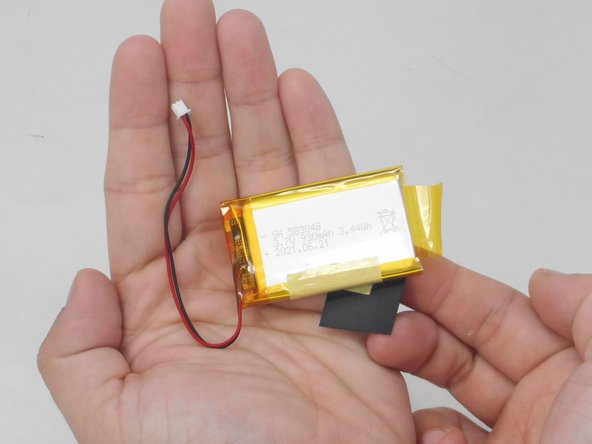
Is the baby monitor screen in your YOTON YB02 not holding enough power to last? If so, here is a guide to access and replace the battery unit inside the monitor. There are no difficult steps but be careful when prying off the battery from the motherboard.
What you need
-
-
-
Use a Phillips #0 screwdriver to remove the four 7 mm screws from the back panel of the monitor.
 Ask FixBot
-
-
-
-
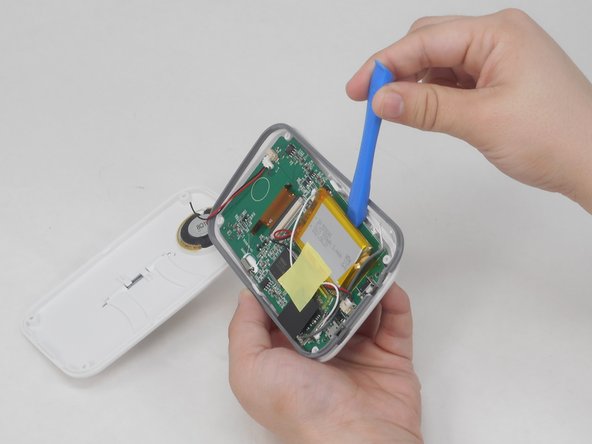
Using the plastic tool, disconnect the cables connecting the battery to the motherboard.
-
-



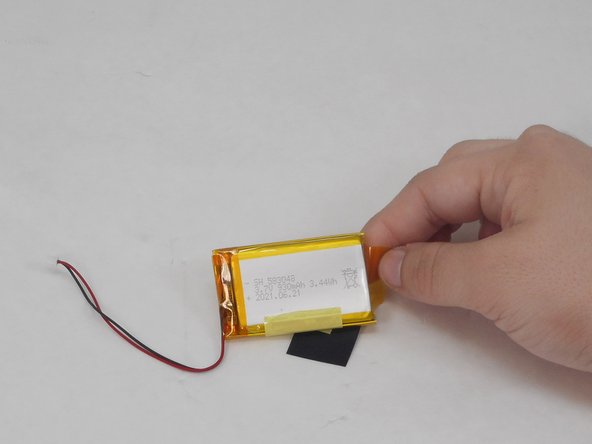
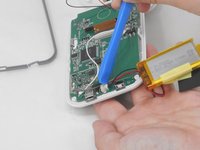
To reassemble your device, follow these instructions in reverse order.
Cancel: I did not complete this guide.
One other person completed this guide.

Team

University of Memphis, Team 4-3, Sneed Spring 2024 Member of University of Memphis, Team 4-3, Sneed Spring 2024
UM-SNEED-S24S4G3
4 Members
72 Guides authored
