Introduction
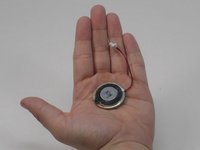
If your camera of the YOTON YB02 isn’t producing clear audio, such as distorted or no sound, use this guide to replace the camera speaker of the baby monitor. The camera speaker transmits sound from the user of the monitor through a wireless connection. A faulty camera speaker will produce poor, distorted, or zero audio. Before replacing the camera speaker, make sure to clean any debris collected in the speaker holes as accumulations of dust can distort audio. Before beginning, make sure to completely turn off your device.
What you need
-
-
Use a Phillips #0 screwdriver to remove the single 7 mm screw from the back of the panel from the camera.
-
-


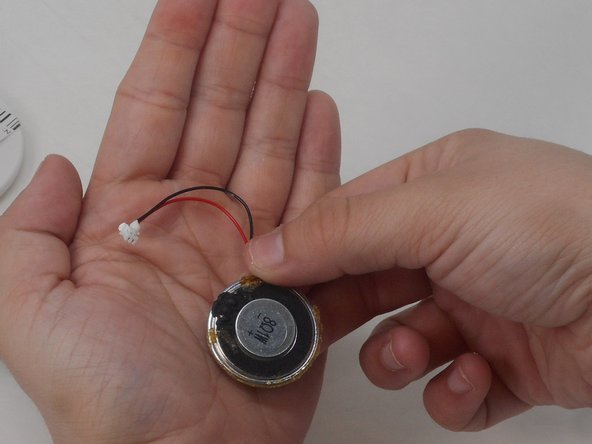
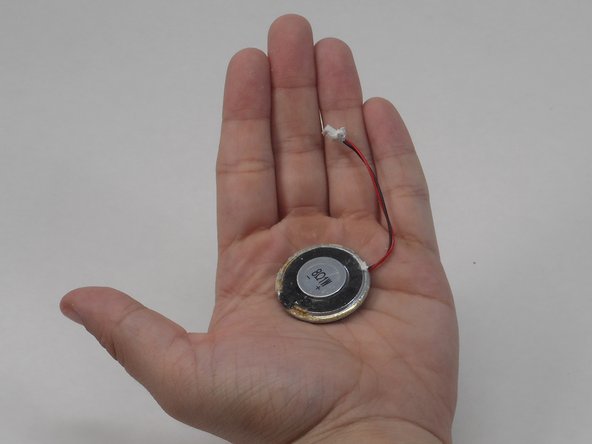
To reassemble your device, follow these instructions in reverse order.



Team

University of Memphis, Team 4-3, Sneed Spring 2024 Member of University of Memphis, Team 4-3, Sneed Spring 2024
UM-SNEED-S24S4G3
4 Members
6 Guides authored
