Free Shipping on Domestic Orders $75+

Motorola Moto G5s Plus Battery Replacement

What you need

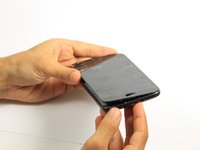
    1. Motorola Moto G5s Plus Battery Replacement, Display: step 1, image 1 of 3 Motorola Moto G5s Plus Battery Replacement, Display: step 1, image 2 of 3 Motorola Moto G5s Plus Battery Replacement, Display: step 1, image 3 of 3
      • Power off the phone before you begin.

      • Bring the heat gun one to two inches from the edges of the display to melt the display adhesive.

      • Spend equal amounts of time applying heat around the entire edge of the phone.

      Ask FixBot

      Add Comment

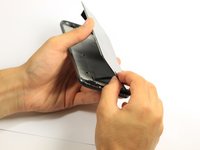
    2. Motorola Moto G5s Plus Battery Replacement: step 2, image 1 of 2 Motorola Moto G5s Plus Battery Replacement: step 2, image 2 of 2
      • Attach the suction cup to the display slightly to the left of center.

      • Exert a moderate force to pull on the suction cup. The display will come loose.

      Ask FixBot

      Add Comment

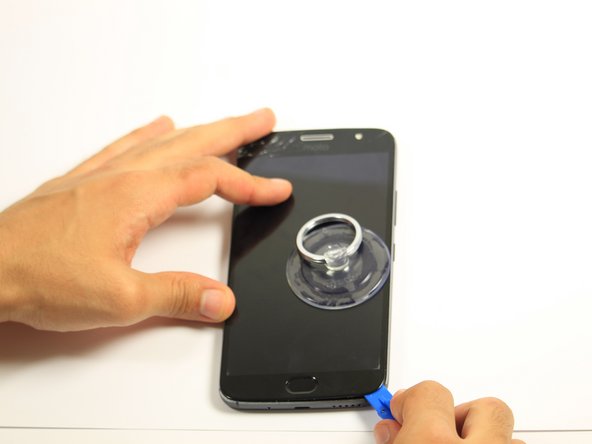
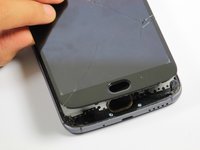
    3. Motorola Moto G5s Plus Battery Replacement: step 3, image 1 of 3 Motorola Moto G5s Plus Battery Replacement: step 3, image 2 of 3 Motorola Moto G5s Plus Battery Replacement: step 3, image 3 of 3
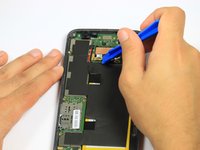
      • Insert the opening tool inside the loosened edge.

      • Gradually work the opening tool around the edge of the entire screen to cut through the adhesive.

      • Do not wedge the opening tool too far beneath the screen. Using too much force can result in torn connector cables.

      Ask FixBot

      Add Comment

    4. Motorola Moto G5s Plus Battery Replacement: step 4, image 1 of 3 Motorola Moto G5s Plus Battery Replacement: step 4, image 2 of 3 Motorola Moto G5s Plus Battery Replacement: step 4, image 3 of 3
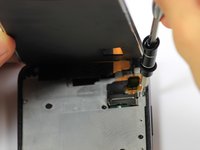
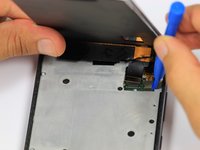
      • The display should now be entirely loose, attached only by the connectors at the top of the device and the fingerprint sensor connector at the bottom of the device.

      • Press down on the fingerprint sensor with the display slightly raised to disconnect it from the display.

      • If the fingerprint sensor does not come loose, use the heat gun to loosen its adhesive.

      Ask FixBot

      Add Comment

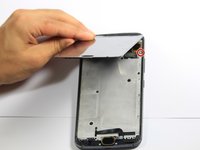
    5. Motorola Moto G5s Plus Battery Replacement: step 5, image 1 of 2 Motorola Moto G5s Plus Battery Replacement: step 5, image 2 of 2
      • The cables at the top of the device are fragile. If you are using this guide as a prerequisite for replacing another part, be careful not to tear the cables while lifting the screen.

      • Remove the one 5mm Torx-5 screw located by the connector cables in the top right corner of the device.

      Ask FixBot

      Add Comment

    6. Motorola Moto G5s Plus Battery Replacement: step 6, image 1 of 2 Motorola Moto G5s Plus Battery Replacement: step 6, image 2 of 2
      Tool used on this step:
      Tweezers
      $4.99
      Buy
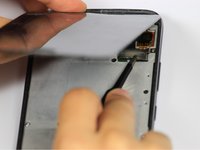
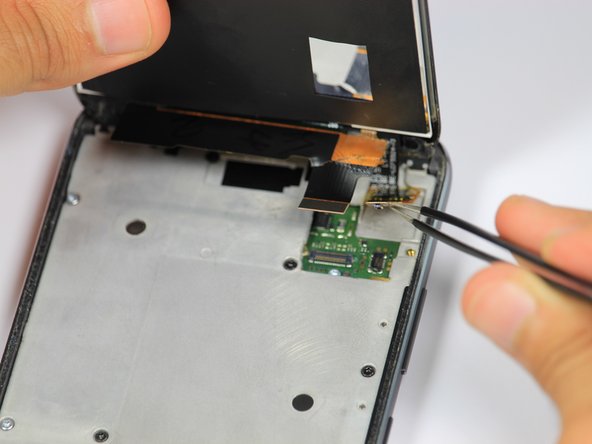
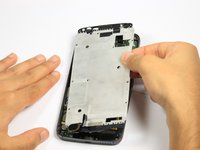
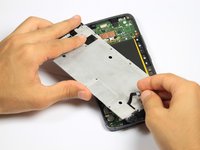
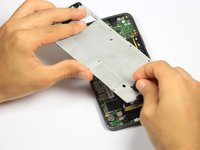
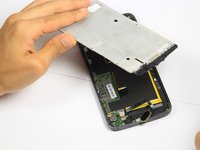
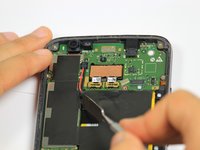
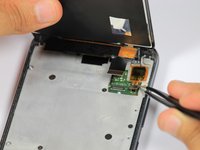
      • Grab the unscrewed metal plate with your blunt tweezers.

      • Slide the metal plate to the left and then out to remove it.

      • Removing the plate will expose the display assembly's connection to the phone's motherboard.

      Ask FixBot

      Add Comment

    7. Motorola Moto G5s Plus Battery Replacement: step 7, image 1 of 2 Motorola Moto G5s Plus Battery Replacement: step 7, image 2 of 2
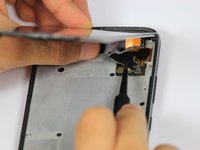
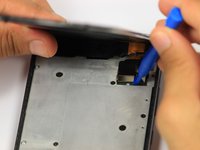
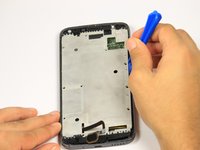
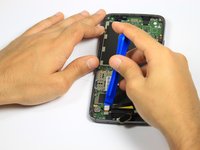
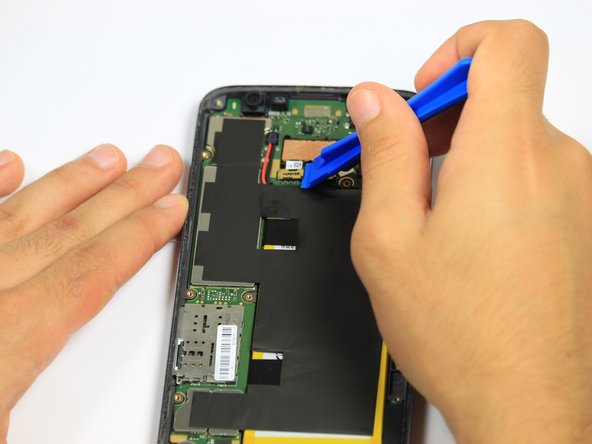
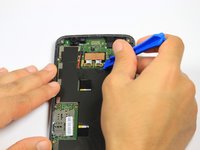
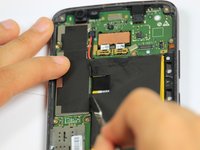
      • Disengage the two cable connectors by gently prying beneath the edge of the connector with the opening tool.

      Ask FixBot

      Add Comment

    8. Motorola Moto G5s Plus Battery Replacement: step 8, image 1 of 2 Motorola Moto G5s Plus Battery Replacement: step 8, image 2 of 2
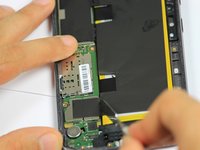
      • Lift up the detached right connector from its housing using blunt tweezers.

      • The housing has light adhesive underneath it. Use a small amount of force to remove the connector from the housing.

      Ask FixBot

      Add Comment

    1. Motorola Moto G5s Plus Battery Replacement, Fingerprint Sensor: step 9, image 1 of 1
      • Remove the nine black 5mm Torx-5 screws.

      • Remove the seven silver 5mm Torx-5 screws.

      Ask FixBot

      Add Comment

    2. Motorola Moto G5s Plus Battery Replacement: step 10, image 1 of 2 Motorola Moto G5s Plus Battery Replacement: step 10, image 2 of 2
      • Remove the metal cover by prying underneath it with the opening tool.

      Ask FixBot

      Add Comment

    3. Motorola Moto G5s Plus Battery Replacement: step 11, image 1 of 3 Motorola Moto G5s Plus Battery Replacement: step 11, image 2 of 3 Motorola Moto G5s Plus Battery Replacement: step 11, image 3 of 3
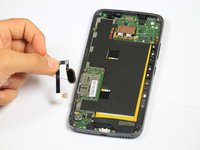
      • Grab ahold of the fingerprint sensor and push it through the opening in the metal cover.

      Ask FixBot

      Add Comment

    4. Motorola Moto G5s Plus Battery Replacement: step 12, image 1 of 2 Motorola Moto G5s Plus Battery Replacement: step 12, image 2 of 2
      • Remove the fingerprint connector by gently prying underneath the connector with the opening tool.

      Ask FixBot

      Add Comment

    1. Motorola Moto G5s Plus Battery Replacement, Battery: step 13, image 1 of 1
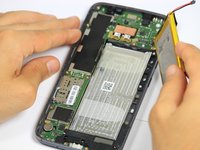
      • The battery is now fully exposed and ready to be removed.

      Ask FixBot

      Add Comment

    2. Motorola Moto G5s Plus Battery Replacement: step 14, image 1 of 2 Motorola Moto G5s Plus Battery Replacement: step 14, image 2 of 2
      • Use the opening tool to remove the two metal connectors located above the battery.

      • Apply a gentle upward pressure to loosen the metal plates.

      Ask FixBot

      Add Comment

    3. Motorola Moto G5s Plus Battery Replacement: step 15, image 1 of 3 Motorola Moto G5s Plus Battery Replacement: step 15, image 2 of 3 Motorola Moto G5s Plus Battery Replacement: step 15, image 3 of 3
      • Using the spudger, cut downwards along the black tape on left side of the battery.

      Ask FixBot

      Add Comment

    4. Motorola Moto G5s Plus Battery Replacement: step 16, image 1 of 1
      • Use the opening tool to disengage the black connector located above the battery.

      Ask FixBot

      Add Comment

    5. Motorola Moto G5s Plus Battery Replacement: step 17, image 1 of 1
      • Heating up the battery excessively could cause the battery to ignite

      • Use the heat gun along the back of the phone to loosen the adhesive that holds the battery in place.

      • Spend equal intervals of time on each area applying heat.

      Ask FixBot

      Add Comment

    6. Motorola Moto G5s Plus Battery Replacement: step 18, image 1 of 3 Motorola Moto G5s Plus Battery Replacement: step 18, image 2 of 3 Motorola Moto G5s Plus Battery Replacement: step 18, image 3 of 3
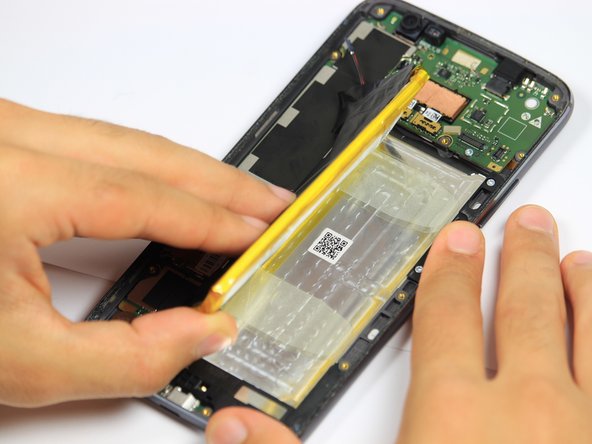
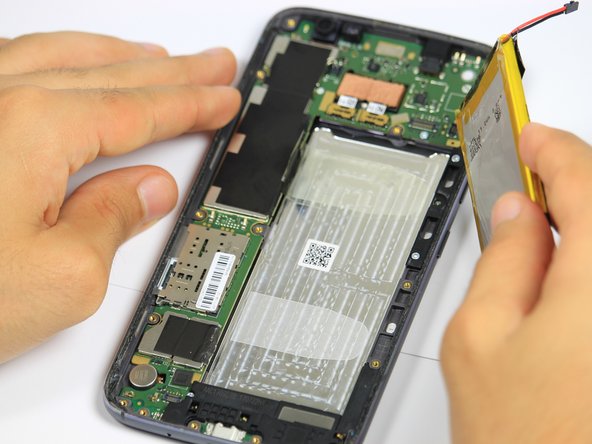
      • Insert the spudger underneath the right side of the battery.

      • Apply a moderate upward force along the length of battery, until the battery lifts out of place.

      • Remove the battery with your hand.

      Ask FixBot

      Add Comment

Conclusion

To reassemble your device, follow these instructions in reverse order.

Cancel: I did not complete this guide.

12 other people completed this guide.

Kevin George

Member since: 10/08/18

1,099 Reputation

4 Guides authored

Team

Cal Poly, Team S4-G5, White Fall 2018 Member of Cal Poly, Team S4-G5, White Fall 2018

CPSU-WHITE-F18S4G5

4 Members

45 Guides authored

1 Guide Comment

Hello,

I would like to chance the battery.

But for me it isn’t not clear how to glue the screen back again. I can not find any sealing at the market

Thanks

Jirik - Reply Share
Add Comment

View Statistics:

Past 24 Hours: 2

Past 7 Days: 21

Past 30 Days: 65

All Time: 14,135