
Kensington Hi-Fi Headphones 33137 Speakers

William Sanders and 2 other contributors
Last updated on Jun 27, 2014
Views: 1.1K
View statistics:
- Past 24 Hours:
- 3
- Past 7 Days:
- 16
- Past 30 Days:
- 73
- All Time:
- 1,085
Comments: 2
2 comments on steps.
Completed: 1 2
1 person has marked this guide "completed." Will you be next?
2 people have marked this guide "completed." Including you — great job!
Favorites: 1 2
1 person has favorited (and subscribed to) this guide. Will you be next?
2 people have favorited (and subscribed to) this guide — including you!
Introduction
Go to step 1 ↓The speakers on a Kensington Hi-Fi Headphones 33137 provide sound to the user and are a crucial component in the headphones. This guide shows how to remove this component.
What you need
Tools

-
-
-
Starting with the left speaker first, pull out one side of the speaker clamp where the clamp enters the hole on the speaker cover.
-
After one side of the speaker clamp is removed from the speaker cover, pull the other side of the speaker clamp out.
 Ask FixBot
-
-
-
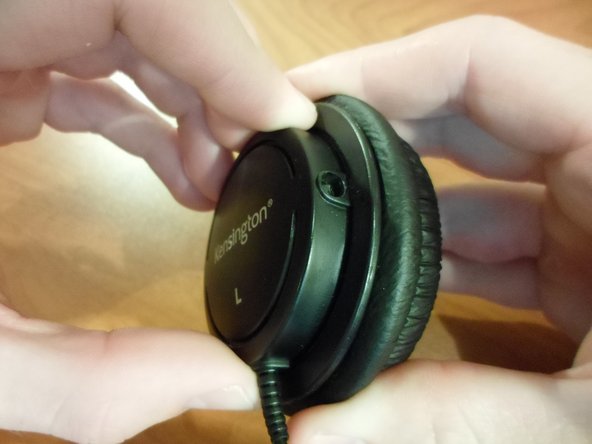
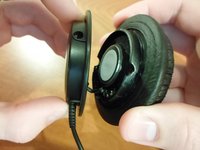
Hold the speaker cover in one hand and the speaker ear-padding in the other.
-
Turn the speaker cover counter-clockwise until it stops turning.
-
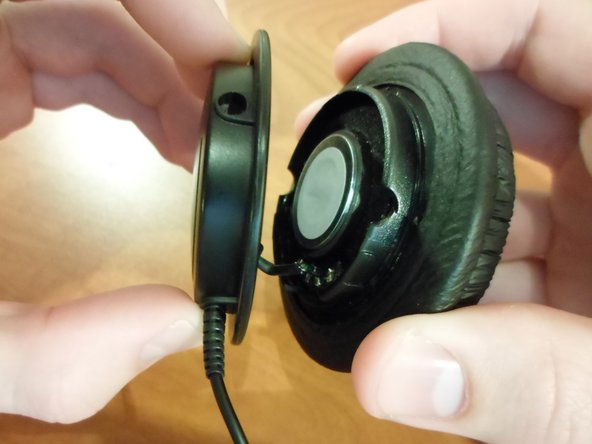
Pull the speaker cover and the speaker ear padding apart to expose the inner components of the speaker.
-
Repeat this process for both speakers.
-
-
-
-
-
-
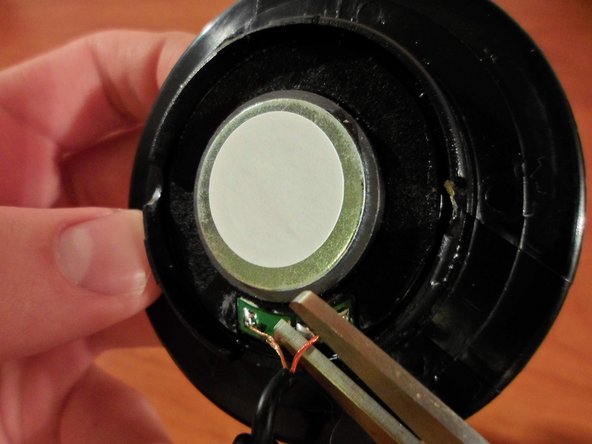
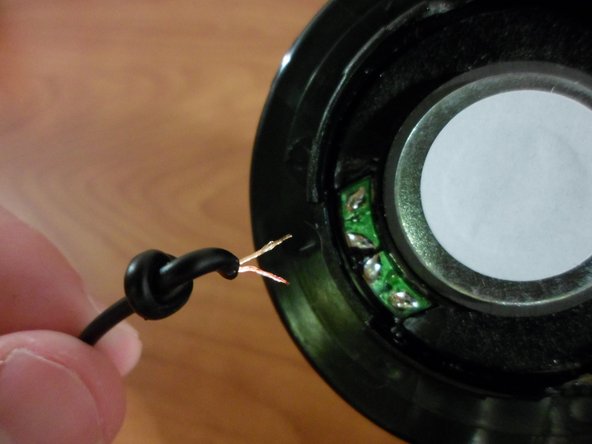
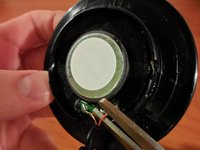
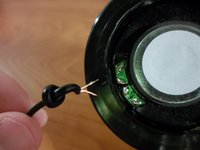
With the internal speaker component exposed, the wires connecting the speakers to the speaker cable can be cut.
-
Cut each of the wires connecting the speaker to the speaker cable.
-
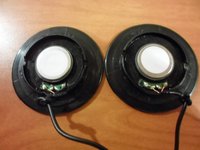
Repeat this process for each speaker.
-
-



To reassemble your device, follow the instructions in the Kensington Hi-Fi Headphones 33137 Speaker Cable Replacement.
Cancel: I did not complete this guide.
One other person completed this guide.

Team

Clemson, Team 1-3, Benson Spring 2014 Member of Clemson, Team 1-3, Benson Spring 2014
CLEM-BENSON-S14S1G3
3 Members
108 Guides authored
