Introduction
If your Voluas VL001 pet feeder's display is not working or dispenses food at irregular times, you may have an issue with your screen/motherboard assembly. The display and motherboard are connected and are situated above the feeding chute.
Before you begin, power off the Voluas VL001 and unplug it from the power source. If it’s running on batteries, remove them first.
What you need
-
-
Remove the lid to the storage tank by using the latch and lifting off.
-
Grab the food storage tank on both sides. Depress the tabs that say "Push" on them and lift the tank off.
-
-
-
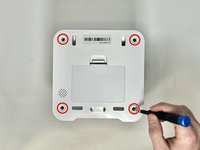
Place your pet feeder upside down.
-
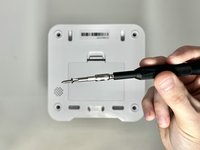
Squeeze the lock and remove the battery cover.
-
Remove the three 1.5V D alkaline batteries.
-
-
-
Insert a metal spudger under the adhesive part of each rubber foot.
-
Pry the foot off.
-
-
-
-
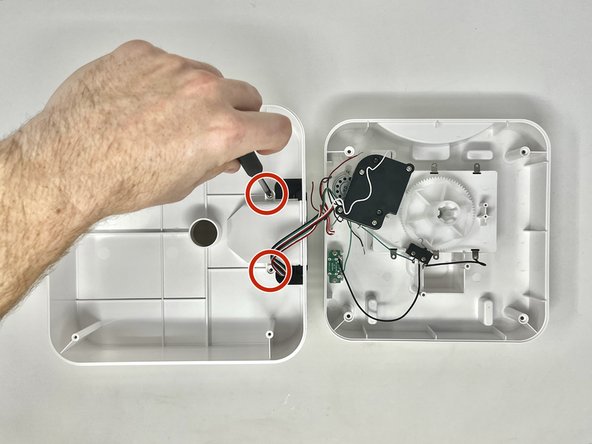
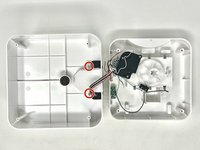
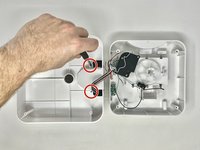
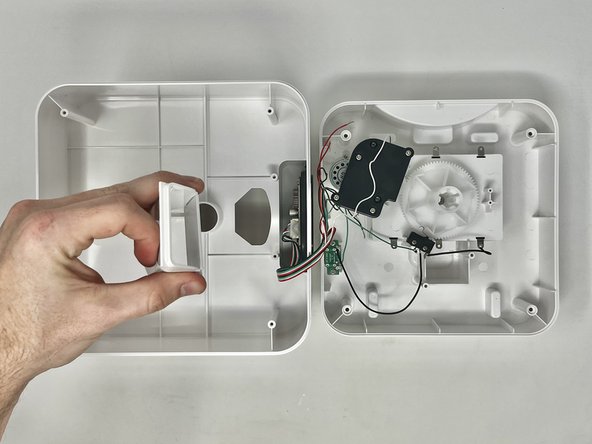
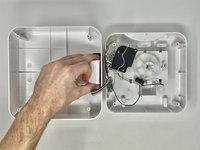
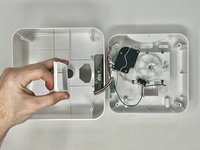
With the top part of the feeder sitting upside down, you can remove the chute.
-
Using a Phillips #2 screwdriver, remove the two 11.1 mm screws on either side of the chute.
-


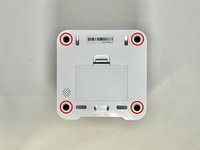
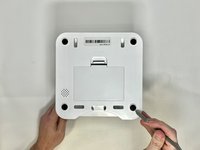
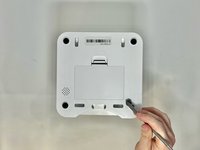

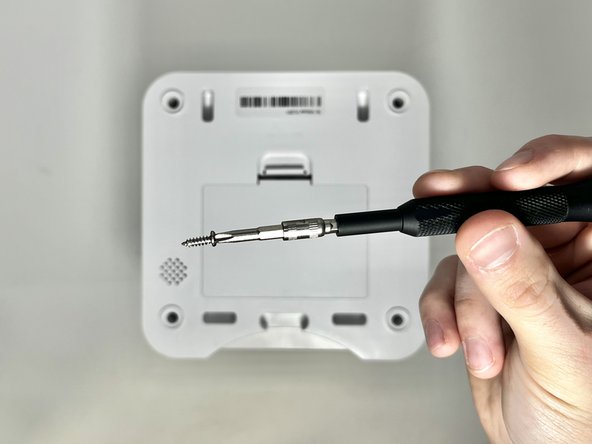




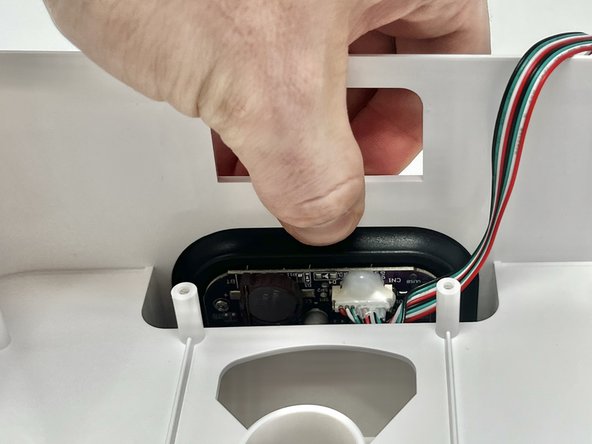
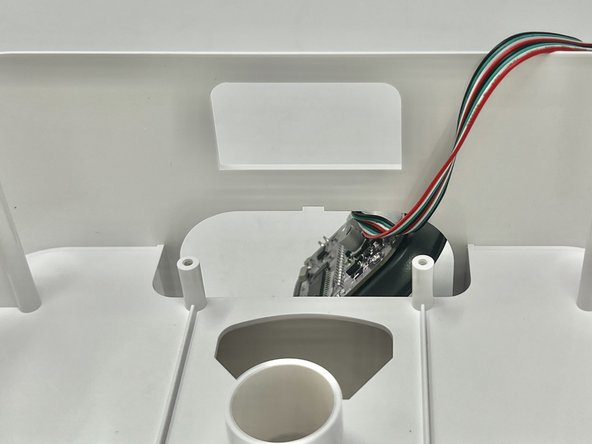
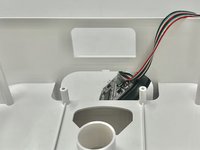

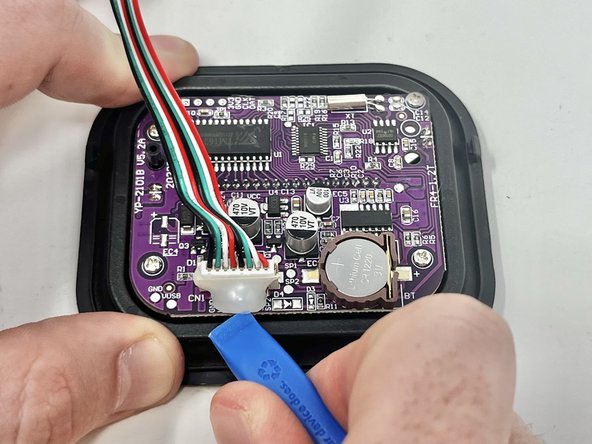
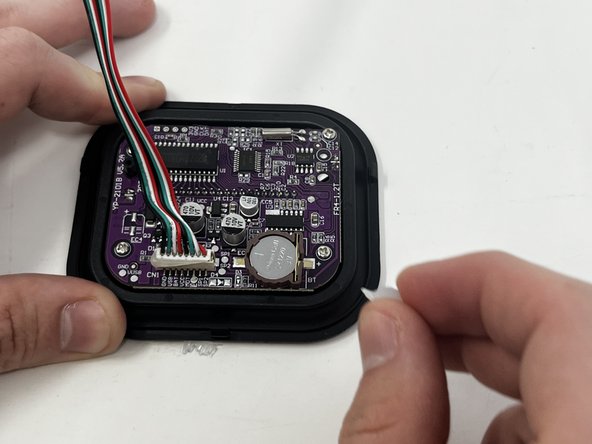
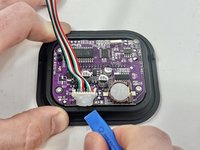
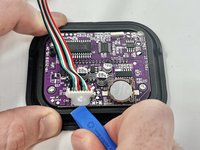
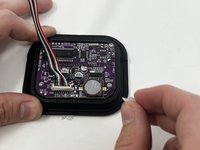

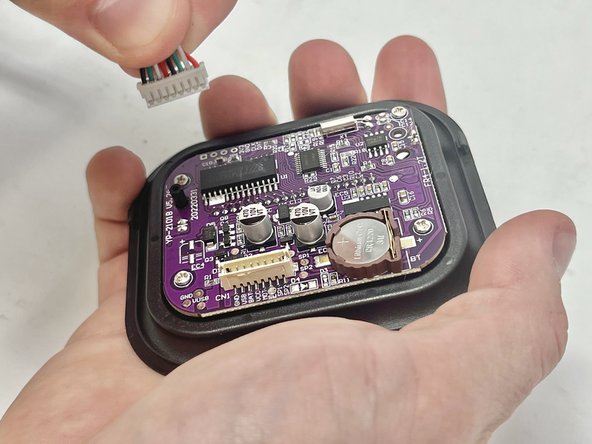
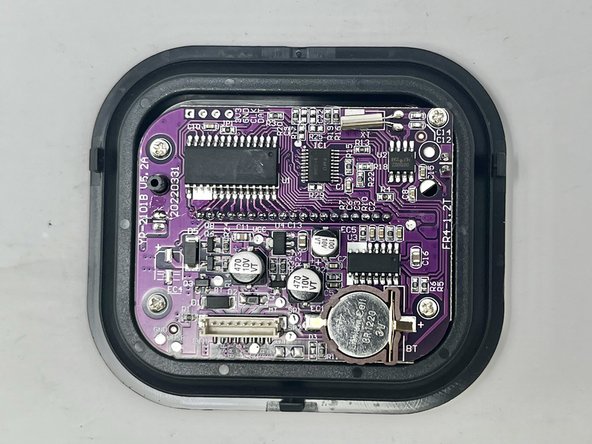
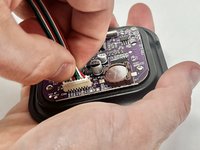
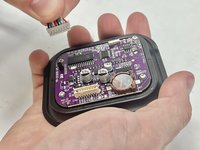
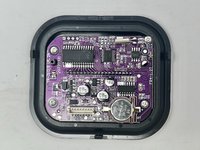
To reassemble your device, follow these instructions in reverse order.


Team

Utah Tech University, Team 1-3, McMurrin Spring 2024 Member of Utah Tech University, Team 1-3, McMurrin Spring 2024
UTAHTECH-MCMURRIN-S24S1G3
2 Members
10 Guides authored
