Introduction
Problems with charging that cannot be resolved by using a different charger may necessitate battery replacement. Here you will find a simple, step-by-step guide to take apart the tablet on your own, and remove and replace the battery.
What you need
-
-
Hold the device in one hand with the screen facing down.
-
Insert the plastic opening tool under the back panel on the side of the device.
-
Slide the plastic opening tool down the side of the device, then repeat this process on all four sides of the device until the back panel pops off.
-
-


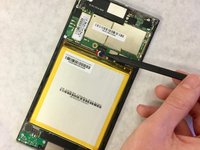
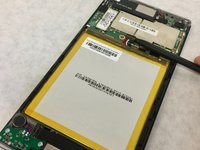

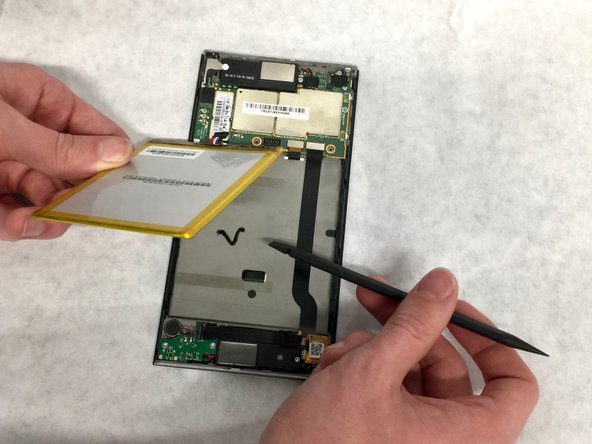
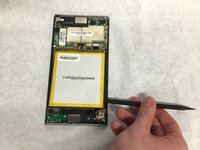
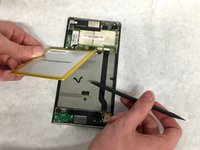
To reassemble your device, follow these instructions in reverse order.
Cancel: I did not complete this guide.
7 other people completed this guide.


Team

Washington State, Team S2-G3, Hope Fall 2018 Member of Washington State, Team S2-G3, Hope Fall 2018
WSU-HOPE-F18S2G3
4 Members
3 Guides authored
5 Guide Comments
Same as that guy ^^^
Yep me too , where can I get the battery ?????
Minus 300 points
More than 6 years and still no response on where to get the replacement 😔
Donde consigo una bateriade esas?, mi tableta ya no prende quisiera ponerle una nueva!
