This translation was generated by a machine and has not been reviewed by a person yet. Speak this language? Review it.
Introduction
This guide explains how to remove and replace the protective case on your Velleman DVM020 multimeter.
The case protects the multimeter from drops and impacts.
It must be removed to replace the batteries or the fuses.
-
-
-
Turn off your multimeter.
-
Unplug the test leads from the measurement jacks of your multimeter.
 Ask FixBot
-
-
-
-
Release the edge from the top-left corner.
-
Release the edge from the top-right corner.
-
-
-
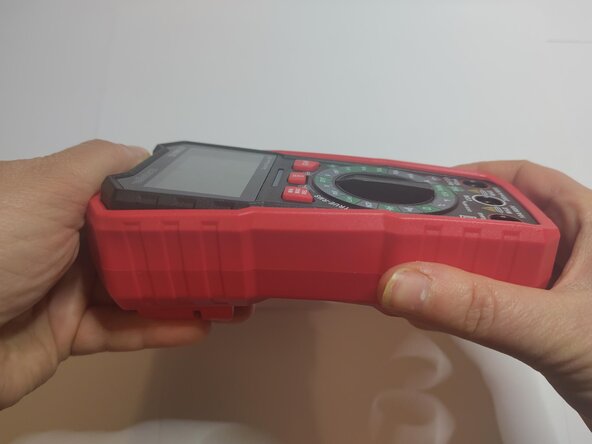
Press the case to pop the top of the multimeter out.
-
Remove the multimeter.
-
-




Conclusion
To reassemble your device, follow the instructions in reverse order.

