Introduction
If the mouse has become unresponsive or does not center itself, the springs inside may have come loose or be broken altogether. Follow this guide to replace the mouse and its components.
What you need
-
-
To remove the battery door, loosen the screw shown using a Phillips #2 screwdriver.
 Ask FixBot
-
-
-
Remove the rear panel screws using a Phillips #2 screwdriver.
-
Two 21.6mm (Long)
-
One 9.8mm (Short)
-
Five 13.8mm (Medium)
-
-
-
-
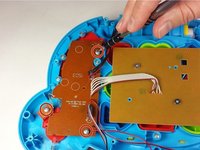
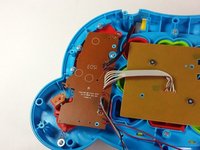
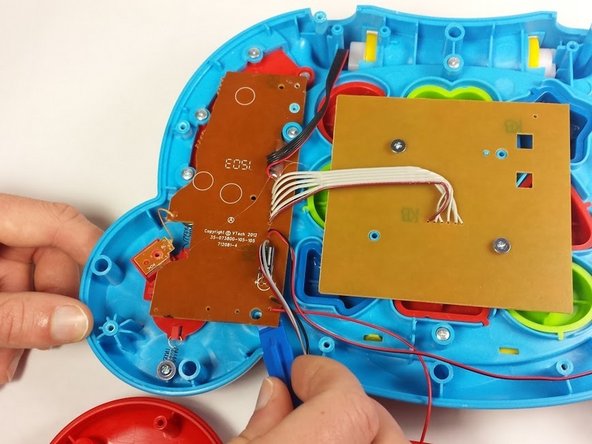
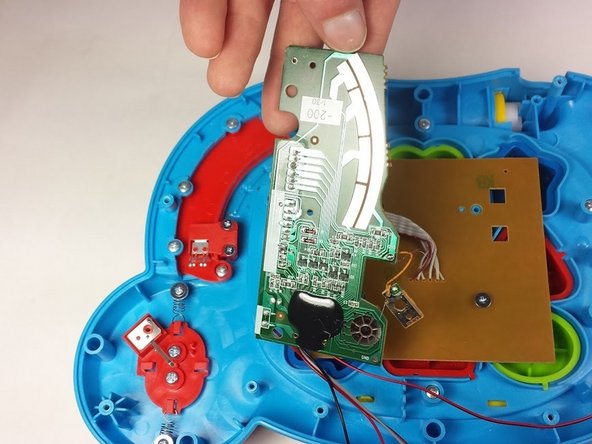
Once the screws have been removed from the board, use a plastic opening tool to gently pry up the board and expose the mode switch assembly underneath.
-
-
-
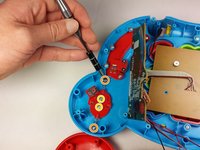
Locate and remove the following screws:
-
Two 11.0mm Phillips #2.
-
Two 7.3mm Phillips #0.
-
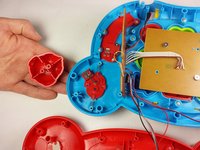
Remove the top of the mouse which will separate from the under side once the screws are removed.
-
-
-
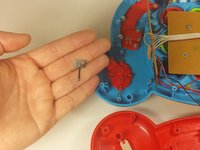
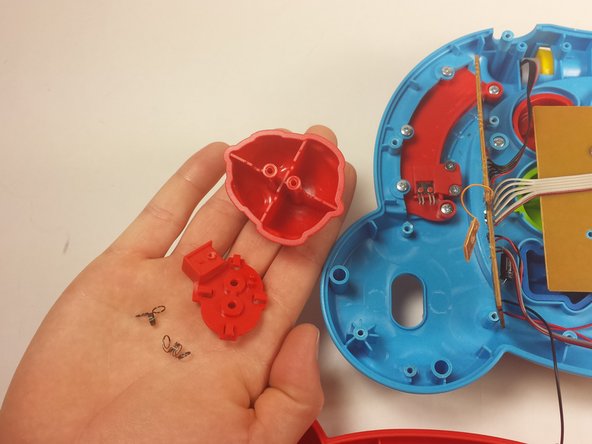
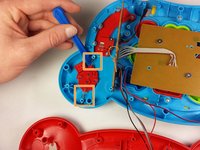
Lift the springs up from the screw pegs with a plastic opening tool.
-
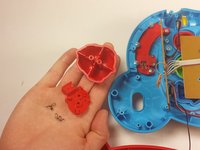
Remove the final part of the mouse.
-


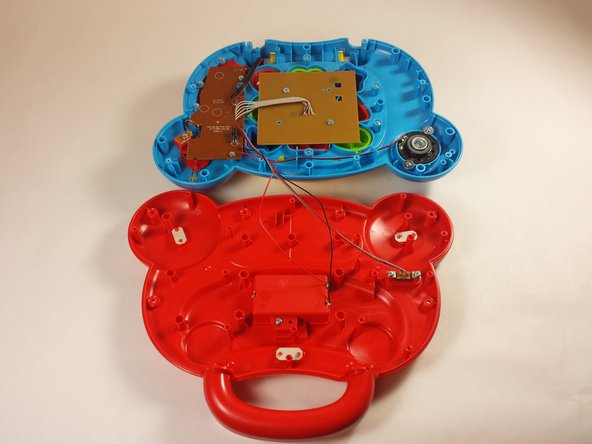

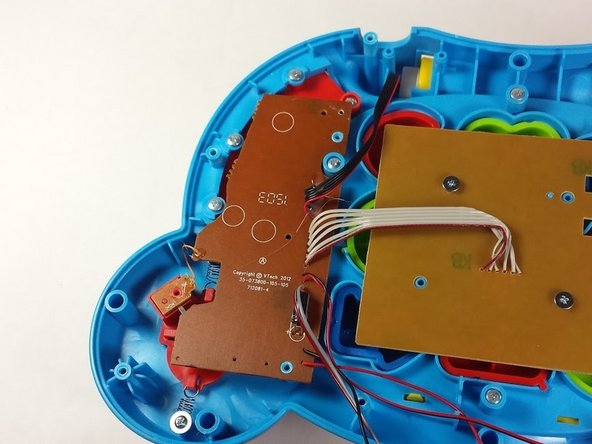

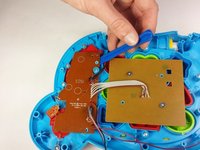
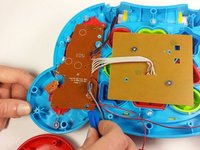
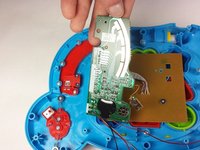


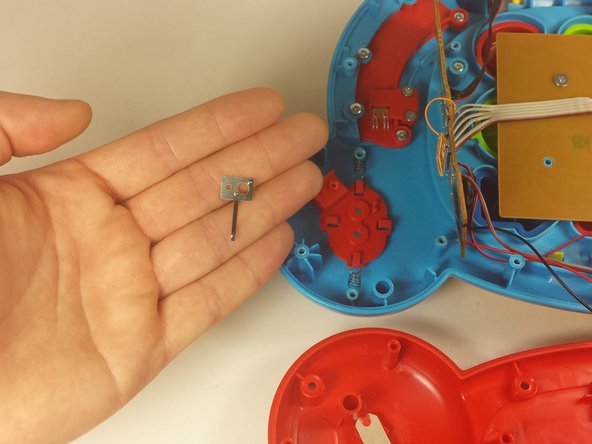

To reassemble your device, follow these instructions in reverse order.
Cancel: I did not complete this guide.
One other person completed this guide.

Team

USF Tampa, Team 12-2, Blackwell Fall 2015 Member of USF Tampa, Team 12-2, Blackwell Fall 2015
USFT-BLACKWELL-F15S12G2
4 Members
14 Guides authored
