Free Shipping on Domestic Orders $75+

Ugreen Black Mouse Battery Replacement

Views: 437

View statistics:

Past 24 Hours:
2
Past 7 Days:
26
Past 30 Days:
118
All Time:
437
Comments: 0

No one has left comments on this guide. Will you be first?

Go to guide comments
Completed: 0

No one has marked this guide "completed." Will you be the first?

Favorites: 0

No one has favorited (and subscribed to) this guide. Will you be the first?

Time Required: No estimate
Difficulty: Very easy
Community-Contributed Guide

An awesome member of our community made this guide. It was not created by iFixit staff.

Ugreen Black Mouse Battery Replacement

Introduction

Go to step 1 ↓

A ugreen black mouse is wireless and requires one AA battery.

What you need

Tools

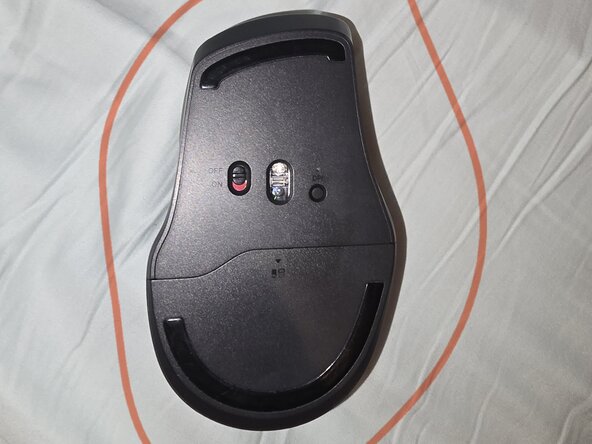
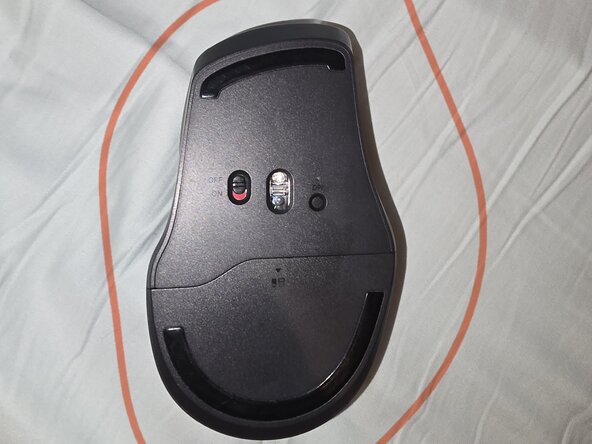
    1. Ugreen Black Mouse Battery Replacement, Start: step 1, image 1 of 1
      • Flip your mouse upside down.

      Ask FixBot

      Add Comment

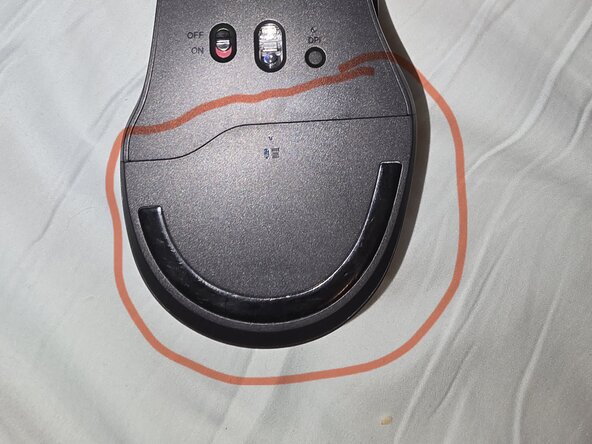
    2. Ugreen Black Mouse Battery Replacement, Locating Storage: step 2, image 1 of 1
      • Locate the battery storage

      Ask FixBot

      Add Comment

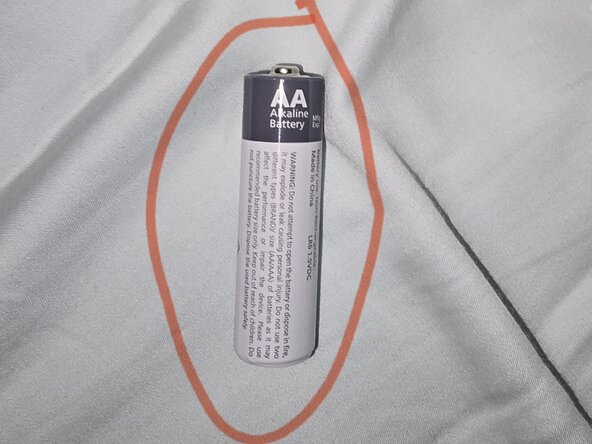
    3. Ugreen Black Mouse Battery Replacement, Locate Battery: step 3, image 1 of 1
      • Find yourself a AA battery

      Ask FixBot

      Add Comment

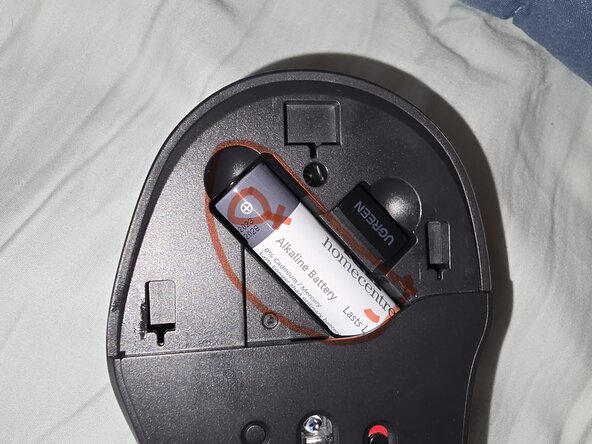
    4. Ugreen Black Mouse Battery Replacement, Battery: step 4, image 1 of 1
      • Place the battery inside (positive first)

      Ask FixBot

      Add Comment

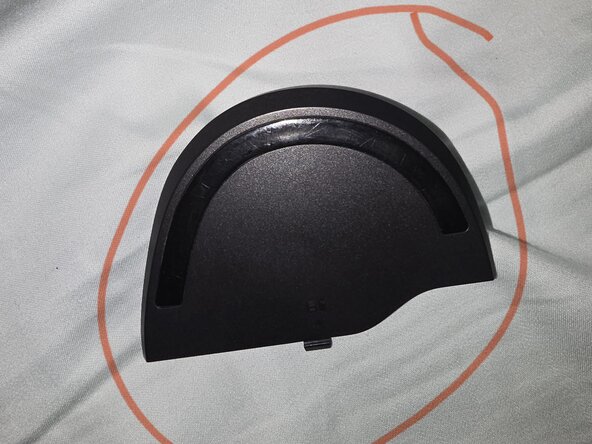
    5. Ugreen Black Mouse Battery Replacement, Reverse: step 5, image 1 of 1
      • Locate the battery cover and put it back

      Ask FixBot

      Add Comment

    6. Ugreen Black Mouse Battery Replacement, Finale: step 6, image 1 of 1
      • Should look like this

      Ask FixBot

      Add Comment

Conclusion

To reassemble your device, follow these instructions in reverse order.

Cancel: I did not complete this guide.

Userwhowantstofix23

Member since: 07/13/25

233 Reputation

1 Guide authored

0 Guide Comments

Add Comment

View Statistics:

Past 24 Hours: 2

Past 7 Days: 26

Past 30 Days: 118

All Time: 437