This translation was generated by a machine and has not been reviewed by a person yet. Speak this language? Review it.

Tarox M2 Replacement

NovaCrafter92 and 4 other contributors
Last updated on Oct 23, 2026
Views: 262
View statistics:
- Past 24 Hours:
- 2
- Past 7 Days:
- 28
- Past 30 Days:
- 77
- All Time:
- 262
Comments: 0
No one has left comments on this guide. Will you be first?
Go to guide commentsCompleted: 1 2
1 person has marked this guide "completed." Will you be next?
2 people have marked this guide "completed." Including you — great job!
Favorites: 0 1
No one has favorited (and subscribed to) this guide. Will you be the first?
1 person has favorited (and subscribed to) this guide — and that's you!
Needs Better Images
Better photos will improve this guide. Help out by taking, editing, or uploading new ones!
Community-Contributed Guide
An awesome member of our community made this guide. It was not created by iFixit staff.
Introduction
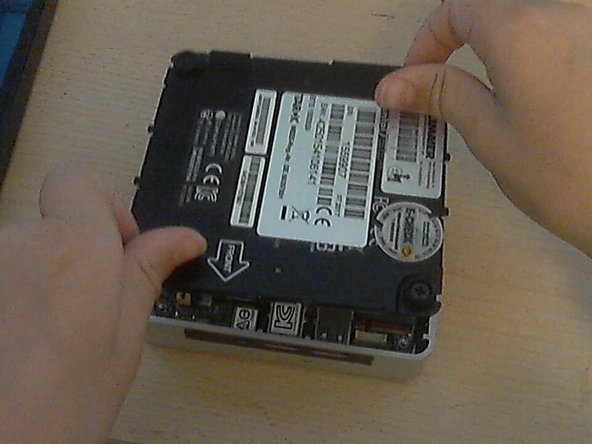
Go to step 1 ↓This guide describes how to access an M.2 component in the shown TAROX computer and its removal. The exact computer and drive variant is not specified and must be confirmed before replacement.
What you need
Parts
Tools
-
-
-
Remove the 4 PH1 Phillips screws.
-
CAUTION: If you pull too hard, you could damage the screws and the cover!
-
-

 Ask FixBot



Work through the steps in reverse order to reassemble your device.
Cancel: I did not complete this guide.
One other person completed this guide.
