
Spy Net Ultra Vision Goggles MicroSD Card Reader Replacement

Andrew Gittens and 3 other contributors
Last updated on Jan 9, 2015
Views: 1K
View statistics:
- Past 24 Hours:
- 5
- Past 7 Days:
- 27
- Past 30 Days:
- 92
- All Time:
- 1,015
Comments: 1
1 guide comment.
Go to guide commentsCompleted: 0 1
No one has marked this guide "completed." Will you be the first?
1 person has marked this guide "completed." It's you — great job!
Favorites: 2 3
2 people have favorited (and subscribed to) this guide. Will you be next?
3 people have favorited (and subscribed to) this guide — including you!
Introduction
Go to step 1 ↓If the user has already visited the troubleshooting page and has determine the issue incurred is due to a faulty micro SD card reader,and cleaning the reader has not worked, then this will be the guide to use.
What you need
Tools


-
-
-
Remove the six silver 11.4 mm Phillips #0 screws
-
Pry open the device using a plastic opening tool if necessary. To do this, locate the groves running along the side of the entire device and wedge it open.
 Ask FixBot
-
-
-
Now that your device is open, remove the Styrofoam pad that covers the main circuit board. The adhesive should allow you to remove and replace it with ease.
-
-
-
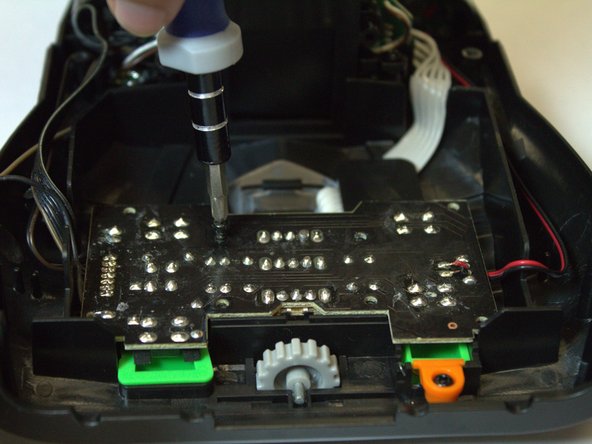
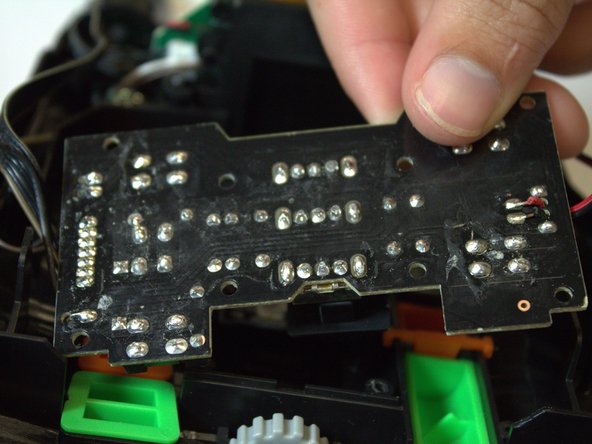
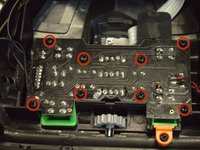
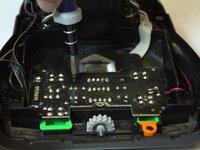
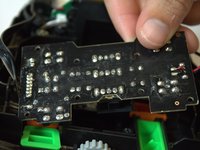
Remove the eight black 7.2 mm Phillips #0 screws from the top of the circuit board and remove the circuit board.
-
-
-
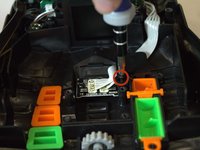
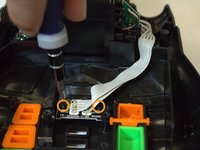
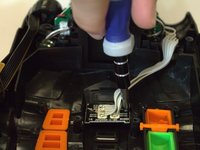
Unscrew the one 7.2 mm Phillips #0 screw from the plastic piece covering the microSD reader.
-
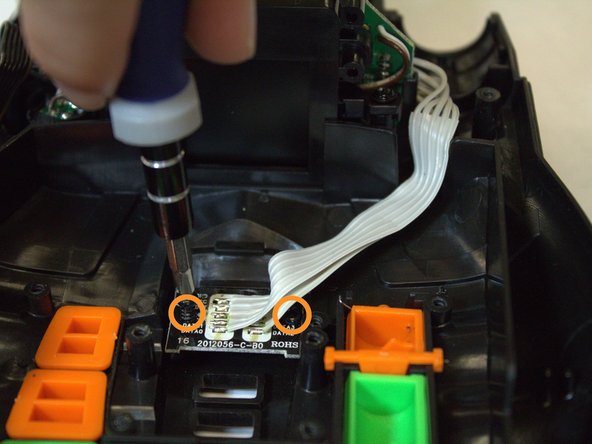
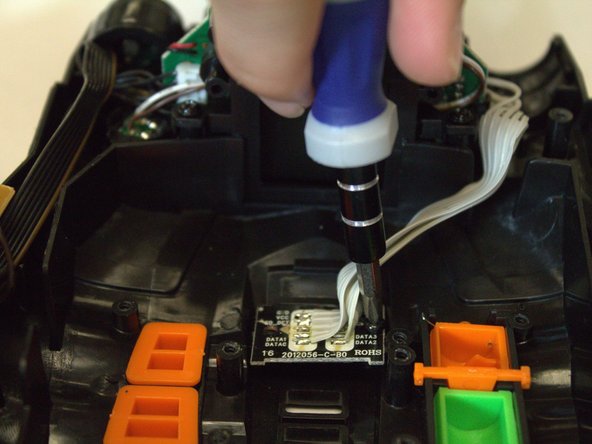
Then, unscrew the two 7.2 mm Phillips #0 screws from the microSD reader and remove it from its fastening.
-
-
-
-
On the back side of the reader there are nine wires. Un-solder these wires, remove the micro SD card reader, and solder on the replacement.
-
-




To reassemble your device, follow these instructions in reverse order.

Team

USF Tampa, Team 4-5, Brown Fall 2014 Member of USF Tampa, Team 4-5, Brown Fall 2014
USFT-BROWN-F14S4G5
3 Members
72 Guides authored
