Introduction
This is a replacement guide for the speaker on your Anker Soundcore 3. If you find that there is any sound distortion coming from your Anker Soundcore device, it may be linked to the speakers being worn down over time or having debris blocking them. this is a simple and straightforward replacement guide that will help you to bring your speaker back to its former glory.
What you need
-
-
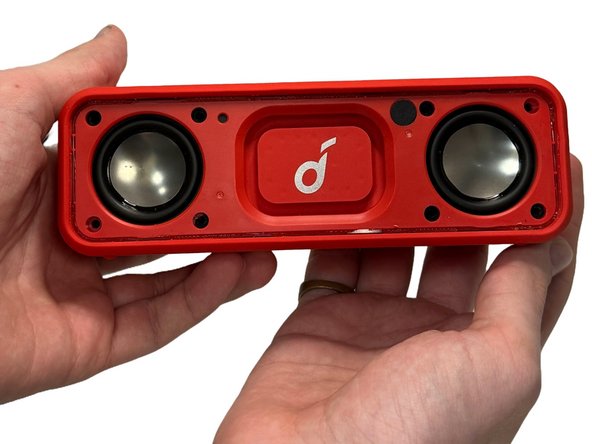
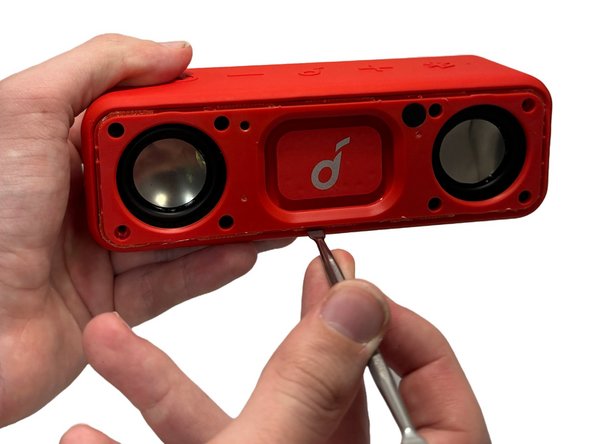
Insert the metal spudger in between the speaker's front panel and casing
-
Continuously pry around the edges of the casing; you should hear the glue start to separate from the front panel before the two parts separate.
-
-
-
-
Remove 8 of the 10 mm screws from the speaker panel using a Phillips #0 screwdriver.
-
Using the metal spudger, gently pry at the outer-edges of the speaker to remove the rubber/plastic panel that sits above the motherboard.
-
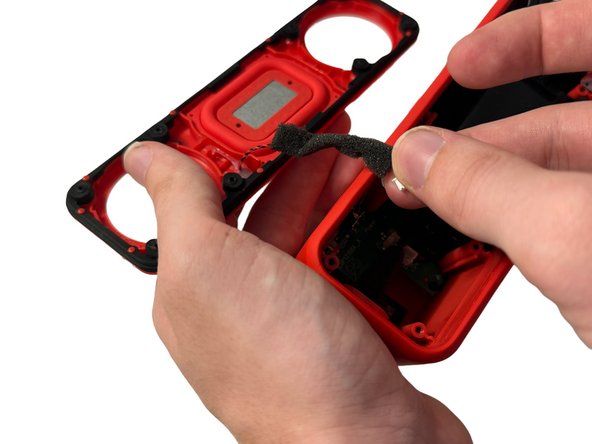
Grip and disconnect the cable connector from both the rubber/plastic panel and the mainboard.
-





To reassemble your device, follow these instructions in reverse order.


Team

University of North Texas, Team 5-3, Kilpatrick Fall 2024 Member of University of North Texas, Team 5-3, Kilpatrick Fall 2024
UNT-KILPATRICK-F24S5G3
4 Members
5 Guides authored
