Free Shipping on Domestic Orders $75+

Sony Xperia Z Display Assembly Replacement

Views: 241K

View statistics:

Past 24 Hours:
3
Past 7 Days:
33
Past 30 Days:
126
All Time:
241,331
Comments: 56

2 comments on steps, 54 guide comments.

Go to guide comments
Completed: 76

76 people have marked this guide "completed." Will you be next?

Favorites: 82

82 people have favorited (and subscribed to) this guide. Will you be next?

Time Required: 40 - 50 minutes
Difficulty: Very difficult
Community-Contributed Guide

An awesome member of our community made this guide. It was not created by iFixit staff.

Sony Xperia Z Display Assembly Replacement

Introduction

Go to step 1 ↓

Also known as Xperia Z LT36i, Xperia C6603, Xperia C6602, Xperia Z LTE, Xperia Z HSPA+

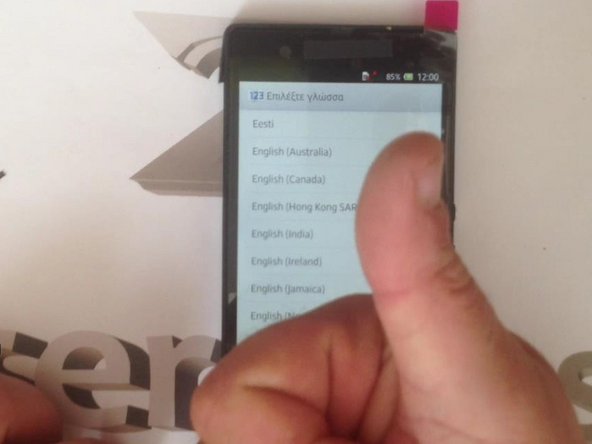
How to change broken, not working Digitizer or Display.

This procedure is very hard. You must have experience to do this.


Please SUBSCRIBE to my channel ツ

What you need

Parts

Tools

Video Overview

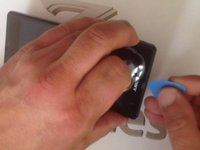
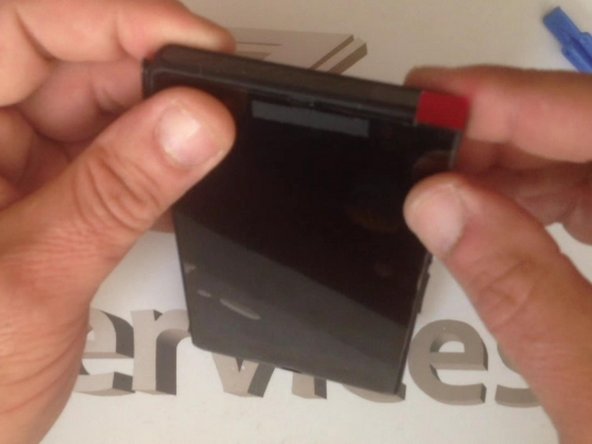
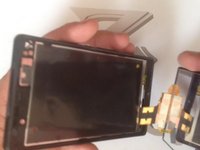
    1. Sony Xperia Z Display Assembly Replacement, Touch Screen Glass Digitizer & LCD Display: step 1, image 1 of 3 Sony Xperia Z Display Assembly Replacement, Touch Screen Glass Digitizer & LCD Display: step 1, image 2 of 3 Sony Xperia Z Display Assembly Replacement, Touch Screen Glass Digitizer & LCD Display: step 1, image 3 of 3
      • Warm the Battery cover before disassemble it.

      Ask FixBot

      Add Comment

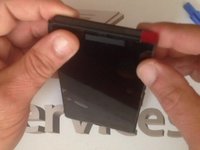
    2. Sony Xperia Z Display Assembly Replacement: step 2, image 1 of 3 Sony Xperia Z Display Assembly Replacement: step 2, image 2 of 3 Sony Xperia Z Display Assembly Replacement: step 2, image 3 of 3
      • 'Carefully' warm the battery too

      Ask FixBot

      Add Comment

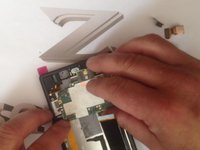
    3. Sony Xperia Z Display Assembly Replacement: step 3, image 1 of 3 Sony Xperia Z Display Assembly Replacement: step 3, image 2 of 3 Sony Xperia Z Display Assembly Replacement: step 3, image 3 of 3
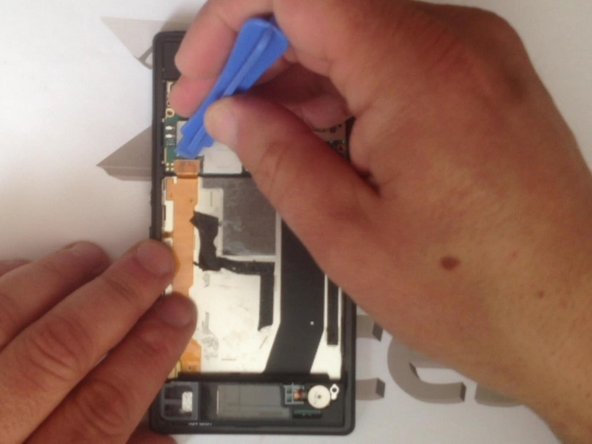
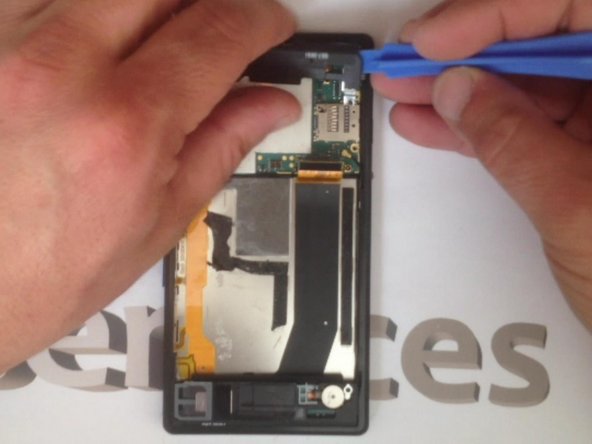
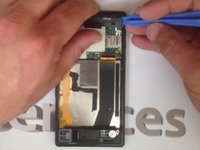
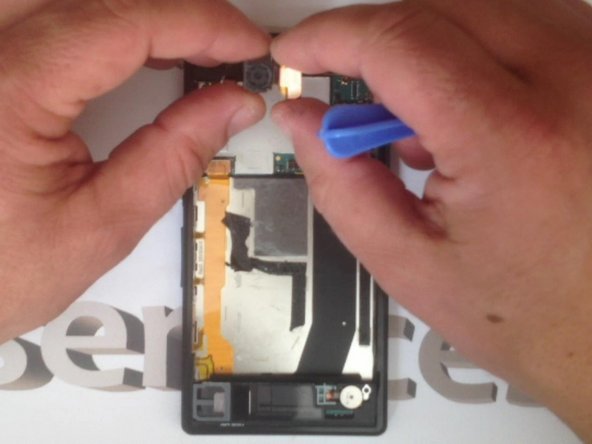
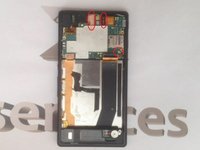
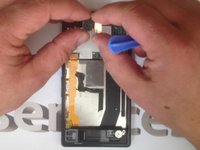
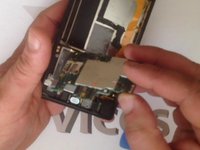
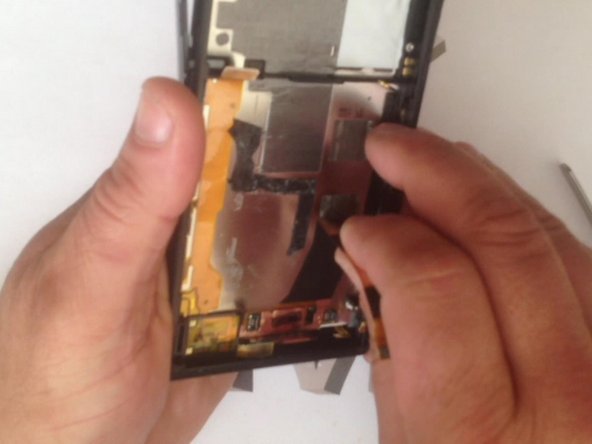
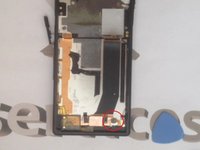
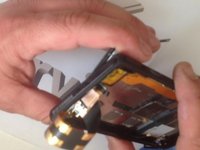
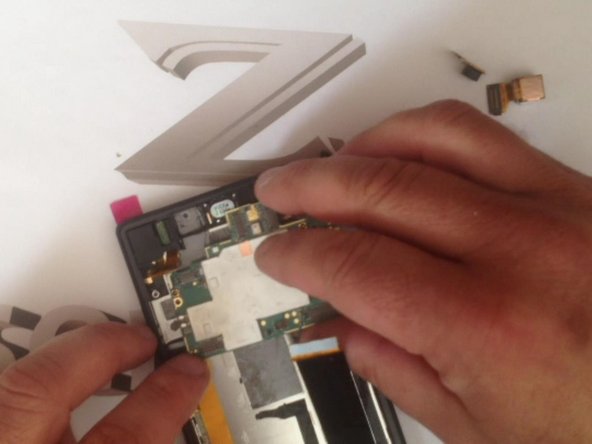
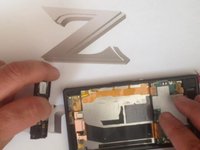
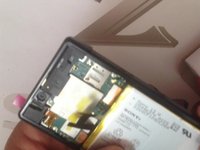
      • Unscrew 4x screws and disconnect 3x flex cables in case to free the mother board.

      Ask FixBot

      Add Comment

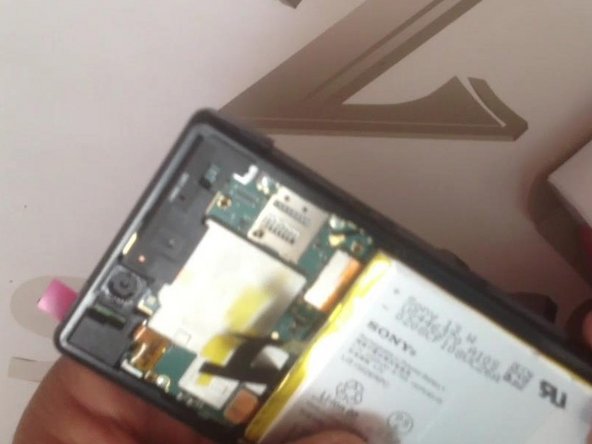
    4. Sony Xperia Z Display Assembly Replacement: step 4, image 1 of 3 Sony Xperia Z Display Assembly Replacement: step 4, image 2 of 3 Sony Xperia Z Display Assembly Replacement: step 4, image 3 of 3
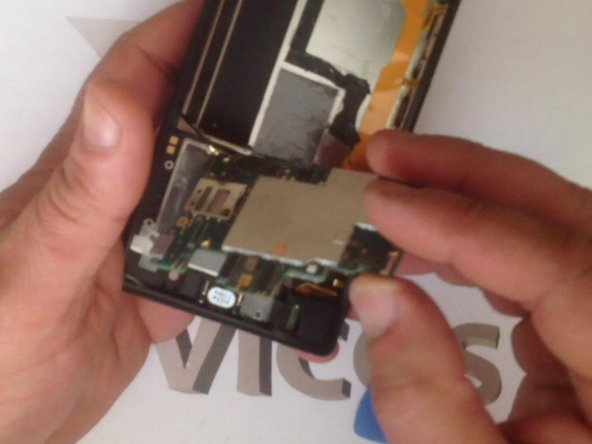
      • This are: main Camera, front Camera and antenna wire Flex cable.

      • Now we can remove the Motherboard.

      Ask FixBot

      Add Comment

    5. Sony Xperia Z Display Assembly Replacement: step 5, image 1 of 3 Sony Xperia Z Display Assembly Replacement: step 5, image 2 of 3 Sony Xperia Z Display Assembly Replacement: step 5, image 3 of 3
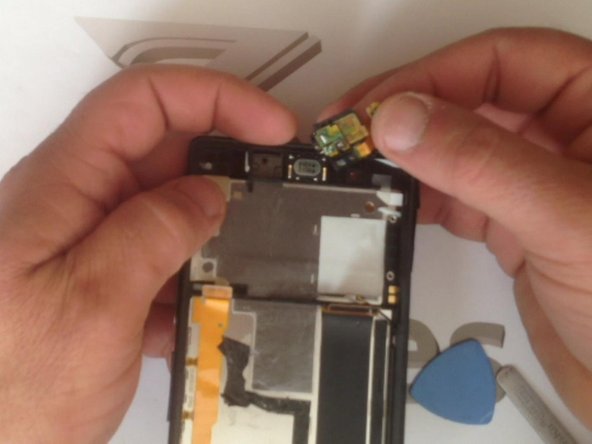
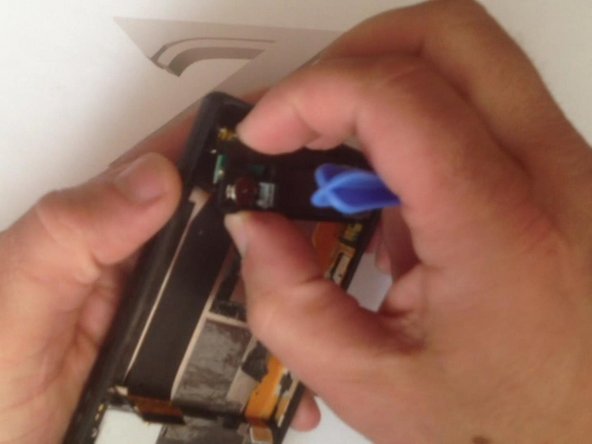
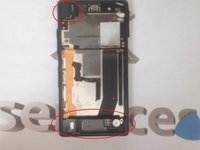
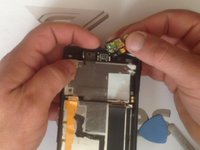
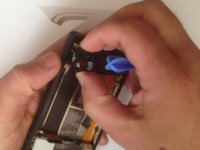
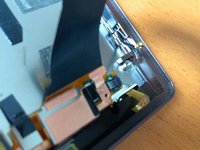
      • The Headphone connector and the Ringer / Cover / Signal Antenna module.

      Ask FixBot

      Add Comment

    6. Sony Xperia Z Display Assembly Replacement: step 6, image 1 of 3 Sony Xperia Z Display Assembly Replacement: step 6, image 2 of 3 Sony Xperia Z Display Assembly Replacement: step 6, image 3 of 3
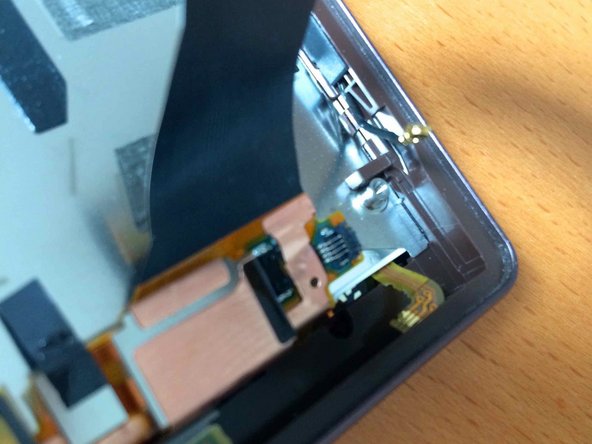
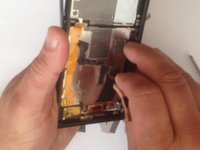
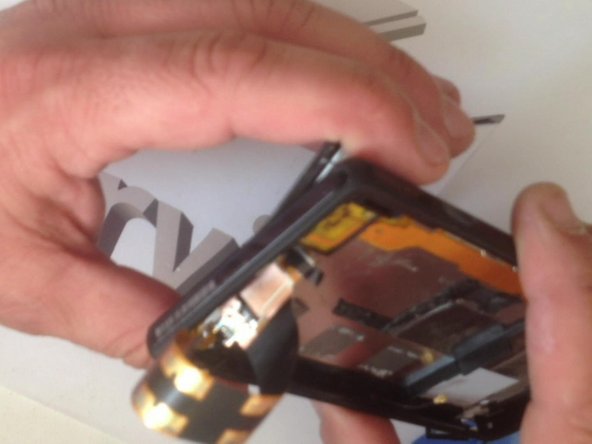
      • Disconnect the LCD light flex cable by lifting up the black plastic and removing the flex cable from the right side and we are ready to go.

      Ask FixBot

      Add Comment

    7. Sony Xperia Z Display Assembly Replacement: step 7, image 1 of 3 Sony Xperia Z Display Assembly Replacement: step 7, image 2 of 3 Sony Xperia Z Display Assembly Replacement: step 7, image 3 of 3
      • Warm the Touch screen before you start to disassemble it.

      Ask FixBot

      Add Comment

    8. Sony Xperia Z Display Assembly Replacement: step 8, image 1 of 3 Sony Xperia Z Display Assembly Replacement: step 8, image 2 of 3 Sony Xperia Z Display Assembly Replacement: step 8, image 3 of 3
      • Let's assemble the new spare part.

      Ask FixBot

      Add Comment

    9. Sony Xperia Z Display Assembly Replacement: step 9, image 1 of 3 Sony Xperia Z Display Assembly Replacement: step 9, image 2 of 3 Sony Xperia Z Display Assembly Replacement: step 9, image 3 of 3
      Ask FixBot

      Add Comment

Conclusion

To reassemble your device, follow these instructions in reverse order.

Cancel: I did not complete this guide.

76 other people completed this guide.

ZFix

Member since: 12/09/13

197,753 Reputation

330 Guides authored

Team

Master Techs Member of Master Techs

Community

337 Members

8,294 Guides authored

54 Guide Comments

Same procedure with Sony Xperia Z2?

Fredrik - Reply Share
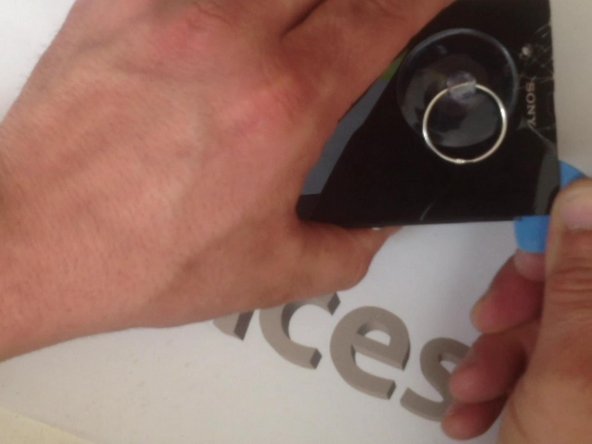
How do you warm it? With what and what temperature ?

Jeroen - Reply Share
with a hairdryer for like 3 min on high

Peter Tembo - Reply Share

With hair dryer.

ZFix - Reply Share

Same procedure with Sony Xperia Z1? Where do i get the screen parts?

chrgro - Reply Share

Add Comment

View Statistics:

Past 24 Hours: 3

Past 7 Days: 33

Past 30 Days: 126

All Time: 241,331