Free Shipping on Domestic Orders $75+

Mad Catz Street Fighter IV FightPad Directional Pad Replacement

What you need

  1. Mad Catz Street Fighter IV FightPad Directional Pad Replacement, Rear and Side Case: step 1, image 1 of 1
    Tool used on this step:
    Tweezers
    $4.99
    Buy
    • Use tweezers to completely remove the sticker from the rear of controller.

    Ask FixBot

    Add Comment

  2. Mad Catz Street Fighter IV FightPad Directional Pad Replacement: step 2, image 1 of 1
    • Find the seven 8.3 mm Phillips screws on the rear of the controller and remove them.

    Ask FixBot

    Add Comment

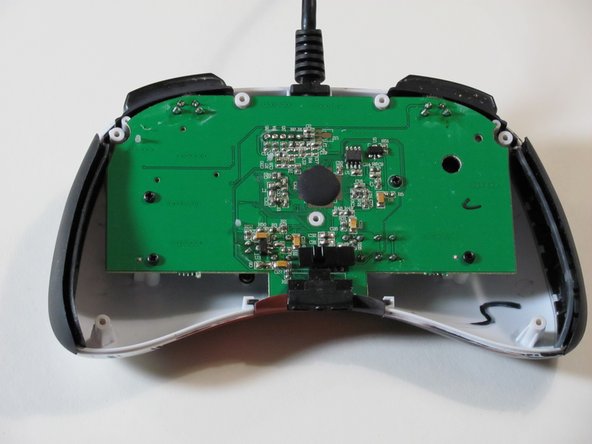
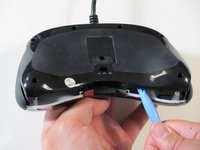
  3. Mad Catz Street Fighter IV FightPad Directional Pad Replacement: step 3, image 1 of 2 Mad Catz Street Fighter IV FightPad Directional Pad Replacement: step 3, image 2 of 2
    • Use a plastic opening tool to separate the rear and front casing by inserting it in-between the two cases.

    • Use the plastic opening tool to pry the two cases apart.

    Ask FixBot

    Add Comment

  4. Mad Catz Street Fighter IV FightPad Directional Pad Replacement: step 4, image 1 of 2 Mad Catz Street Fighter IV FightPad Directional Pad Replacement: step 4, image 2 of 2
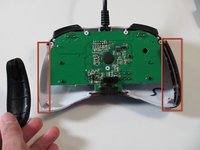
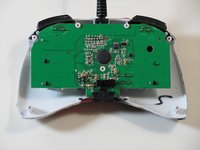
    • Remove the two rubber side grips.

    Ask FixBot

    Add Comment

  5. Mad Catz Street Fighter IV FightPad Directional Pad Replacement, RS-DP-LS Switch: step 5, image 1 of 2 Mad Catz Street Fighter IV FightPad Directional Pad Replacement, RS-DP-LS Switch: step 5, image 2 of 2
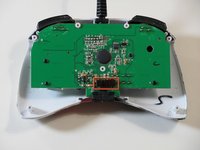
    • Locate RS-DP-LS switch.

    • Pull upwards on the switch to remove it.

    Ask FixBot

    Add Comment

  6. Mad Catz Street Fighter IV FightPad Directional Pad Replacement, Circuit Board: step 6, image 1 of 1
    • Locate the four 8.3 mm Phillips screws on the circuit board and remove them.

    Ask FixBot

    Add Comment

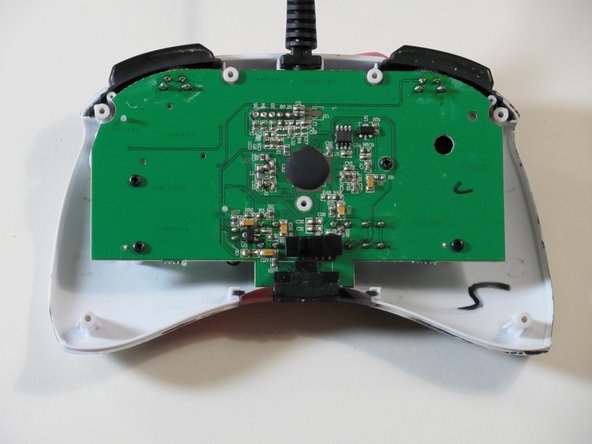
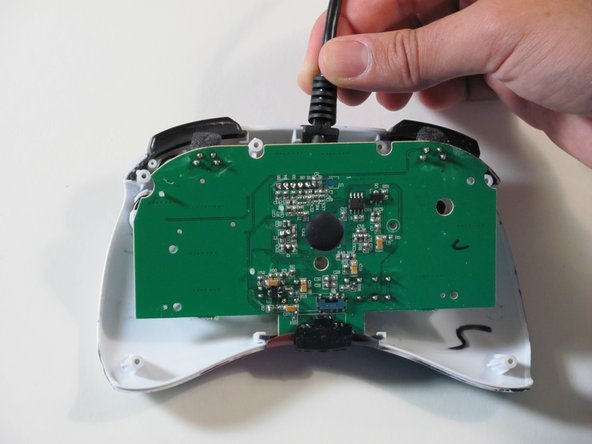
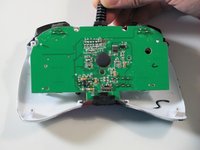
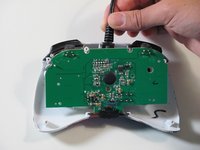
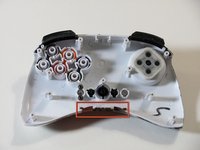
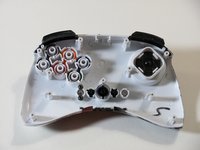
  7. Mad Catz Street Fighter IV FightPad Directional Pad Replacement: step 7, image 1 of 3 Mad Catz Street Fighter IV FightPad Directional Pad Replacement: step 7, image 2 of 3 Mad Catz Street Fighter IV FightPad Directional Pad Replacement: step 7, image 3 of 3
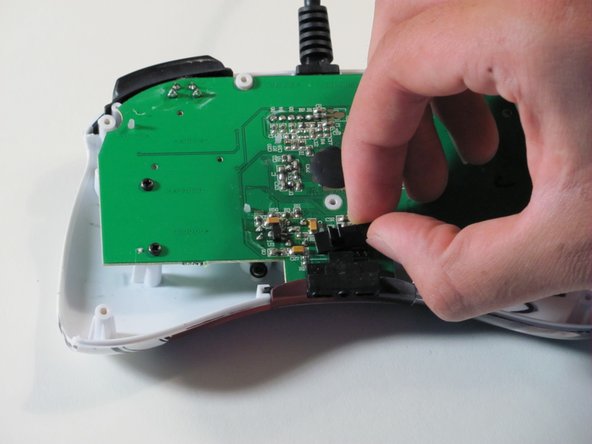
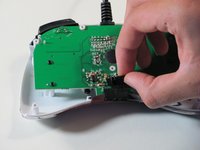
    • Hold the controller cable at the area just before it meets the controller and slowly lift upwards to slide it out of its plastic slot and remove the circuit board.

    • Be careful with the wires connected to the circuit board itself as they are thin and delicate.

    • When reassembling the controller, make sure that the bottom plastic piece is fully inserted into its slot before replacing the circuit board.

    Ask FixBot

    Add Comment

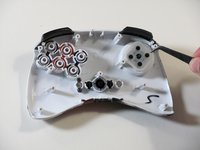
  8. Mad Catz Street Fighter IV FightPad Directional Pad Replacement, Directional Pad: step 8, image 1 of 1
    Tool used on this step:
    Tweezers
    $4.99
    Buy
    • Use tweezers to remove the rubber part of the directional pad.

    Ask FixBot

    Add Comment

  9. Mad Catz Street Fighter IV FightPad Directional Pad Replacement: step 9, image 1 of 2 Mad Catz Street Fighter IV FightPad Directional Pad Replacement: step 9, image 2 of 2
    • Insert a new directional pad over the original directional pad's location.

    Ask FixBot

    Add Comment

Conclusion

To reassemble your device, follow these instructions in reverse order.

Cancel: I did not complete this guide.

2 other people completed this guide.

Jefferson

Member since: 09/26/12

79 Reputation

1 Guide authored

Team

Cal Poly, Team 1-7, Propen Fall 2012 Member of Cal Poly, Team 1-7, Propen Fall 2012

CPSU-PROPEN-F12S1G7

4 Members

14 Guides authored

2 Guide Comments

mi spiegate l'utilita di questa guida?vendere forse le pinzette e tutte le altre stronzatine che servono per riparare il fightpad?quando invece il pezzo più importante cioè il gommino non lo vendete....fate pena

auredo1988 - Reply Share

Hi I don't speak Italian but I think you are asking "what is the purpose of this guide?". We made these as a project for university because I wanted to resolder a wire in this controller that came undone. For good measure we made a guide for each individual part although the real purpose of these guides was for the full disassembly and re soldering.

Eric Devlin - Reply Share

Add Comment

View Statistics:

Past 24 Hours: 2

Past 7 Days: 6

Past 30 Days: 38

All Time: 5,069