
Sony VAIO VPC-EB33FM Keyboard Replacement

Kevin and 9 other contributors
Last updated on Jan 21, 2025
Views: 20K
View statistics:
- Past 24 Hours:
- 2
- Past 7 Days:
- 20
- Past 30 Days:
- 95
- All Time:
- 20,328
Comments: 0
No one has left comments on this guide. Will you be first?
Go to guide commentsCompleted: 10 11
10 people have marked this guide "completed." Will you be next?
11 people have marked this guide "completed." Including you — great job!
Favorites: 5 6
5 people have favorited (and subscribed to) this guide. Will you be next?
6 people have favorited (and subscribed to) this guide — including you!
Needs Better Images
Better photos will improve this guide. Help out by taking, editing, or uploading new ones!
Step Trimmer
This guide has unnecessary steps. Trim them to be more concise!
Inconsistent Images
Updating the images on this guide to be more consistent with the prerequisites would increase its awesomeness.
Mismatched Prerequisites
This guide does not have a proper prerequisite guide. Help match it to its ideal partner by finding it or writing one!
Markup Mishap
This guide needs better markups. Help out by correcting or making some markup annotations.
Slice and Dice
The steps in this guide should be split up and made into a series of prerequisite guides.
Missing Details
Some of this guide's details are missing. Help users by adding tools, difficulty, or time.
Introduction
Go to step 1 ↓This guide will inform readers on how to safely uninstall the keyboard of the Sony VAIO VPC-EB33FM laptop.
What you need
Parts


Tools


-
-
-
Power down the laptop by pressing the power button.
-
Turn the laptop onto its backside.
 Ask FixBot
-
-
-
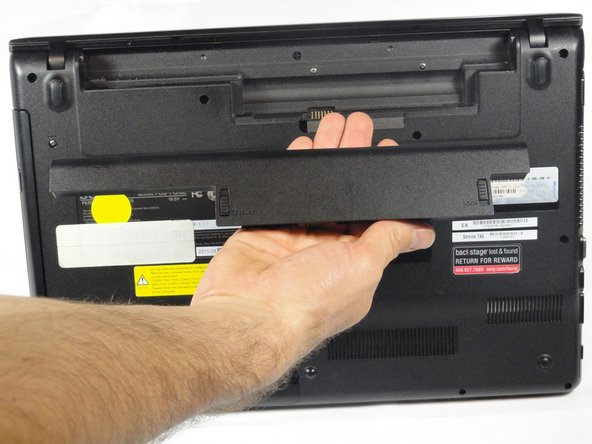
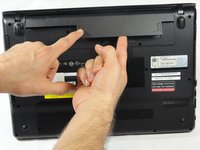
To release the battery, hold both the release button and the unlock button at the same time.
-
-
-
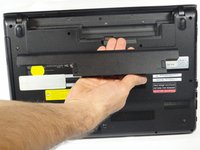
Remove the battery out from the notch while continuing to hold the release button.
-
-
-
-
-
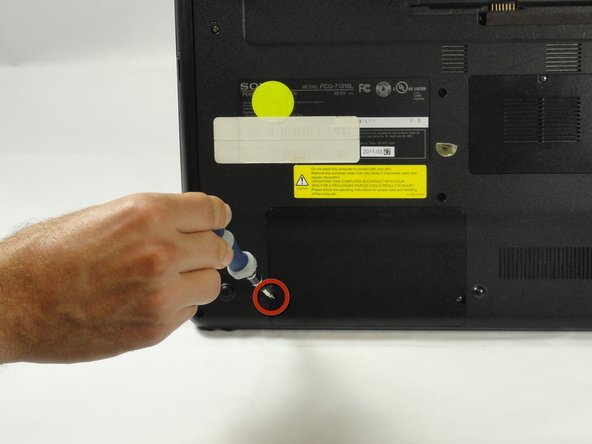
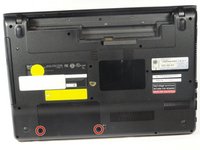
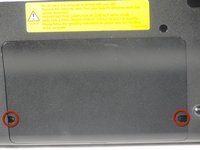
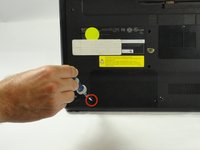
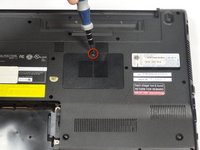
Use a Phillips #00 screwdriver to remove the two 7.8 mm cover screws on the bottom corners of the panel.
-
-
-
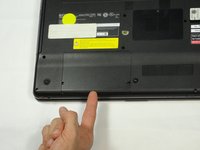
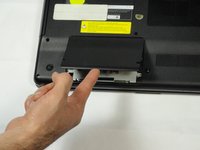
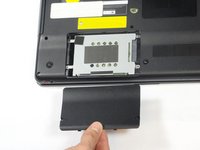
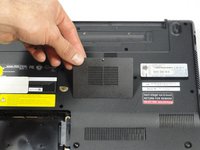
Use a finger/fingernail to grip the notch at the bottom of the panel to lift it off.
-
-
-
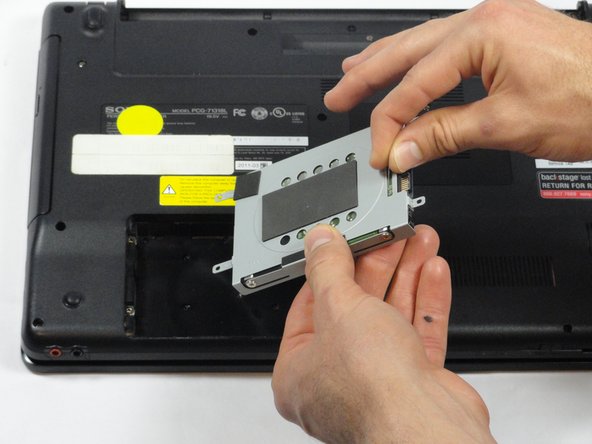
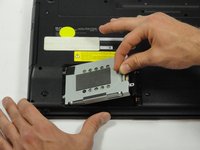
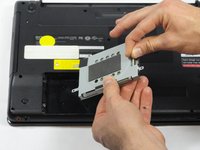
Grab the tab between your thumb and index finger.
-
Hold the hard drive securely in a horizontal position using your other hand.
-
Push the hard drive to the left using the plastic tab to disconnect it from the laptop.
-
-
-
While still holding the plastic tab, lift the right side of the hard drive out at a 45º angle.
-
Pull the hard drive out.
-
-
-
-
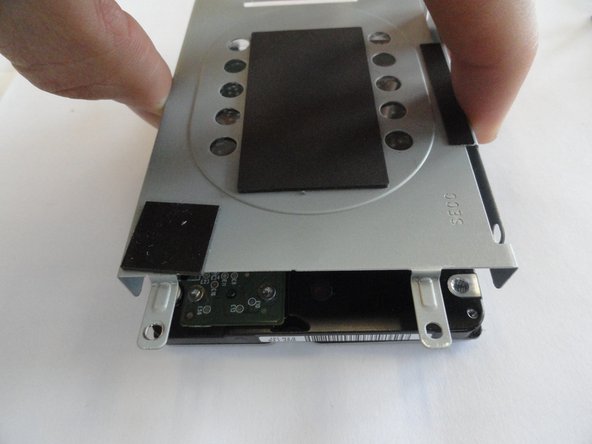
If you need to remove the bracket from the hard drive, follow the next few steps:
-
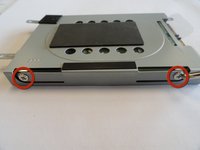
Remove the two 3.7 mm screws from either side of the bracket with a Phillips #00 screwdriver.
-
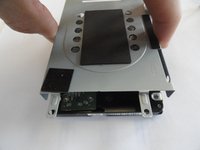
Lift the bracket off the hard drive.
-
-
-
-
-
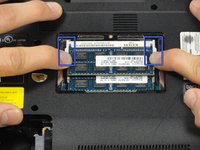
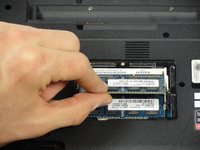
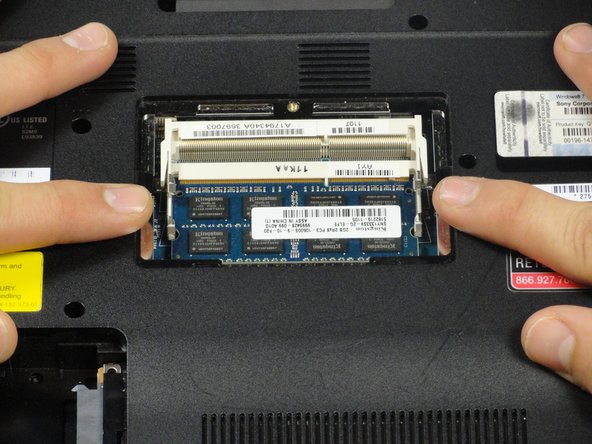
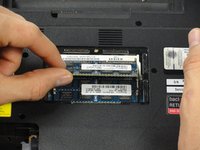
Pull the two retaining arms away from the center of the RAM chip.
-
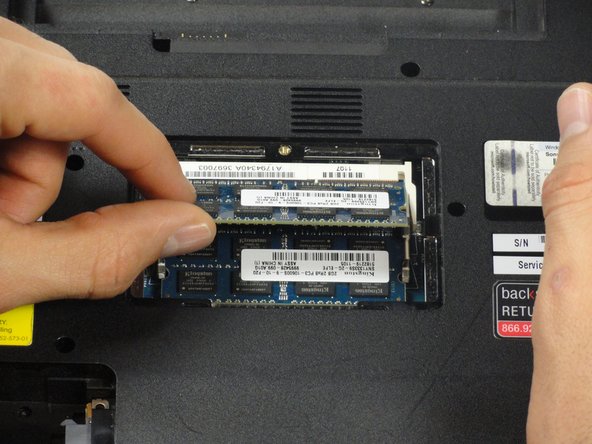
The RAM will make a "pop" sound and the RAM stick will rise for ease of handling.
-
-
-
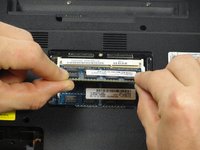
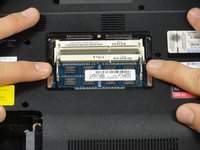
Pull the RAM stick out of its socket.
-
To remove the second stick of RAM, repeat steps six and seven.
-
When installing RAM, make sure sticks are firmly in place or the computer will not register them.
-
-
-
-
Using a Phillips #00 screwdriver remove the following screws securing the back cover :
-
Two 3.8-mm screws
-
Two 8.9-mm screws
-
Twelve 7.75-mm screws
-
-
-
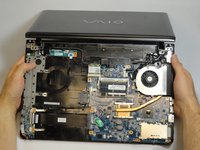
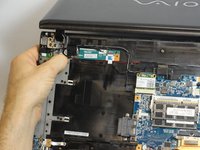
Using both hands separate the back cover by lifting from the back and working around the perimeter to release tabs.
-
-
-
Once the optical drive is removed, locate the keyboard ejection button and press down on it until you hear a snap.
-
-
-
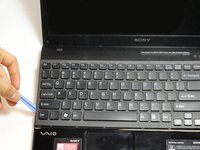
Turn the laptop onto its frontside and unfold the laptop so the keyboard is fully visible.
-
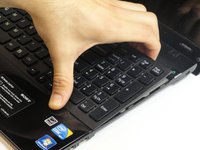
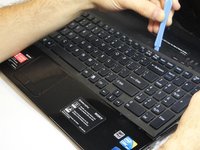
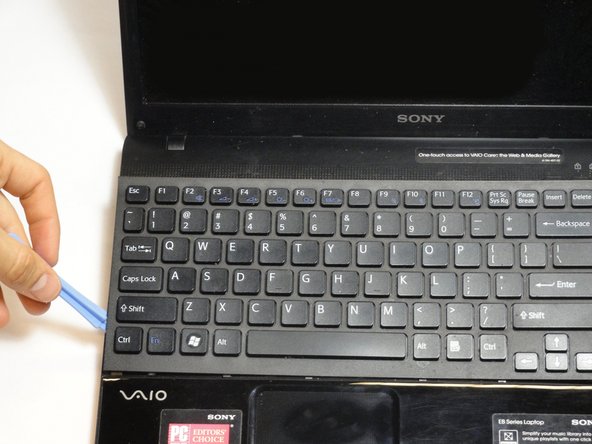
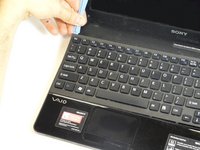
Locate the area where the section of the keyboard was ejected.
-
-
-
Continue all the way around the keyboard until you can detach it from the laptop.
-
-
-
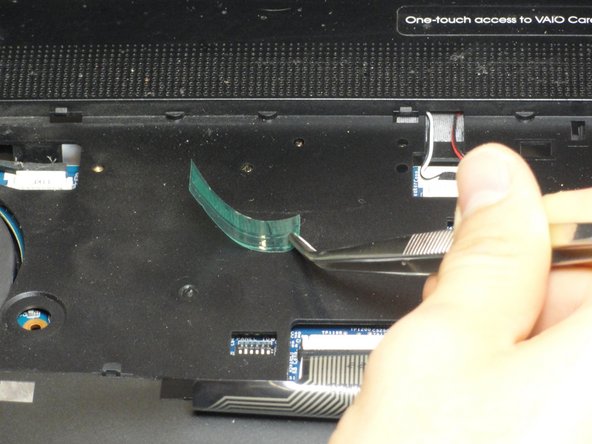
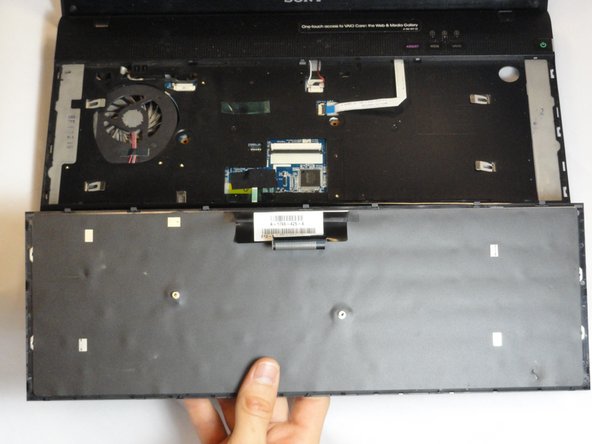
Turn the keyboard on its face and locate the green tape and the ribbon attachment.
-
Using the metal tweezer, remove only the green sticker.
-
Place the sticker at any location as long as you remember to use it for installing the keyboard.
-
-
-
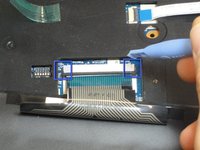
Locate the black retaining arms.
-
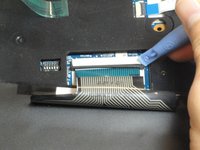
Using the plastic opening tool, pull the retaining arms out.
-
-
-
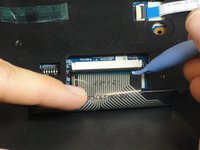
Lift the retaining arms with the plastic opening tool at an angle so that the ribbon attachment can be pulled out.
-
-























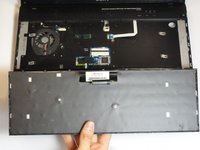
To reassemble your device, follow these instructions in reverse order.
Cancel: I did not complete this guide.
10 other people completed this guide.
Team

Cal Poly, Team 18-39, Regan Winter 2013 Member of Cal Poly, Team 18-39, Regan Winter 2013
CPSU-REGAN-W13S18G39
5 Members
72 Guides authored
