15% Off Selected iFixit Tools — Limited Time
Free Shipping on Domestic Orders $75+

Sony Ericsson TM506 Sound Box Replacement

What you need

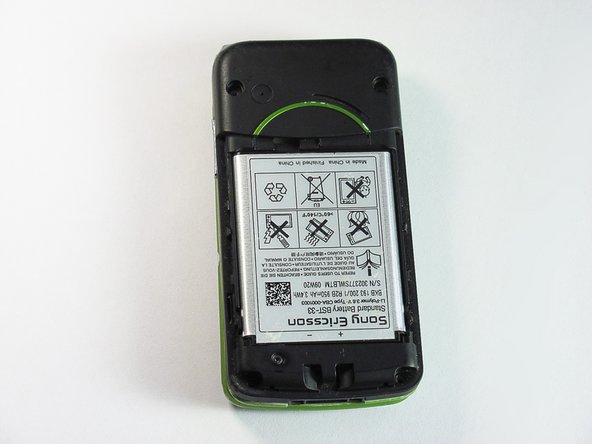
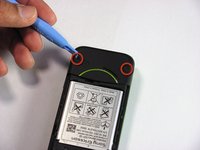
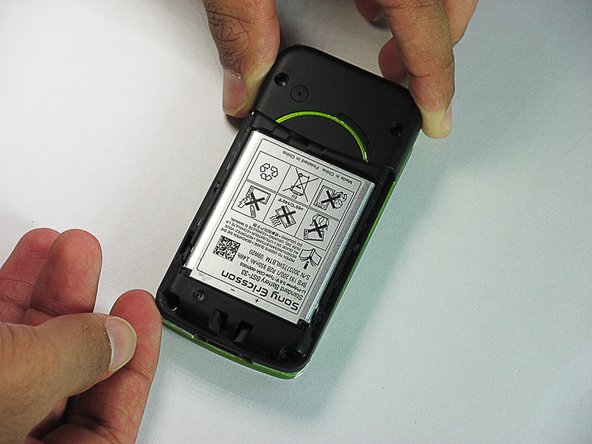
  1. Sony Ericsson TM506 Sound Box Replacement, Battery Cover: step 1, image 1 of 3 Sony Ericsson TM506 Sound Box Replacement, Battery Cover: step 1, image 2 of 3 Sony Ericsson TM506 Sound Box Replacement, Battery Cover: step 1, image 3 of 3
    • Firmly hold the phone between your fingers with your thumb on the battery cover.

    • Push down with your thumb until the battery cover comes off.

    Ask FixBot

    Add Comment

  2. Sony Ericsson TM506 Sound Box Replacement, Back Case: step 2, image 1 of 3 Sony Ericsson TM506 Sound Box Replacement, Back Case: step 2, image 2 of 3 Sony Ericsson TM506 Sound Box Replacement, Back Case: step 2, image 3 of 3
    • Unscrew the bottom two 5.4mm screws with a Torx T6 screwdriver.

    Ask FixBot

    Add Comment

  3. Sony Ericsson TM506 Sound Box Replacement: step 3, image 1 of 2 Sony Ericsson TM506 Sound Box Replacement: step 3, image 2 of 2
    • Remove the two rubber casings for the top two screws with a plastic opening tool.

    Ask FixBot

    Add Comment

  4. Sony Ericsson TM506 Sound Box Replacement: step 4, image 1 of 1
    • Unscrew these two 5.4mm screws with a Torx T6 screwdriver.

    Ask FixBot

    Add Comment

  5. Sony Ericsson TM506 Sound Box Replacement: step 5, image 1 of 3 Sony Ericsson TM506 Sound Box Replacement: step 5, image 2 of 3 Sony Ericsson TM506 Sound Box Replacement: step 5, image 3 of 3
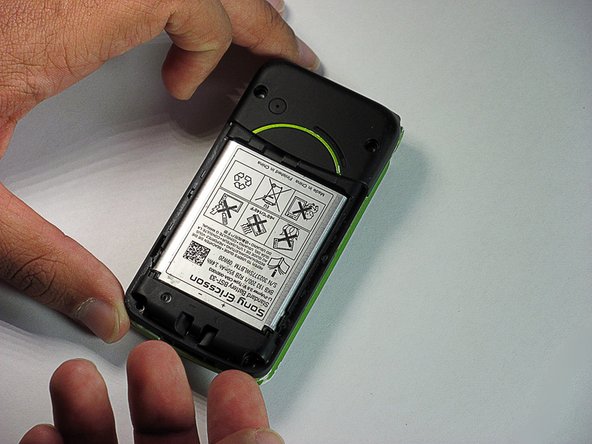
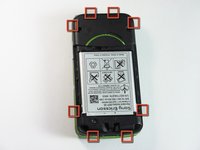
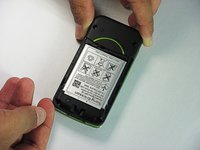
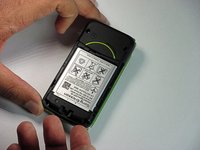
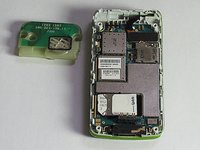
    • There are eight snap hooks located around the outer case. Carefully snap these to remove the outer case.

    Ask FixBot

    Add Comment

  6. Sony Ericsson TM506 Sound Box Replacement, Sound Box: step 6, image 1 of 3 Sony Ericsson TM506 Sound Box Replacement, Sound Box: step 6, image 2 of 3 Sony Ericsson TM506 Sound Box Replacement, Sound Box: step 6, image 3 of 3
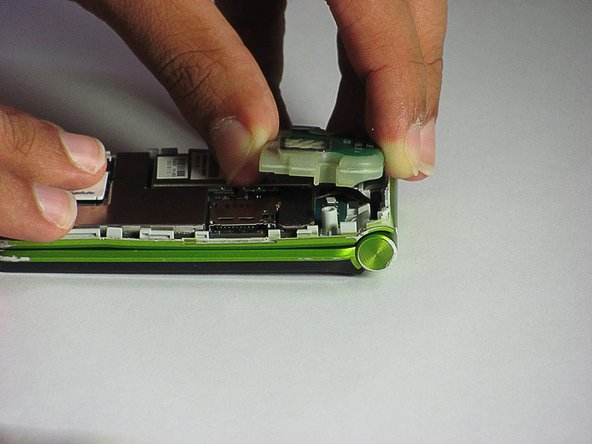
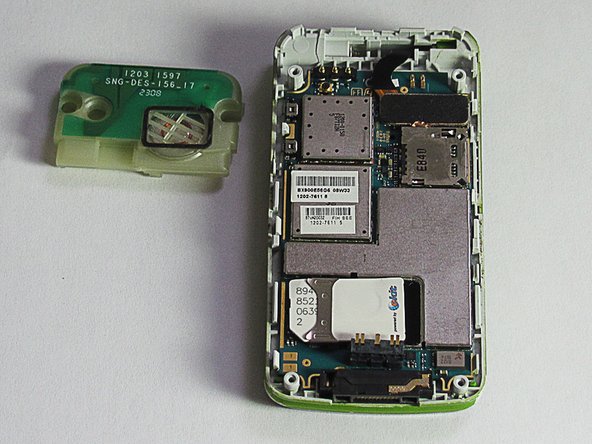
    • The sound box is attached to the case by two snap hooks.

    • Lift the sound box up to remove it from the case.

    Ask FixBot

    Add Comment

Conclusion

To reassemble your device, follow these instructions in reverse order.

Cancel: I did not complete this guide.

Daniel

Member since: 06/20/12

83 Reputation

7 Guides authored

Team

Cal Poly, Team 1-1, Regan SU 2012 Member of Cal Poly, Team 1-1, Regan SU 2012

CPSU-REGAN-SU12S1G1

2 Members

16 Guides authored

0 Guide Comments

Add Comment

View Statistics:

Past 24 Hours: 0

Past 7 Days: 7

Past 30 Days: 38

All Time: 1,076