Free Shipping on Domestic Orders $75+

Sony Ericsson T68i Keypad Replacement

What you need

  1. Sony Ericsson T68i Keypad Replacement, Keypad: step 1, image 1 of 2 Sony Ericsson T68i Keypad Replacement, Keypad: step 1, image 2 of 2
    • Remove the battery from the back.

    Ask FixBot

    Add Comment

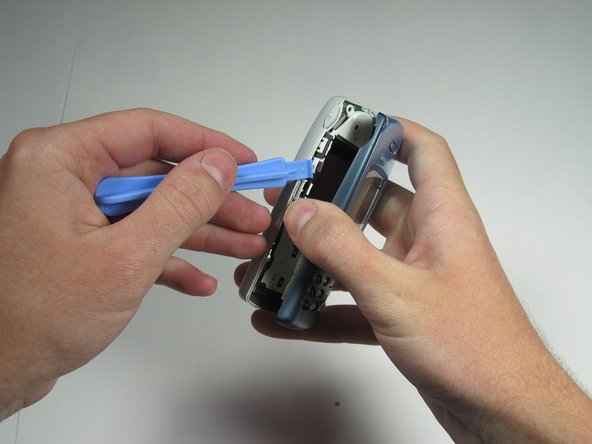
  2. Sony Ericsson T68i Keypad Replacement: step 2, image 1 of 3 Sony Ericsson T68i Keypad Replacement: step 2, image 2 of 3 Sony Ericsson T68i Keypad Replacement: step 2, image 3 of 3
    • Pry off the plastic cover from the top with a thin plastic shim, then remove it from the two bottom clips.

    • Do not bend it too far down, or else you risk breaking the two bottom clips.

    Ask FixBot

    Add Comment

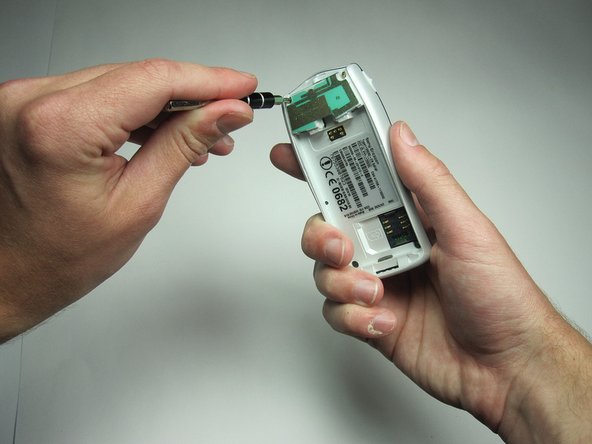
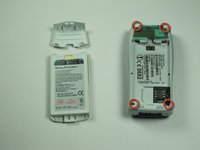
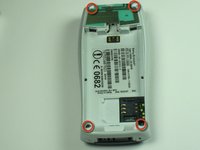
  3. Sony Ericsson T68i Keypad Replacement: step 3, image 1 of 3 Sony Ericsson T68i Keypad Replacement: step 3, image 2 of 3 Sony Ericsson T68i Keypad Replacement: step 3, image 3 of 3
    • Unscrew all four Torx T6 screws.

    • Keep in a safe place.

    Ask FixBot

    Add Comment

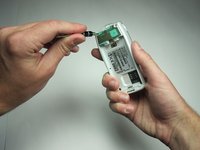
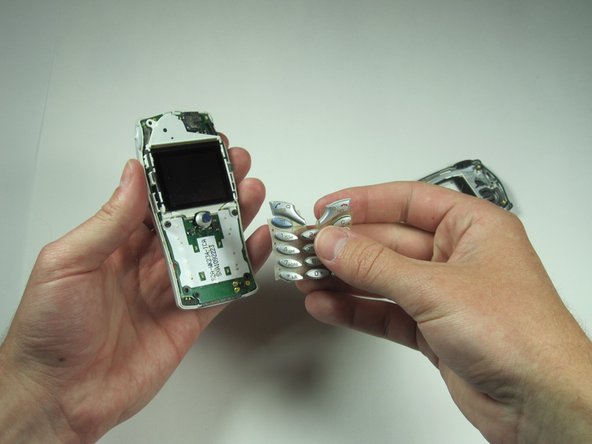
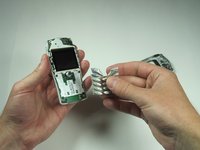
  4. Sony Ericsson T68i Keypad Replacement: step 4, image 1 of 3 Sony Ericsson T68i Keypad Replacement: step 4, image 2 of 3 Sony Ericsson T68i Keypad Replacement: step 4, image 3 of 3
    • After removing the screws, the two halves will separate. If not, then pry them gently apart.

    Ask FixBot

    Add Comment

Conclusion

To reassemble your device, follow these instructions in reverse order.

Cancel: I did not complete this guide.

Tim Dascomb

Member since: 04/13/10

174 Reputation

7 Guides authored

Team

Cal Poly, Team 26-34, Regan Spring 2010 Member of Cal Poly, Team 26-34, Regan Spring 2010

CPSU-REGAN-S10S26G34

4 Members

13 Guides authored

0 Guide Comments

Add Comment

View Statistics:

Past 24 Hours: 3

Past 7 Days: 8

Past 30 Days: 25

All Time: 2,470