Free Shipping on Domestic Orders $75+

Sony DVP-FX810 Disassembly

What you need

  1. Sony DVP-FX810 Disassembly, Sony DVP-FX810 Disassembly: step 1, image 1 of 2 Sony DVP-FX810 Disassembly, Sony DVP-FX810 Disassembly: step 1, image 2 of 2
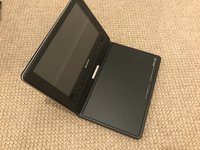
    • Taking a look at the device, we can see a basic portable DVD player.

    • The next logical step is to remove the battery

    • Never puncture batteries

  2. Sony DVP-FX810 Disassembly: step 2, image 1 of 2 Sony DVP-FX810 Disassembly: step 2, image 2 of 2
    • I am able to remove these phillips head screw with a PH0 bit.

    • I spot an illegal sticker! These aren't legally binding, but what warranty from 2006 is even valid today anyways?

  3. Sony DVP-FX810 Disassembly: step 3, image 1 of 1
    • Piercing through that reveals another screw!

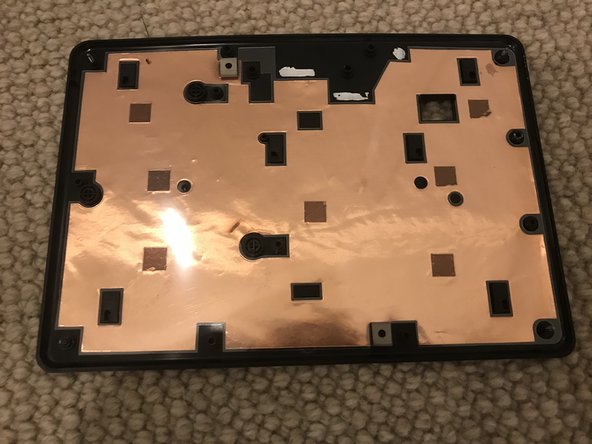
    • We can now remove the back cover.

  4. Sony DVP-FX810 Disassembly: step 4, image 1 of 2 Sony DVP-FX810 Disassembly: step 4, image 2 of 2
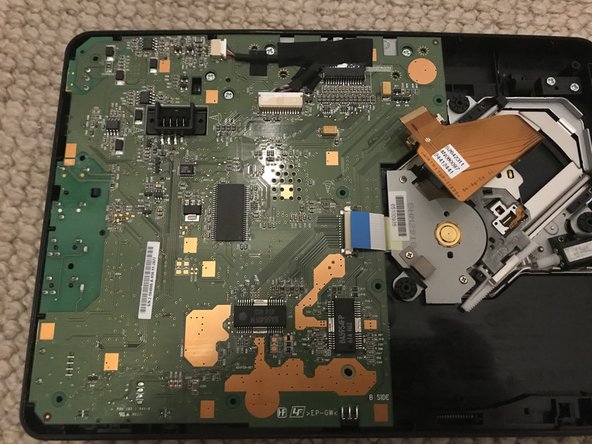
    • A quick glance over the motherboard reveals some fantastic user-friendly design.

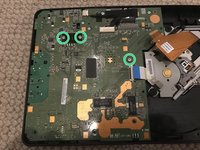
    • I can also spot the 3 screws holding the board down. Also Phillips PH0!

  5. Sony DVP-FX810 Disassembly: step 5, image 1 of 3 Sony DVP-FX810 Disassembly: step 5, image 2 of 3 Sony DVP-FX810 Disassembly: step 5, image 3 of 3
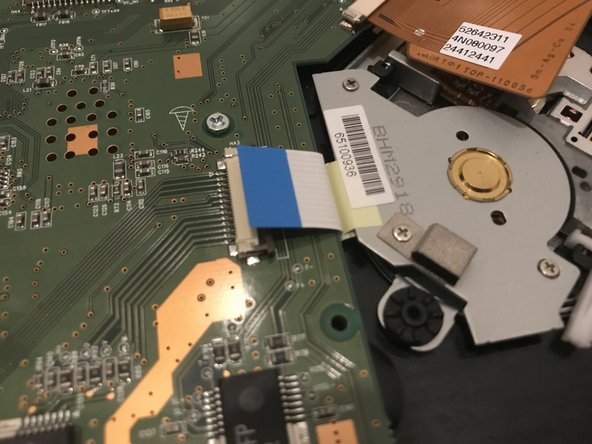
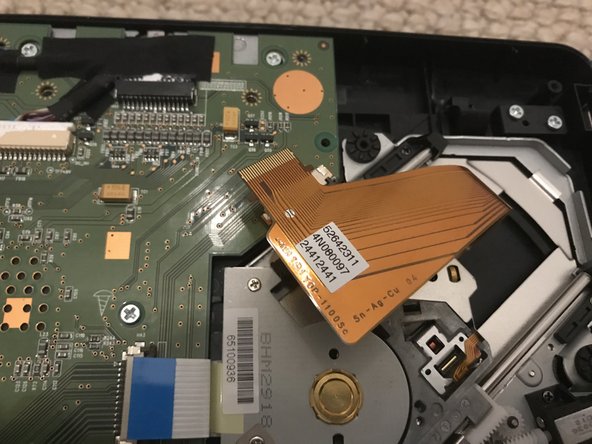
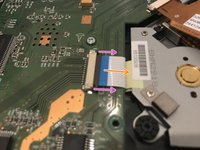
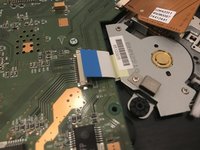
    • I remove these 2 ribbon cables by pulling back on the black plastic piece gently, and then pulling out the cable.

    • First, pull on both sides

    • Then pull out.

  6. Sony DVP-FX810 Disassembly: step 6, image 1 of 2 Sony DVP-FX810 Disassembly: step 6, image 2 of 2
    • Now, for the 3 screws

  7. Sony DVP-FX810 Disassembly: step 7, image 1 of 2 Sony DVP-FX810 Disassembly: step 7, image 2 of 2
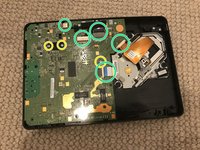
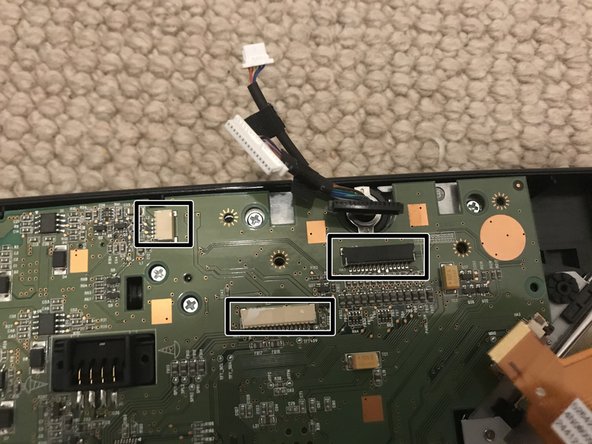
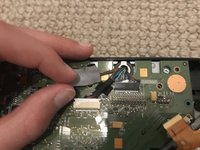
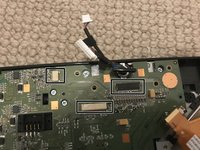
    • Before we remove the motherboard, we have to peel back the tape, and unplug these 3 connectors.

    • Pull them by the plug, NOT the wire.

  8. Sony DVP-FX810 Disassembly: step 8, image 1 of 1
    • Now, we can remove the motherboard.

    • Top of motherboard

    • Power

    • I/O

    • Volume

    • CPU

    • Battery Connector

  9. Sony DVP-FX810 Disassembly: step 9, image 1 of 1
    • Bottom of motherboard

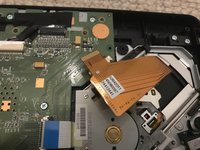
    • Optical Drive Connectors

    • Display Connectors

    • Battery Connector

  10. Sony DVP-FX810 Disassembly: step 10, image 1 of 2 Sony DVP-FX810 Disassembly: step 10, image 2 of 2
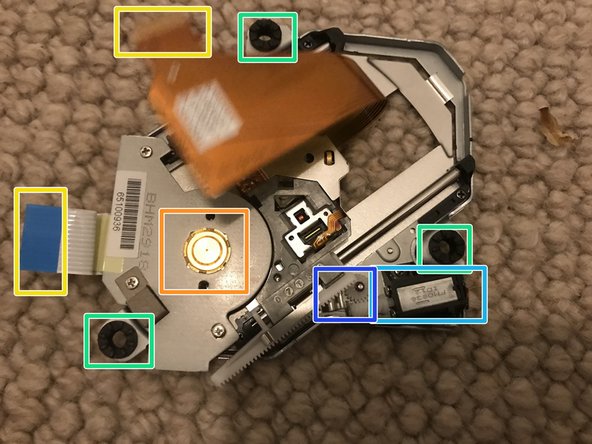
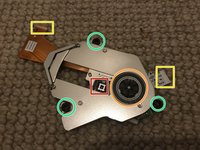
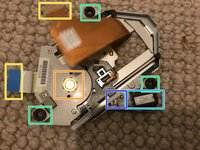
    • The optical drive assembly can just be lifted right off, no screws required!

    • Laser

    • Wheel

    • Connectors

    • Shock absorbers

    • Laser motor

    • Laser motor gears

  11. Sony DVP-FX810 Disassembly: step 11, image 1 of 2 Sony DVP-FX810 Disassembly: step 11, image 2 of 2
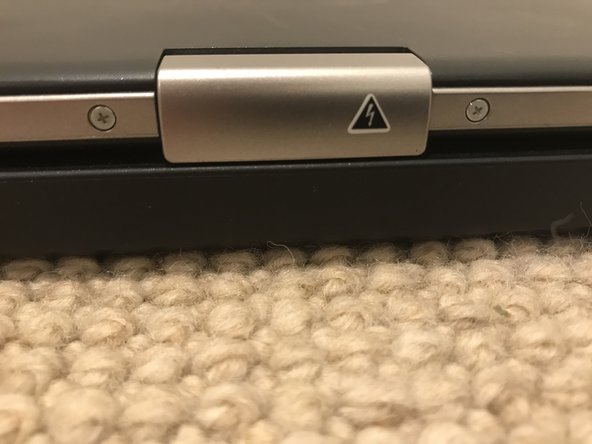
    • That's all I was able to get to today, though I did notice 2 tiny screws on the bottom of the screen. It may be possible to replace the screen, though that's a question for another time.

    • The modular system allowed for a fantastic, easy, replacement of the motherboard and optical drive. Screen replacement theoretically possible.

Conclusion

To reassemble your device, follow these instructions in reverse order.

2 other people completed this guide.

[deleted]

Member since: 07/13/18

4,656 Reputation

25 Guides authored

1 Guide Comment

Did you ever get around to seeing if you could get to the LCD? Currently trying to open it to get the model number so I can connect it to a raspberry pi

Dylan - Reply

Add Comment

View Statistics:

Past 24 Hours: 0

Past 7 Days: 14

Past 30 Days: 61

All Time: 1,665