15% Off Selected iFixit Tools — Limited Time
Free Shipping on Domestic Orders $75+

Sony CPF-IP001 Power Plug Replacement

What you need

  1. Sony CPF-IP001 Power Plug Replacement, Power Plug: step 1, image 1 of 3 Sony CPF-IP001 Power Plug Replacement, Power Plug: step 1, image 2 of 3 Sony CPF-IP001 Power Plug Replacement, Power Plug: step 1, image 3 of 3
    • The Sony Cradle Audio System will have 14 XXXX type of screws located on the bottom of the device.

    • Using a Phillips #2 screwdriver, remove all 14 screws.

    Ask FixBot

    Add Comment

  2. Sony CPF-IP001 Power Plug Replacement: step 2, image 1 of 3 Sony CPF-IP001 Power Plug Replacement: step 2, image 2 of 3 Sony CPF-IP001 Power Plug Replacement: step 2, image 3 of 3
    • Once all of the screws are removed, the cover can be taken off using a metal spudger.

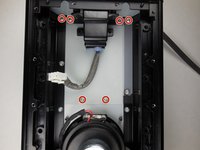
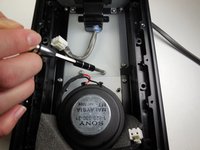
    • There are 8 more XXXX screws holding the circuit board in place that will need to be removed.

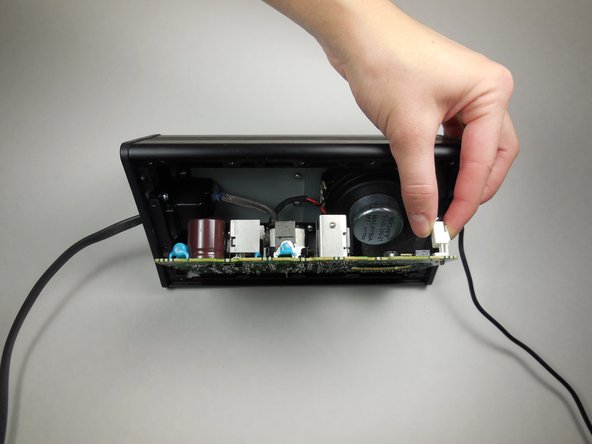
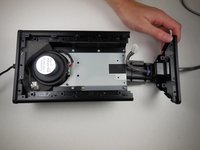
    • Once the screws are removed, a plastic spudger can be used to carefully move the circuit board away from the device.

    • There will be 3 wires connected to the opposite side of the circuit board. Be careful not to pull the board out of the device too far and damage these wires.

    Ask FixBot

    Add Comment

  3. Sony CPF-IP001 Power Plug Replacement: step 3, image 1 of 2 Sony CPF-IP001 Power Plug Replacement: step 3, image 2 of 2
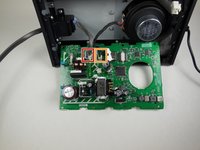
    • The first of the 3 wires can easily be found and is connected to the board via a clip.

    • To remove the clip squeeze the tap and pull it out.

    • There are still 2 more wires connected to the board. Now that the first has been removed the other two can be more easily reached.

    Ask FixBot

    Add Comment

  4. Sony CPF-IP001 Power Plug Replacement: step 4, image 1 of 3 Sony CPF-IP001 Power Plug Replacement: step 4, image 2 of 3 Sony CPF-IP001 Power Plug Replacement: step 4, image 3 of 3
    Tool used on this step:
    Tweezers
    $4.99
    Buy
    • The wire furthest to the left of the device can be removed in the same way that he first was removed. Simply squeeze the clip and pull out.

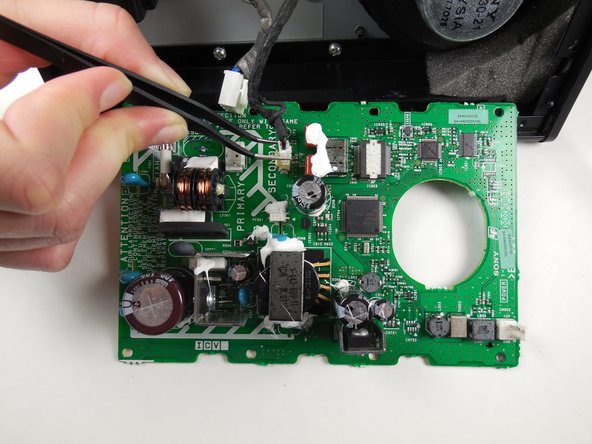
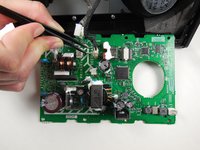
    • The final wire (furthest to the right) can be carefully removed using a pair of tweezers.

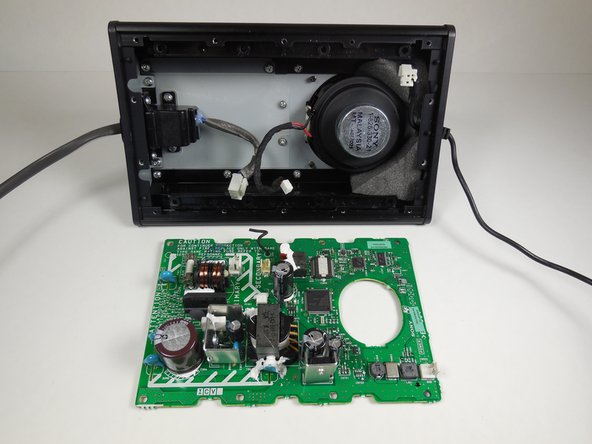
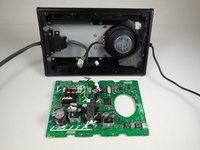
    • Now the circuit board has been completely removed from the device and can be set aside.

    Ask FixBot

    Add Comment

  5. Sony CPF-IP001 Power Plug Replacement: step 5, image 1 of 2 Sony CPF-IP001 Power Plug Replacement: step 5, image 2 of 2
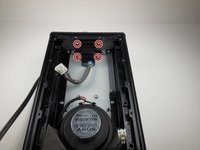
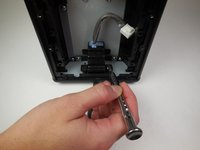
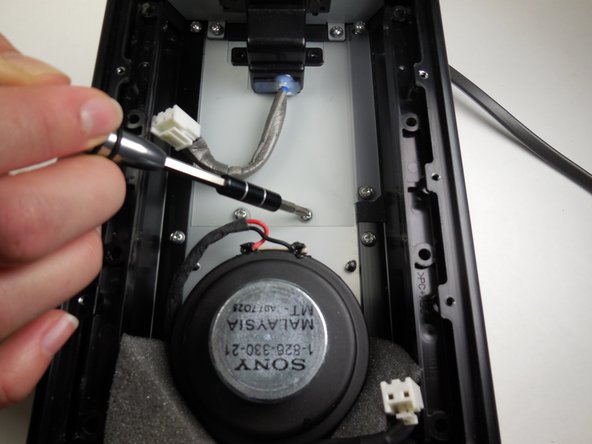
    • Next the housing for the power switch and power cord must be removed.

    • Remove the 4 XXXX screws using a Phillips #2 screwdriver.

    Ask FixBot

    Add Comment

  6. Sony CPF-IP001 Power Plug Replacement: step 6, image 1 of 3 Sony CPF-IP001 Power Plug Replacement: step 6, image 2 of 3 Sony CPF-IP001 Power Plug Replacement: step 6, image 3 of 3
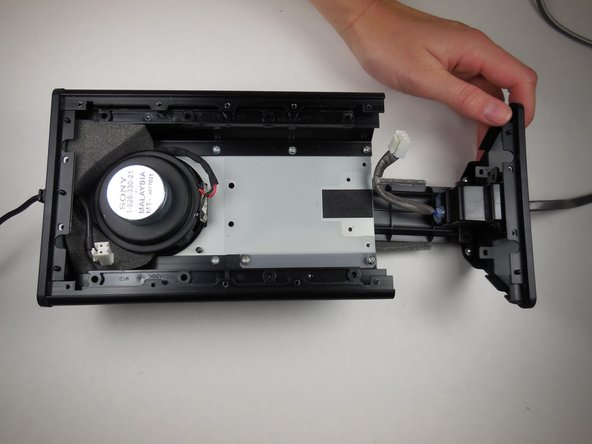
    • Remove these next 6 XXXX screws using a Phillips #2 screwdriver.

    • The housing is now disconnected from the device and can be pulled out from the side.

    • The power housing will come out as a whole unit with the subwoofer air tunnel.

    Ask FixBot

    Add Comment

  7. Sony CPF-IP001 Power Plug Replacement: step 7, image 1 of 1
    • The subwoofer air tunnel can be removed by unscrewing the 2 XXXX screws with a Phillips #2 screwdriver.

    Ask FixBot

    Add Comment

Conclusion

To reassemble your device, follow these instructions in reverse order.

Cancel: I did not complete this guide.

Mike Bolton

Member since: 04/14/15

473 Reputation

4 Guides authored

Team

Cal Poly, Team 6-14, Maness Spring 2015 Member of Cal Poly, Team 6-14, Maness Spring 2015

CPSU-MANESS-S15S6G14

4 Members

8 Guides authored

0 Guide Comments

Add Comment

View Statistics:

Past 24 Hours: 0

Past 7 Days: 4

Past 30 Days: 30

All Time: 399