Free Shipping on Domestic Orders $75+

Sony BDP-S3200 Disk Drive Replacement

What you need

    1. Sony BDP-S3200 Disk Drive Replacement, Sony BDP-S3200 Disassembly: step 1, image 1 of 1
      • Remove all cables from the device.

      Ask FixBot

      Add Comment

    2. Sony BDP-S3200 Disk Drive Replacement: step 2, image 1 of 2 Sony BDP-S3200 Disk Drive Replacement: step 2, image 2 of 2
      • Use a #1 Phillips screwdriver to remove the three screws located in the back of the device.

      Ask FixBot

      Add Comment

    3. Sony BDP-S3200 Disk Drive Replacement: step 3, image 1 of 1
      • Pull the top cover off by sliding back from the device once the screws have been taken out.

      Ask FixBot

      Add Comment

    1. Sony BDP-S3200 Disk Drive Replacement, Disk Drive Replacement: step 4, image 1 of 1
      • Locate the disk drive

      Ask FixBot

      Add Comment

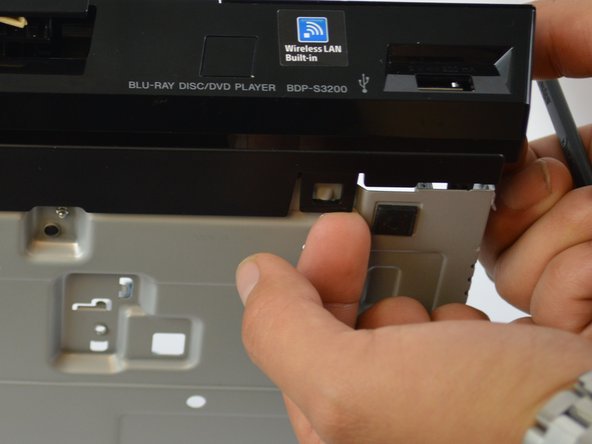
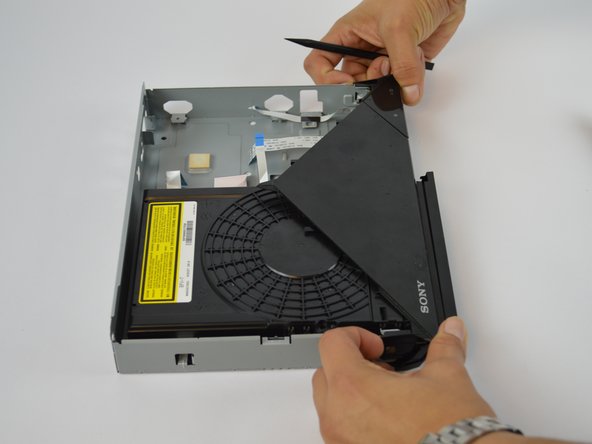
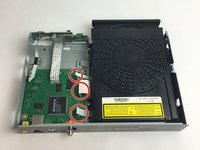
    2. Sony BDP-S3200 Disk Drive Replacement: step 5, image 1 of 3 Sony BDP-S3200 Disk Drive Replacement: step 5, image 2 of 3 Sony BDP-S3200 Disk Drive Replacement: step 5, image 3 of 3
      • Lightly lift off the hook on both front rear side and the bottom of the device to remove the front panel

      Ask FixBot

      Add Comment

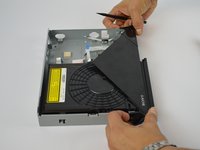
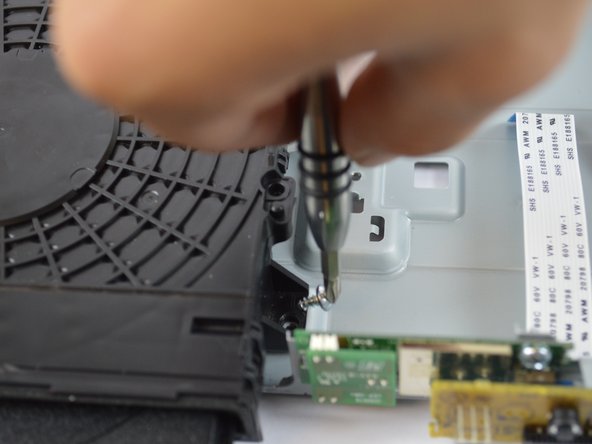
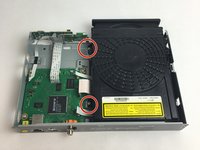
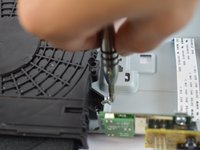
    3. Sony BDP-S3200 Disk Drive Replacement: step 6, image 1 of 2 Sony BDP-S3200 Disk Drive Replacement: step 6, image 2 of 2
      • Remove the two screws that attach the disk drive to the frame using a #1 Phillips screwdriver.

      Ask FixBot

      Add Comment

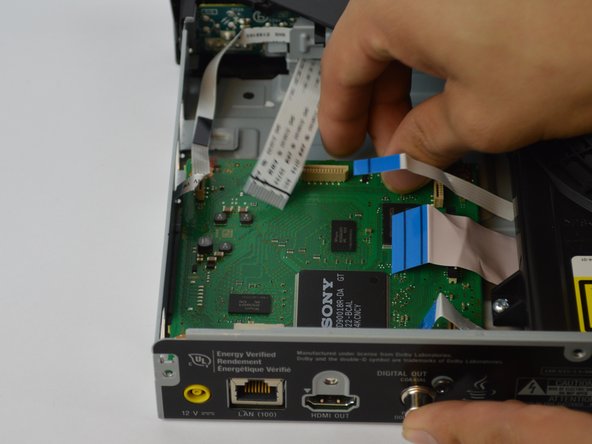
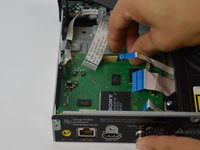
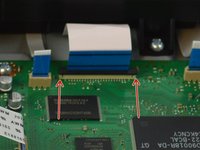
    4. Sony BDP-S3200 Disk Drive Replacement: step 7, image 1 of 3 Sony BDP-S3200 Disk Drive Replacement: step 7, image 2 of 3 Sony BDP-S3200 Disk Drive Replacement: step 7, image 3 of 3
      • Carefully pull the (3) three bands off vertically.

      • NOTE: There is a latch that needs to be lifted off before pulling the band out for the middle band.

      Ask FixBot

      Add Comment

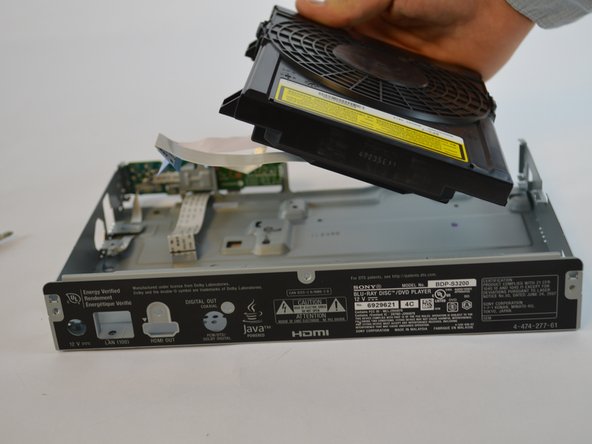
    5. Sony BDP-S3200 Disk Drive Replacement: step 8, image 1 of 2 Sony BDP-S3200 Disk Drive Replacement: step 8, image 2 of 2
      • Lift the disk drive off of the device

      Ask FixBot

      Add Comment

Conclusion

To reassemble your device, follow these instructions in reverse order.

Cancel: I did not complete this guide.

2 other people completed this guide.

Tan Nguyen

Member since: 10/03/17

132 Reputation

1 Guide authored

Team

USF Tampa, Team S5-G2, Walkup Fall 2017 Member of USF Tampa, Team S5-G2, Walkup Fall 2017

USFT-WALKUP-F17S5G2

5 Members

9 Guides authored

1 Guide Comment

Where can I buy a Sony BDP-S3200 Disc Drive Replacement?

Andrew Padilla - Reply Share

Add Comment

View Statistics:

Past 24 Hours: 0

Past 7 Days: 8

Past 30 Days: 28

All Time: 1,046