
Skytex SP728 Screen Replacement

Michelle Strickland and 3 other contributors
Last updated on May 7, 2024
Views: 605
View statistics:
- Past 24 Hours:
- 2
- Past 7 Days:
- 19
- Past 30 Days:
- 93
- All Time:
- 605
Comments: 0
No one has left comments on this guide. Will you be first?
Go to guide commentsCompleted: 2 3
2 people have marked this guide "completed." Will you be next?
3 people have marked this guide "completed." Including you — great job!
Favorites: 0 1
No one has favorited (and subscribed to) this guide. Will you be the first?
1 person has favorited (and subscribed to) this guide — and that's you!
Introduction
Go to step 1 ↓This guide will show how to take the device apart and how to identify components that need to be removed to replace the screen.
What you need
Tools


-
-
-
Make sure the device is powered off
-
Rotate the device so the ports and screws face you
 Ask FixBot
-
-
-
Using a plastic opening tool, work your way around the edge of the device, separating the case from the rest of the device
-
-
-
-
-
Follow the Case Replacement to separate the tablet from its backing
-
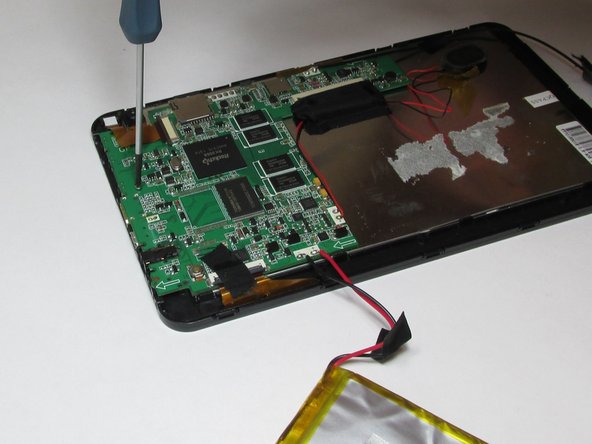
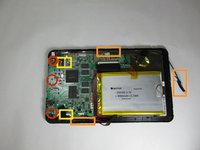
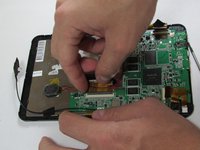
Using a small Phillips screw driver, unscrew all screws connecting circuit board to device
-
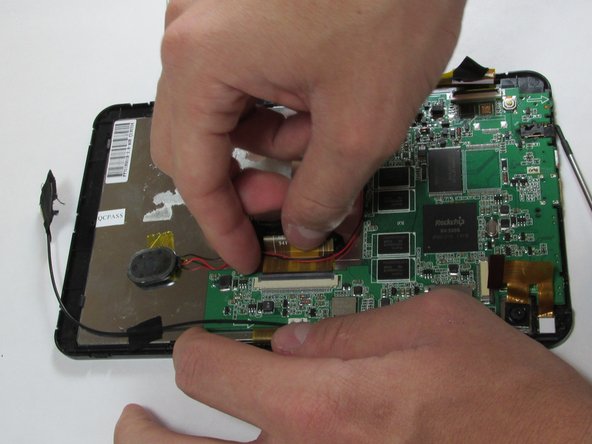
Remove all tape connecting battery and circuit board to front case
-
Detach all connector strips from the circuit board
-
-
-
-
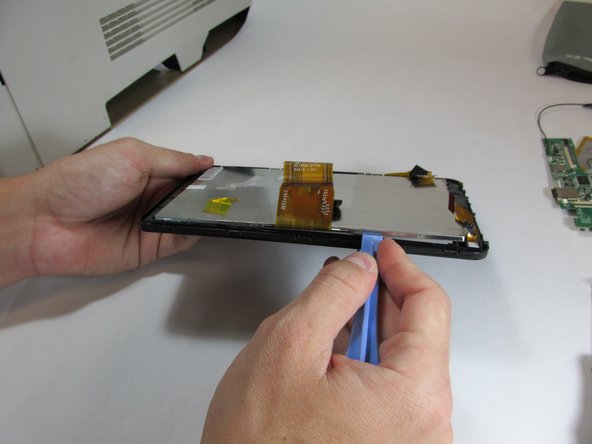
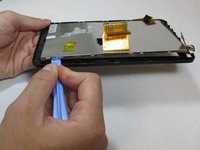
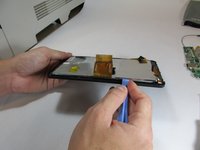
Using the plastic opening tool, begin separating the front screen from the display
-
-
Tool used on this step:Tweezers$4.99
-
Once screen has been separated, use tweezers to remove front camera
-
-




To reassemble your device with a new screen, follow these instructions in reverse order.
Cancel: I did not complete this guide.
2 other people completed this guide.

Team

USF Tampa, Team 5-1, Brown Winter 2015 Member of USF Tampa, Team 5-1, Brown Winter 2015
USFT-BROWN-W15S5G1
4 Members
72 Guides authored
