Introduction
As the vacuum turns on, it pulls air through the motor, creating a suction effect through the system. The post-motor filter helps return clean air to the room you are vacuuming in by catching any particles that managed to reach the motor.
A damaged or soiled post-motor filter can cause a lot of problems for your Shark Rocket IX141, ranging from low suction to overheating. The post-motor filter traps any dust or particles that escape the pre-motor and felt filter. If your Shark Rocket IX141's post-motor filter is soiled, it is very likely the pre-motor and felt filter is too. For efficiency, this guide will also show you how to remove those before the post-motor. Use this guide to quickly and easily replace your post-motor filter.
-
-
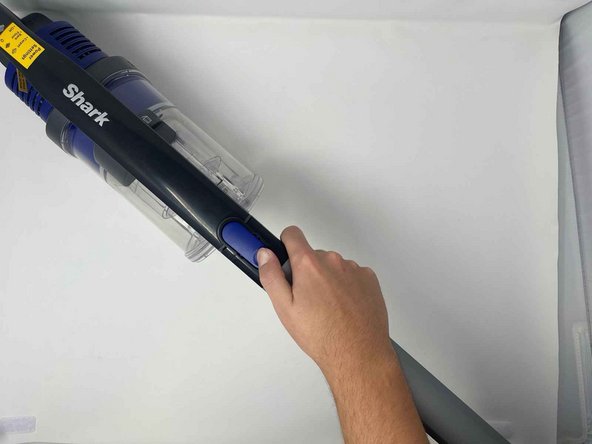
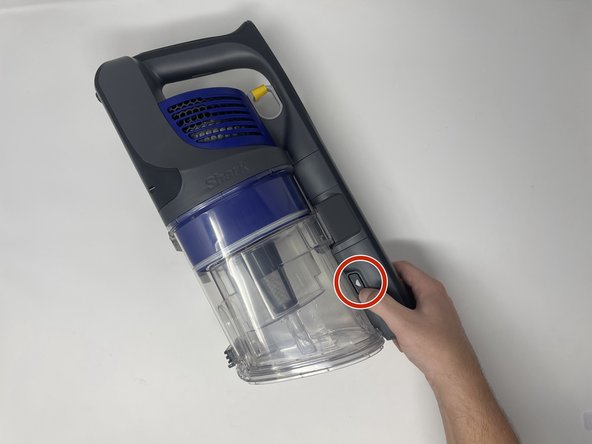
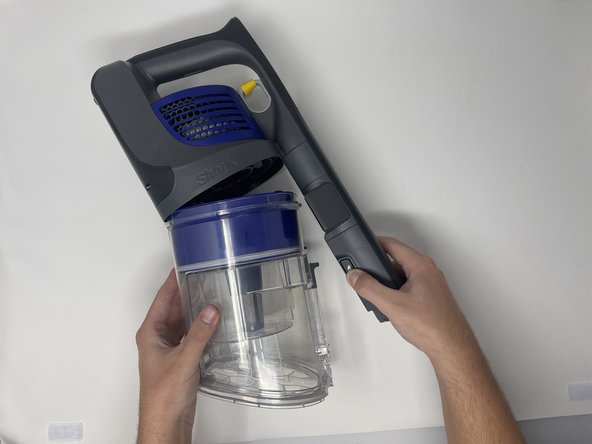
Remove the handle base from stick portion of the vacuum for easiest handling. Press the indigo button and slide the handle base away from the stick.
-
-
-
-
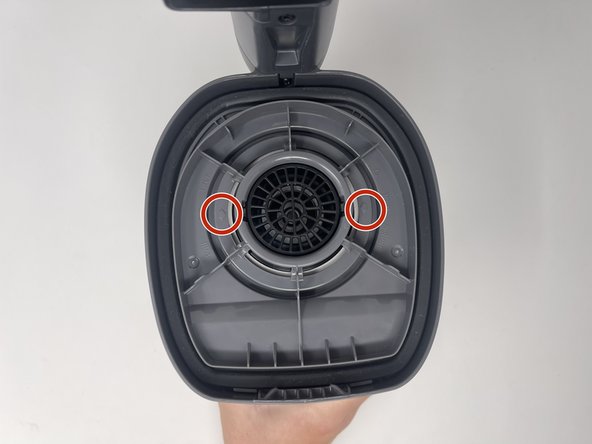
Flip the base so the handle is facing the ground.
-
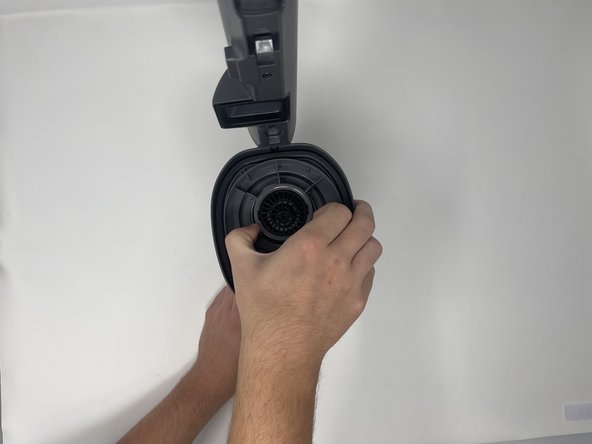
Locate the two arrows pointing toward the circular center.
-
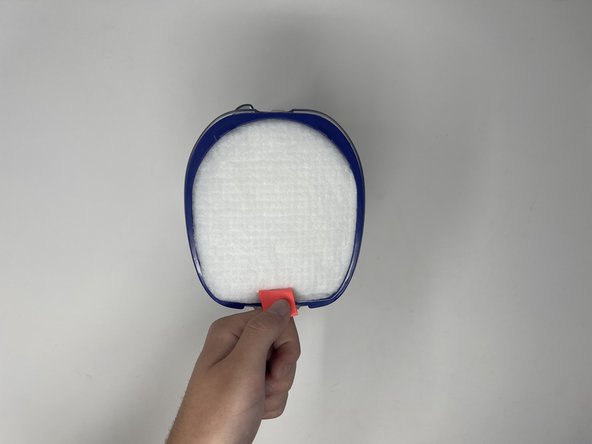
Pinch the grey circle and lift gently to remove the post-motor filter.
-


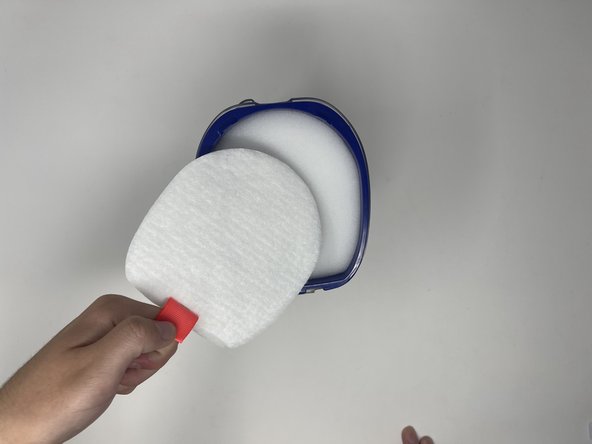


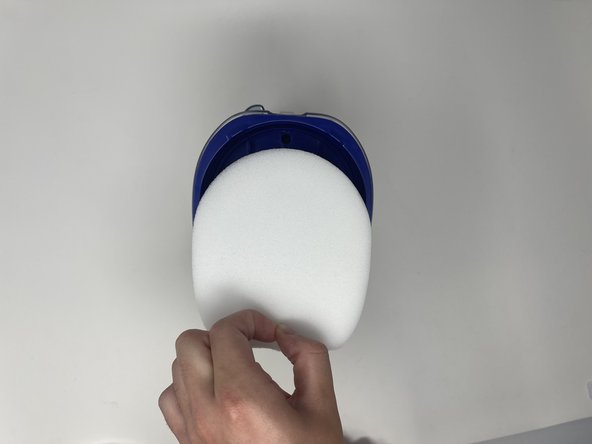
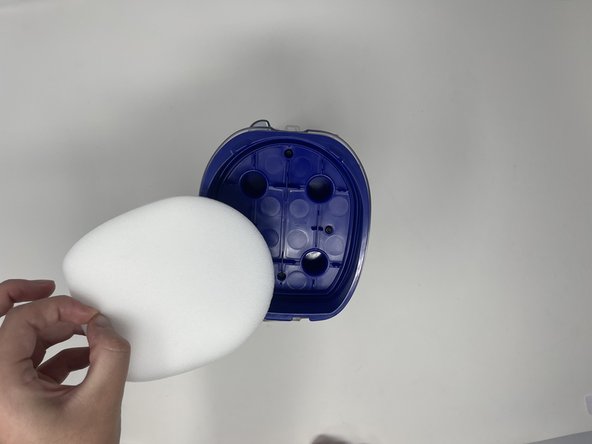


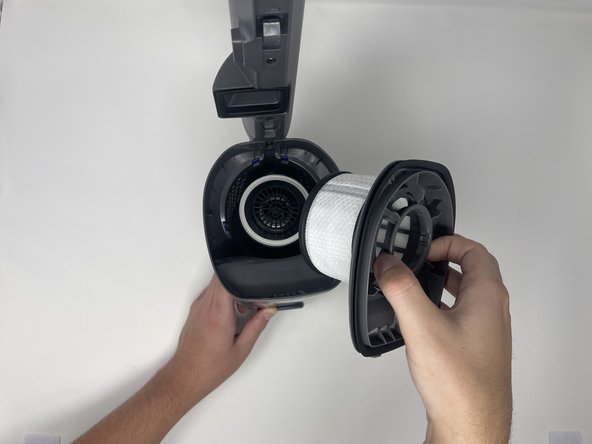


To reassemble your device, follow these instructions in reverse order.
Cancel: I did not complete this guide.
One other person completed this guide.

Team

Utah Tech University, Team 1-5, Crenshaw Fall 2024 Member of Utah Tech University, Team 1-5, Crenshaw Fall 2024
UTAHTECH-CRENSHAW-F24S1G5
3 Members
5 Guides authored
