Shark Navigator Lift-Away Zero-M Power Switch Replacement

What you need

  1. Shark Navigator Lift-Away Zero-M Power Switch Replacement, Power Switch: step 1, image 1 of 2 Shark Navigator Lift-Away Zero-M Power Switch Replacement, Power Switch: step 1, image 2 of 2
    • Depress the dust cup release button and remove the dust cup.

  2. Shark Navigator Lift-Away Zero-M Power Switch Replacement: step 2, image 1 of 2 Shark Navigator Lift-Away Zero-M Power Switch Replacement: step 2, image 2 of 2
    • Use a Torx TR6 screwdriver to remove the seven 18 mm screws from the frame of the vacuum.

  3. Shark Navigator Lift-Away Zero-M Power Switch Replacement: step 3, image 1 of 2 Shark Navigator Lift-Away Zero-M Power Switch Replacement: step 3, image 2 of 2
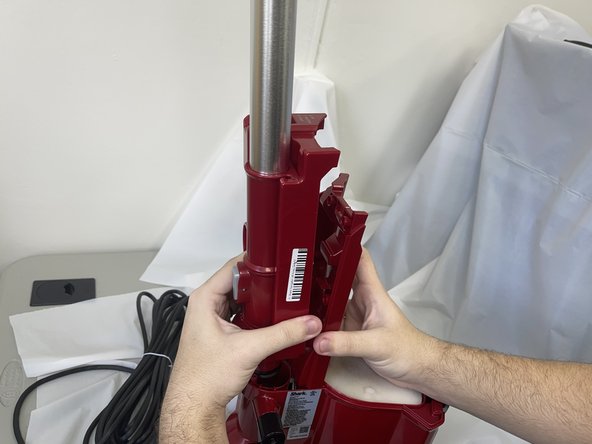
    • Grab the front of the vacuum frame and lift the wand assembly to remove it.

    • This will reveal the underside of the switch.

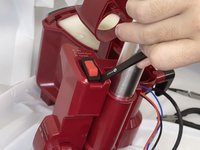
  4. Shark Navigator Lift-Away Zero-M Power Switch Replacement: step 4, image 1 of 2 Shark Navigator Lift-Away Zero-M Power Switch Replacement: step 4, image 2 of 2
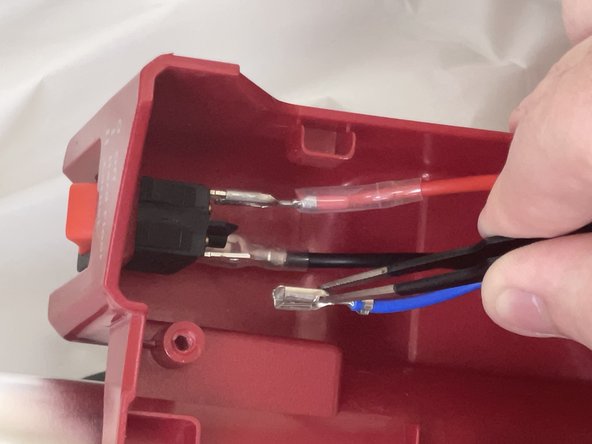
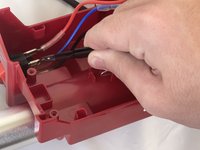
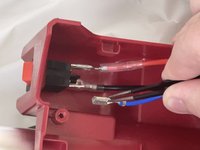
    • Use tweezers or your fingers to disconnect the power switch connectors.

    • Each of the wires has a release tab at the bottom of the metal portion. Be sure to depress it before pulling to avoid damage.

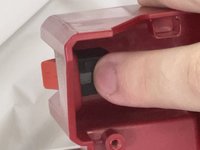
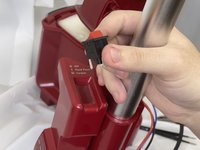
  5. Shark Navigator Lift-Away Zero-M Power Switch Replacement: step 5, image 1 of 3 Shark Navigator Lift-Away Zero-M Power Switch Replacement: step 5, image 2 of 3 Shark Navigator Lift-Away Zero-M Power Switch Replacement: step 5, image 3 of 3
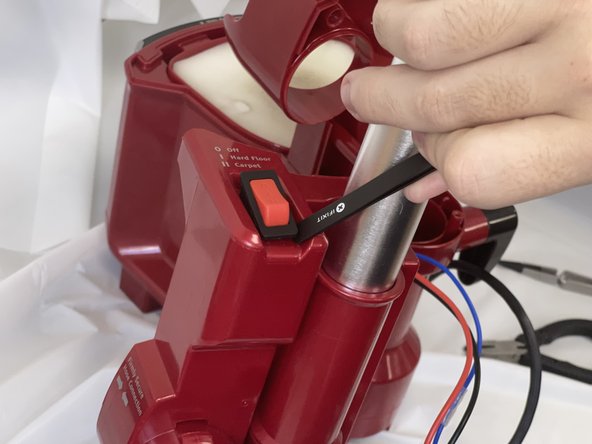
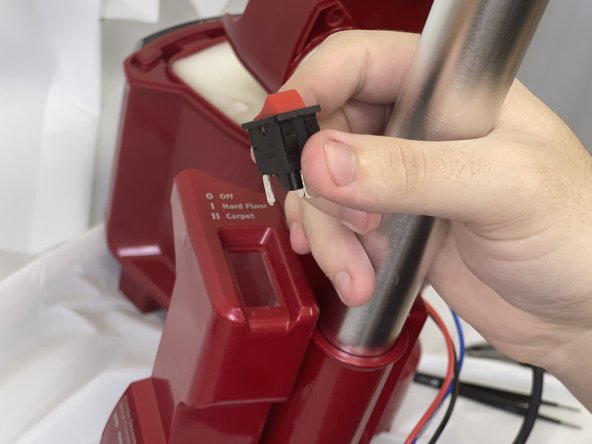
    • Push the switch out of its housing from the underside.

    • Remove the switch.

Conclusion

To reassemble your device, follow these instructions in reverse order.

0 Guide Comments

Add Comment

View Statistics:

Past 24 Hours: 0

Past 7 Days: 4

Past 30 Days: 27

All Time: 276