Free Shipping on Domestic Orders $75+

Samsung T139 Pad Buttons Replacement

What you need

    1. Samsung T139 Pad Buttons Replacement, Remove Back Cover: step 1, image 1 of 3 Samsung T139 Pad Buttons Replacement, Remove Back Cover: step 1, image 2 of 3 Samsung T139 Pad Buttons Replacement, Remove Back Cover: step 1, image 3 of 3
      • Power off your phone before beginning disassembly

      • Apply pressure to the back cover and slide towards the base

      Ask FixBot

      Add Comment

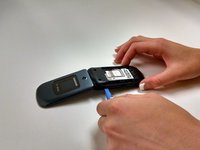
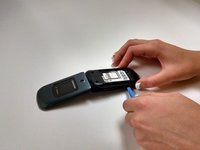
    2. Samsung T139 Pad Buttons Replacement, Remove Battery: step 2, image 1 of 2 Samsung T139 Pad Buttons Replacement, Remove Battery: step 2, image 2 of 2
      • With a plastic opening tool, lift and remove the battery

      Ask FixBot

      Add Comment

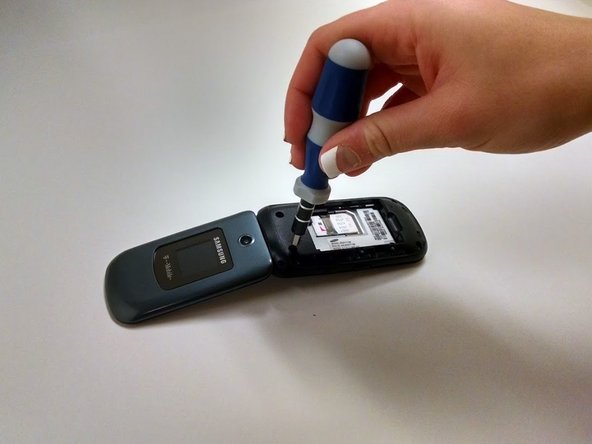
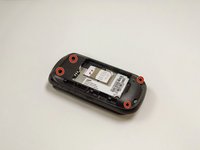
    1. Samsung T139 Pad Buttons Replacement, Remove Screws: step 3, image 1 of 2 Samsung T139 Pad Buttons Replacement, Remove Screws: step 3, image 2 of 2
      • Remove the four Phillips 1.0mm #0 screws

      Ask FixBot

      Add Comment

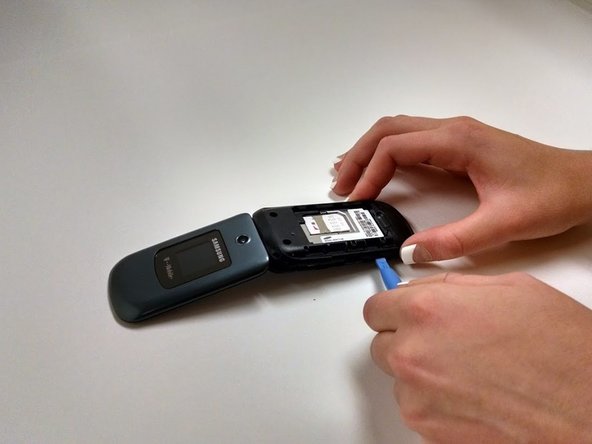
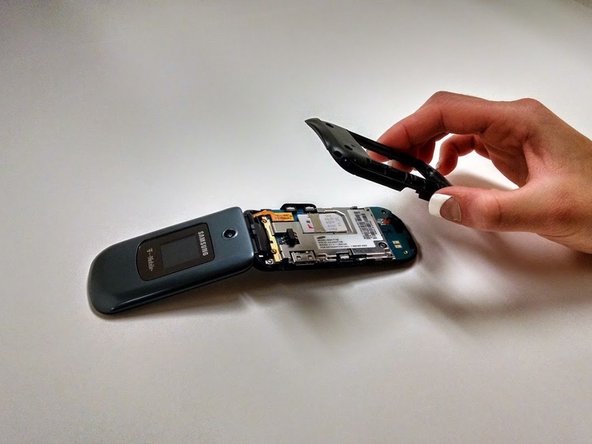
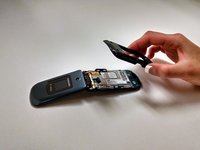
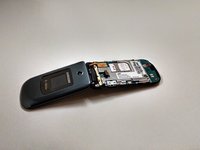
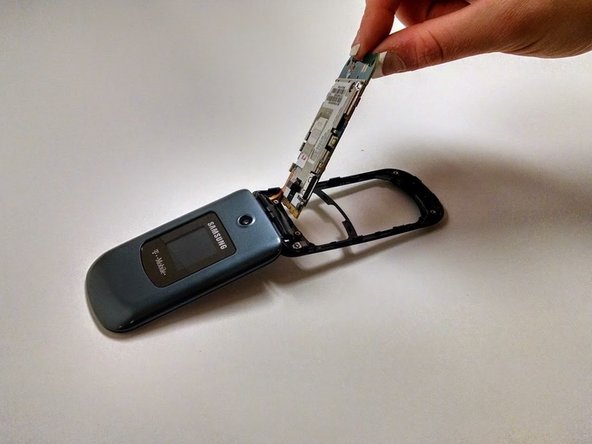
    2. Samsung T139 Pad Buttons Replacement, Remove Black Plastic Cover: step 4, image 1 of 3 Samsung T139 Pad Buttons Replacement, Remove Black Plastic Cover: step 4, image 2 of 3 Samsung T139 Pad Buttons Replacement, Remove Black Plastic Cover: step 4, image 3 of 3
      • Using the plastic opening tool, work around the edge of the black plastic cover until it pops off

      Ask FixBot

      Add Comment

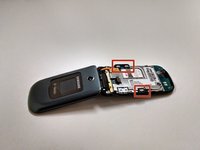
    3. Samsung T139 Pad Buttons Replacement, Remove Side Buttons: step 5, image 1 of 2 Samsung T139 Pad Buttons Replacement, Remove Side Buttons: step 5, image 2 of 2
      • Remove side buttons by lifting them off the board

      Ask FixBot

      Add Comment

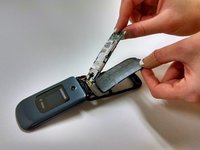
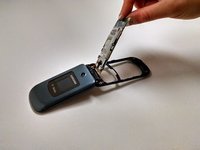
    4. Samsung T139 Pad Buttons Replacement, Remove Circuit Board: step 6, image 1 of 1
      • Lift circuit board up gently

      • Be careful to not pull ribbon cord apart when removing

      Ask FixBot

      Add Comment

    5. Samsung T139 Pad Buttons Replacement, Remove Button Pad: step 7, image 1 of 2 Samsung T139 Pad Buttons Replacement, Remove Button Pad: step 7, image 2 of 2
      • Lift away button pad

      Ask FixBot

      Add Comment

Conclusion

To reassemble your device, follow these instructions in reverse order.

Cancel: I did not complete this guide.

Reagan May

Member since: 10/23/14

588 Reputation

5 Guides authored

Team

Michigan Tech, Team 1-1, Lauer Fall 2014 Member of Michigan Tech, Team 1-1, Lauer Fall 2014

MTU-LAUER-F14S1G1

3 Members

45 Guides authored

0 Guide Comments

Add Comment

View Statistics:

Past 24 Hours: 2

Past 7 Days: 10

Past 30 Days: 33

All Time: 638