
Samsung SGH-A137 Keypad Replacement

Last updated on Jul 31, 2019
Views: 894
View statistics:
- Past 24 Hours:
- 2
- Past 7 Days:
- 21
- Past 30 Days:
- 95
- All Time:
- 894
Comments: 0
No one has left comments on this guide. Will you be first?
Go to guide commentsCompleted: 1 2
1 person has marked this guide "completed." Will you be next?
2 people have marked this guide "completed." Including you — great job!
Favorites: 0 1
No one has favorited (and subscribed to) this guide. Will you be the first?
1 person has favorited (and subscribed to) this guide — and that's you!
Introduction
Go to step 1 ↓Overuse of the texting/emailing feature can wear out the keypad and even damage it depending on the amount of pressure applied. This process is still considered moderately difficult, but with patience, can be completed with great results.
Remember that you are working with sensitive electronic pieces so don't rush through the steps and pay particular attention to step 4. To much pressure or going to fast can cause the small plastic clips to break off when removing the back casing, and that will prevent a tight seal when you reassemble the phone.
What you need
Tools
-
Spudger4.9


-
-
-
Use your thumbs to pull down on the back cover to remove it and expose the battery.
 Ask FixBot
-
-
-
Locate the indent in the case below the battery. (see red square)
-
Place your finger at the indent and pull up on the battery to remove it.
-
-
-
-
-
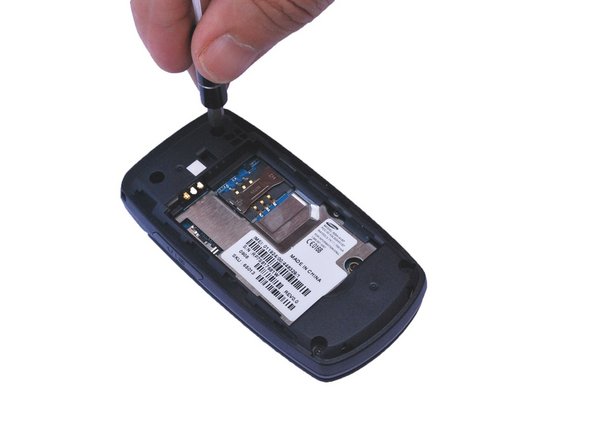
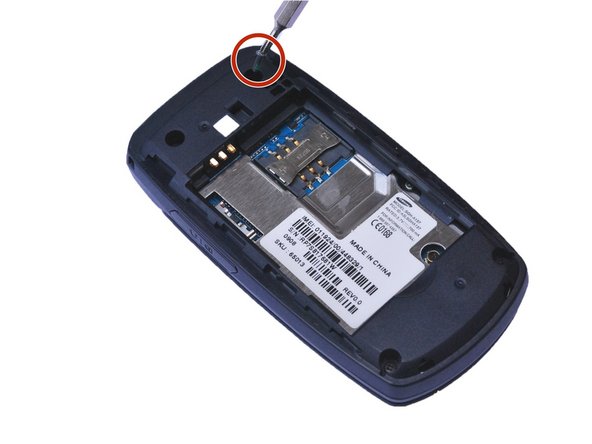
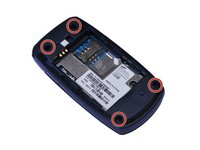
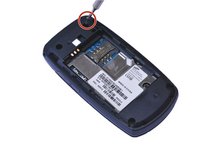
Locate the 4 screw holes and remove the 0.4 mm Phillips head screws using a #000 Phillips head screwdriver. (See red circles)
-
-
-
-
Using a plastic opening tool, gently pry open the back of the phone at the seam.
-
-
-
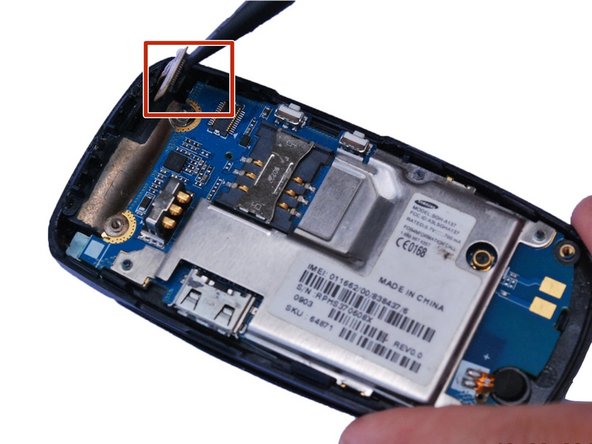
Place the flat edge of a spudger under the edge of the press-fit connector and , gently pry the connector straight up from its socket. (Highlighted by the red square)
-
-
-






To reassemble your device, follow these instructions in reverse order.
Cancel: I did not complete this guide.
One other person completed this guide.

Team

USF Sarasota-Manatee, Team 1-1, Stewart Fall 2015 Member of USF Sarasota-Manatee, Team 1-1, Stewart Fall 2015
USFSM-STEWART-F15S1G1
5 Members
120 Guides authored
