15% Off Selected iFixit Tools — Limited Time
Free Shipping on Domestic Orders $75+

Samsung SCH-R355C Keyboard Replacement

What you need

  1. Samsung SCH-R355C Keyboard Replacement, Keyboard: step 1, image 1 of 1
    • Pull down on the back of the phone to pull it off.

    Ask FixBot

    Add Comment

  2. Samsung SCH-R355C Keyboard Replacement: step 2, image 1 of 2 Samsung SCH-R355C Keyboard Replacement: step 2, image 2 of 2
    • Remove the battery from the phone.

    Ask FixBot

    Add Comment

  3. Samsung SCH-R355C Keyboard Replacement: step 3, image 1 of 2 Samsung SCH-R355C Keyboard Replacement: step 3, image 2 of 2
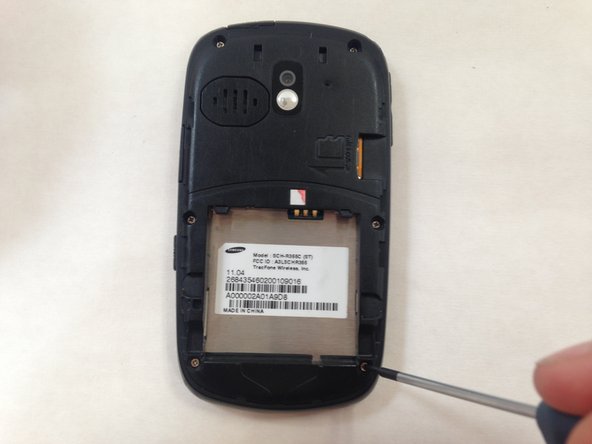
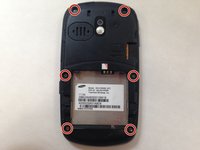
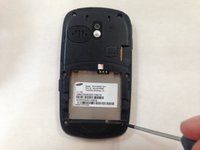
    • Use a small #00 Phillips-head screwdriver to unscrew all 6 of the 4 mm back screws.

    Ask FixBot

    Add Comment

  4. Samsung SCH-R355C Keyboard Replacement: step 4, image 1 of 1
    • Push down on the silver part of the phone where the battery used to be located. Hold the back of the case to catch it as it comes off.

    Ask FixBot

    Add Comment

  5. Samsung SCH-R355C Keyboard Replacement: step 5, image 1 of 2 Samsung SCH-R355C Keyboard Replacement: step 5, image 2 of 2
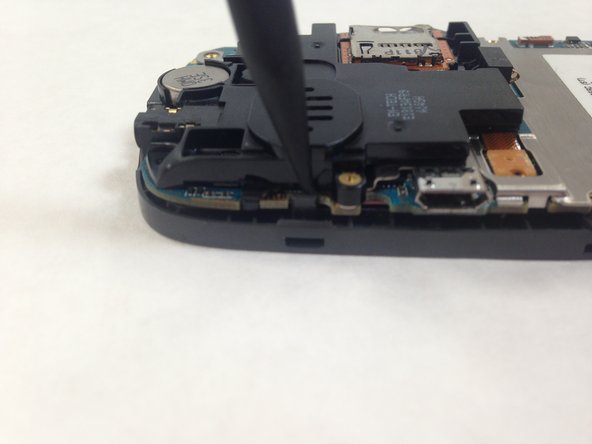
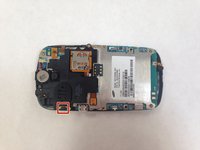
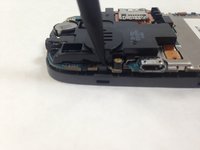
    • Pry away the friction holder on the top left-hand side of the motherboard. This will release the motherboard.

    • Don't rip the cord attaching the motherboard to the case when you lift the motherboard up. This will render the phone unusable.

    Ask FixBot

    Add Comment

  6. Samsung SCH-R355C Keyboard Replacement: step 6, image 1 of 2 Samsung SCH-R355C Keyboard Replacement: step 6, image 2 of 2
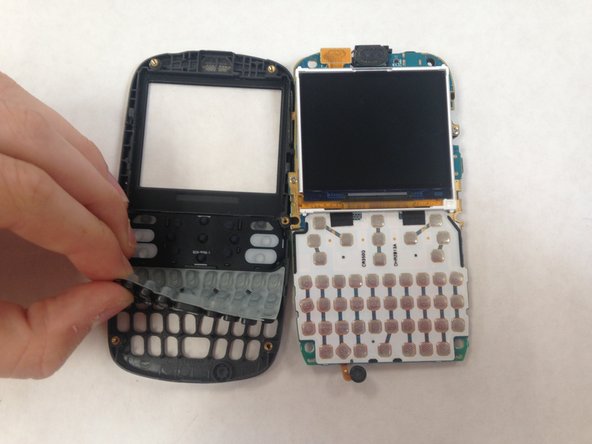
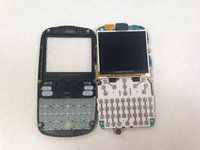
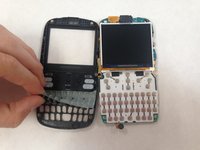
    • Lift the keyboard membrane from the bottom and replace it.

    Ask FixBot

    Add Comment

Conclusion

To reassemble your device, follow these instructions in reverse order.

Cancel: I did not complete this guide.

One other person completed this guide.

Lorena Valdes

Member since: 05/31/16

107 Reputation

1 Guide authored

0 Guide Comments

Add Comment

View Statistics:

Past 24 Hours: 2

Past 7 Days: 7

Past 30 Days: 31

All Time: 390