15% Off Selected iFixit Tools — Limited Time
Free Shipping on Domestic Orders $75+

Samsung Rogue Front Function Keys Replacement

What you need

  1. Samsung Rogue Front Function Keys Replacement, Battery: step 1, image 1 of 2 Samsung Rogue Front Function Keys Replacement, Battery: step 1, image 2 of 2
    • Before disassembling your Samsung Rogue, make sure it is powered off.

    • With your thumbs, push down on the back cover of your phone and slide it away from the camera.

    Ask FixBot

    Add Comment

  2. Samsung Rogue Front Function Keys Replacement: step 2, image 1 of 2 Samsung Rogue Front Function Keys Replacement: step 2, image 2 of 2
    • You can now remove the battery by prying it up with your finger.

    Ask FixBot

    Add Comment

  3. Samsung Rogue Front Function Keys Replacement, Motherboard: step 3, image 1 of 1
    • Use a plastic opening tool to carefully pry the back cover surrounding the camera up from the phone.

    Ask FixBot

    Add Comment

  4. Samsung Rogue Front Function Keys Replacement: step 4, image 1 of 1
    • Remove the five 3.4mm Philips screws securing the backing of the phone.

    Ask FixBot

    Add Comment

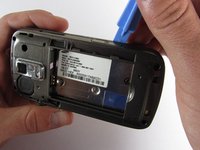
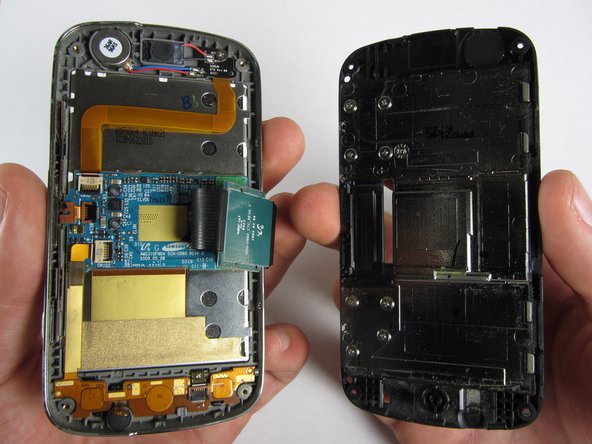
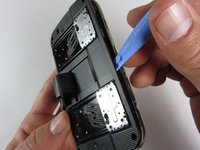
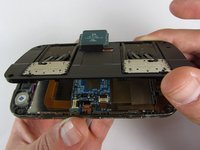
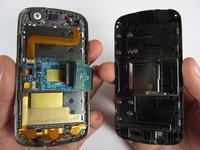
  5. Samsung Rogue Front Function Keys Replacement: step 5, image 1 of 3 Samsung Rogue Front Function Keys Replacement: step 5, image 2 of 3 Samsung Rogue Front Function Keys Replacement: step 5, image 3 of 3
    • Use a plastic opening tool to carefully pry off the back cover.

    • Make sure you are prying along the edge and not between the two halves of the phone that slide away from each other.

    • Be careful to not drop the volume changing piece, for it can easily slip out.

    Ask FixBot

    Add Comment

  6. Samsung Rogue Front Function Keys Replacement: step 6, image 1 of 1
    • Remove the two 3.45 mm Philips screws below the white sticker.

    Ask FixBot

    Add Comment

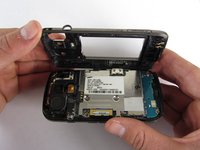
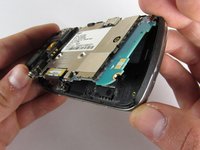
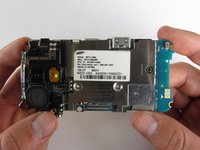
  7. Samsung Rogue Front Function Keys Replacement: step 7, image 1 of 2 Samsung Rogue Front Function Keys Replacement: step 7, image 2 of 2
    • Carefully lift the motherboard up from the bottom edge.

    • The film of wires is still attached to the motherboard, so do not completely remove the motherboard just yet or you may damage it.

    Ask FixBot

    Add Comment

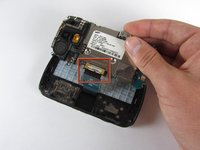
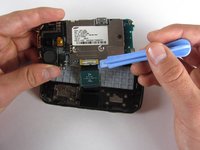
  8. Samsung Rogue Front Function Keys Replacement: step 8, image 1 of 2 Samsung Rogue Front Function Keys Replacement: step 8, image 2 of 2
    • Use a plastic opening tool to disconnect the film from the motherboard.

    Ask FixBot

    Add Comment

  9. Samsung Rogue Front Function Keys Replacement, Front Function Keys: step 9, image 1 of 1
    • Remove the eight 1.7mm Philips screws above the keyboard.

    Ask FixBot

    Add Comment

  10. Samsung Rogue Front Function Keys Replacement: step 10, image 1 of 1
    • Carefully remove keyboard frame from the sliding mechanisms underneath.

    Ask FixBot

    Add Comment

  11. Samsung Rogue Front Function Keys Replacement: step 11, image 1 of 1
    • Remove the five 3.0mm Philips screws around the outside of the sliding mechanisms.

    Ask FixBot

    Add Comment

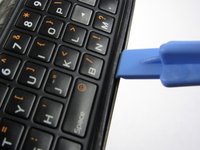
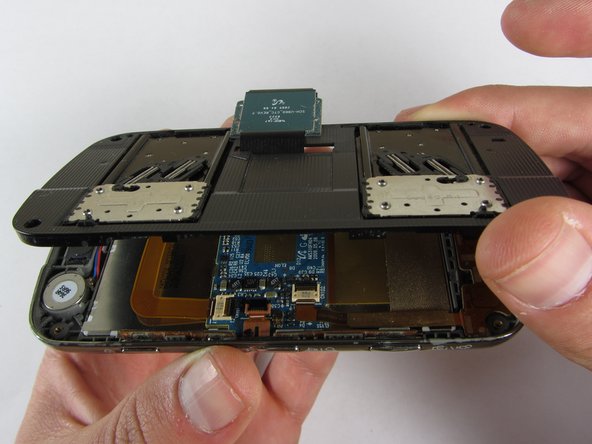
  12. Samsung Rogue Front Function Keys Replacement: step 12, image 1 of 3 Samsung Rogue Front Function Keys Replacement: step 12, image 2 of 3 Samsung Rogue Front Function Keys Replacement: step 12, image 3 of 3
    • Use a plastic opening tool to pry off the upper slide plate.

    • Be careful of the film of wires when taking off the upper slide plate.

    Ask FixBot

    Add Comment

  13. Samsung Rogue Front Function Keys Replacement: step 13, image 1 of 3 Samsung Rogue Front Function Keys Replacement: step 13, image 2 of 3 Samsung Rogue Front Function Keys Replacement: step 13, image 3 of 3
    Tool used on this step:
    Tweezers
    $4.99
    Buy
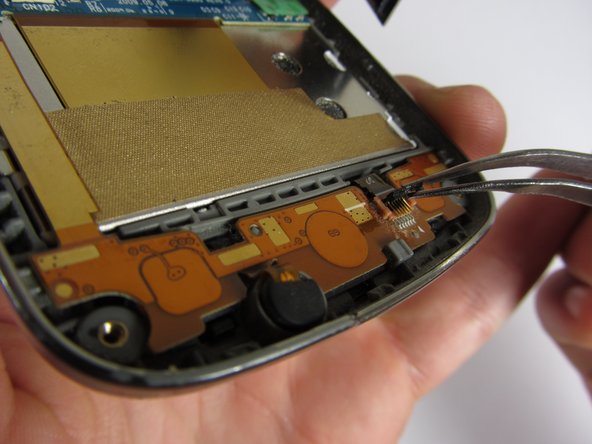
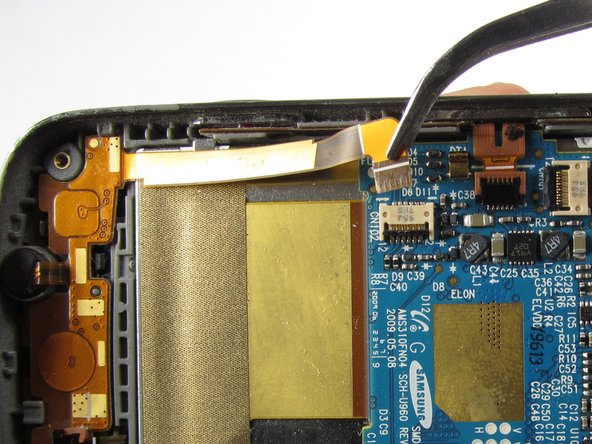
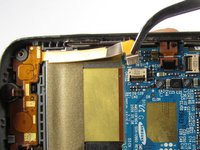
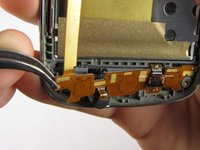
    • Use tweezers to open the two black gates by putting them in the "up" position.

    • With the same tweezers, carefully pull out the orange strips from the two specified gates.

    Ask FixBot

    Add Comment

  14. Samsung Rogue Front Function Keys Replacement: step 14, image 1 of 3 Samsung Rogue Front Function Keys Replacement: step 14, image 2 of 3 Samsung Rogue Front Function Keys Replacement: step 14, image 3 of 3
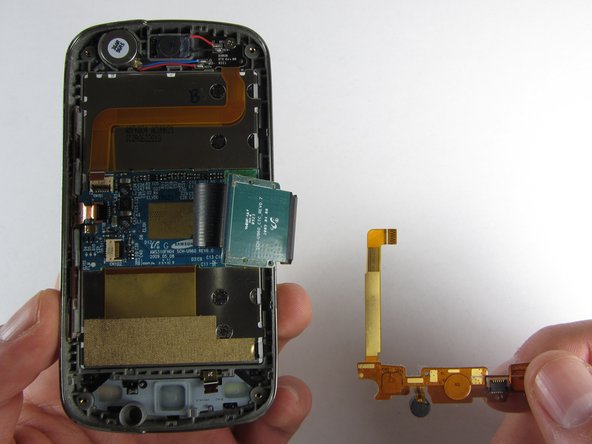
    • Using tweezers, gently remove the bottom orange strip from the device.

    • At this point you can easily lift out the rubber function key pad as well.

    Ask FixBot

    Add Comment

  15. Samsung Rogue Front Function Keys Replacement: step 15, image 1 of 3 Samsung Rogue Front Function Keys Replacement: step 15, image 2 of 3 Samsung Rogue Front Function Keys Replacement: step 15, image 3 of 3
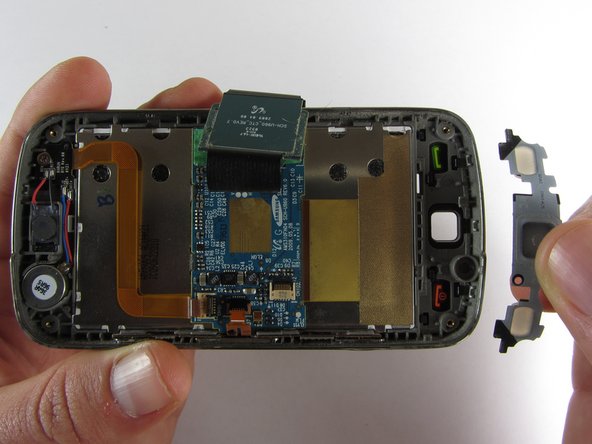
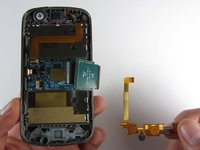
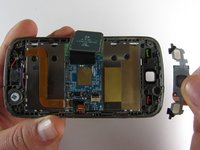
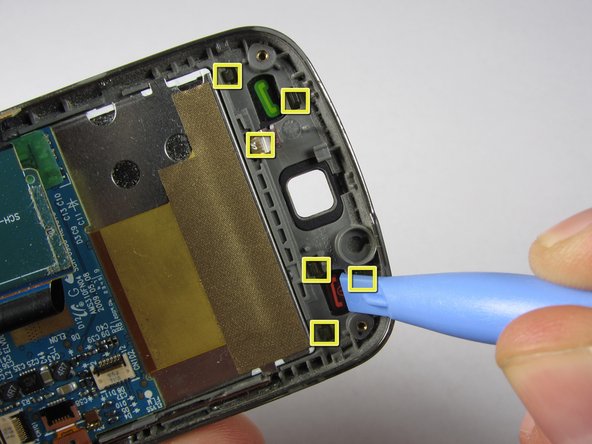
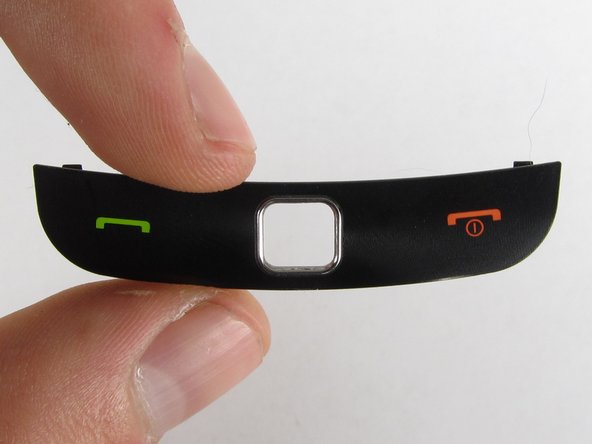
    • There are two ways you can take out the front function keys:

    • 1) Use a plastic phone opening tool to pry out the piece from the front of the phone.

    • 2) Simply pop out the piece from the inside by pushing on its tabs.

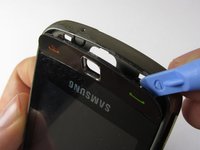
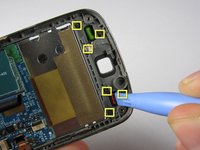
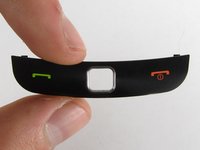
    Ask FixBot

    Add Comment

Conclusion

To reassemble your device, follow these instructions in reverse order.

Cancel: I did not complete this guide.

Viktoria Mikoultchik

Member since: 04/15/12

25 Reputation

7 Guides authored

Team

Cal Poly, Team 7-32, Maness Spring 2012 Member of Cal Poly, Team 7-32, Maness Spring 2012

CPSU-MANESS-S12S7G32

4 Members

20 Guides authored

0 Guide Comments

Add Comment

View Statistics:

Past 24 Hours: 2

Past 7 Days: 10

Past 30 Days: 37

All Time: 694