15% Off Selected iFixit Tools — Limited Time
Free Shipping on Domestic Orders $75+

Samsung Radiant 360 R1 WiFi Module Replacement

What you need

  1. Samsung Radiant 360 R1 WiFi Module Replacement, Micro USB / Power Port Panel: step 1, image 1 of 1
    • Working on your device while it is turned on may result in electric shock. Make sure to shut down and unplug your device before you begin.

    • Use the plastic opening tool to lift and remove the rubber grommet plugs.

    Ask FixBot

    Add Comment

  2. Samsung Radiant 360 R1 WiFi Module Replacement: step 2, image 1 of 1
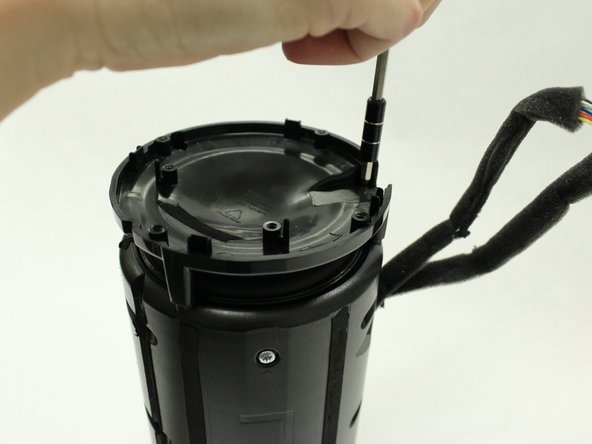
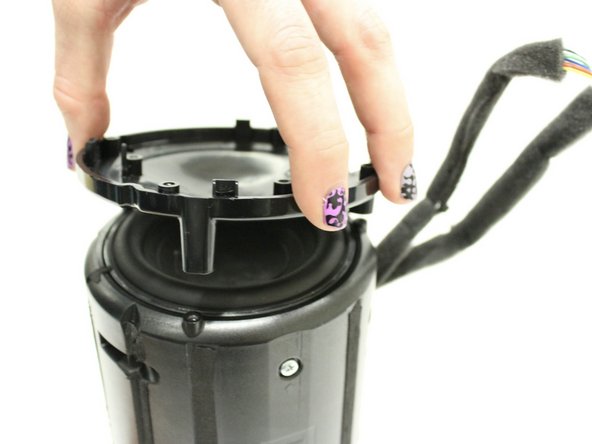
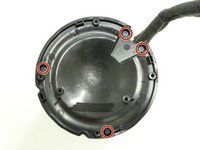
    • Using a PH1 Philips screwdriver, remove four (9.5mm x 1.6mm) screws from the base plate.

    • Remove base plate by stabilizing speaker and using plastic prying tool to pry the base plate from the speaker.

    Ask FixBot

    Add Comment

  3. Samsung Radiant 360 R1 WiFi Module Replacement: step 3, image 1 of 1
    • Place the speaker on the table with the Touch Pad facing down. This will leave you with the Port Panel exposed.

    • Remove speaker grill by stabilizing speaker on a table and applying pressure to the bottom of the speaker. Slide the speaker grill up and away from the remaining endcap.

    Ask FixBot

    Add Comment

  4. Samsung Radiant 360 R1 WiFi Module Replacement: step 4, image 1 of 1
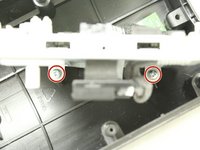
    • Remove the two exposed (9.5mm x 1.6mm) PH1 Phillips screws on the Port Panel.

    • Remove the Port Panel from the speaker body, exposing the ribbon cables.

    Ask FixBot

    Add Comment

  5. Samsung Radiant 360 R1 WiFi Module Replacement: step 5, image 1 of 1
    • While stabilizing the Port Panel remove the two ribbon cables one at a time by pressing the locking clip down on the ribbon cable connectors and pulling the connector away from the Port Panel.

    Ask FixBot

    Add Comment

  6. Samsung Radiant 360 R1 WiFi Module Replacement, 1" Tweeter Speaker: step 6, image 1 of 3 Samsung Radiant 360 R1 WiFi Module Replacement, 1" Tweeter Speaker: step 6, image 2 of 3 Samsung Radiant 360 R1 WiFi Module Replacement, 1" Tweeter Speaker: step 6, image 3 of 3
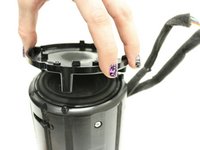
    • Remove the four (9.5mm x 1.6mm) PH1 Phillips screws on the port speaker body.

    • Remove the Port Panel exposing the subwoofer.

    Ask FixBot

    Add Comment

  7. Samsung Radiant 360 R1 WiFi Module Replacement: step 7, image 1 of 3 Samsung Radiant 360 R1 WiFi Module Replacement: step 7, image 2 of 3 Samsung Radiant 360 R1 WiFi Module Replacement: step 7, image 3 of 3
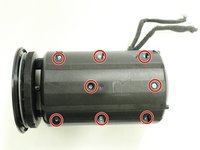
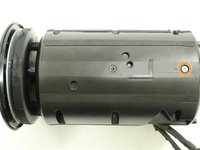
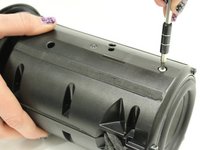
    • Remove the eight (9.5mm x 1.6mm) PH1 Phillips screws on the right side of the speaker body.

    • Remove the one (9.5mm x 1.6mm) PH1 Phillips screw on the left side of the speaker body.

    • The body sides are denoted with a "R" and an "L" for right and left sides.

    Ask FixBot

    Add Comment

  8. Samsung Radiant 360 R1 WiFi Module Replacement: step 8, image 1 of 1
    • Open up the body to expose the inner panel and motherboard.

    Ask FixBot

    Add Comment

  9. Samsung Radiant 360 R1 WiFi Module Replacement: step 9, image 1 of 3 Samsung Radiant 360 R1 WiFi Module Replacement: step 9, image 2 of 3 Samsung Radiant 360 R1 WiFi Module Replacement: step 9, image 3 of 3
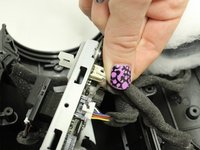
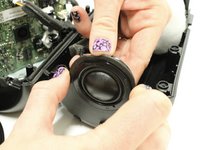
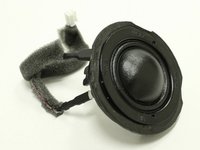
    • Remove the ribbon cable from the tweeter which is attached to the main motherboard.

    • Slide the tweeter out of the enclosure.

    Ask FixBot

    Add Comment

  10. Samsung Radiant 360 R1 WiFi Module Replacement, Bluetooth Module: step 10, image 1 of 1
    • Slide rubber grommet out of slot on plastic housing.

    • This may have occurred naturally when separating the two halves.

    Ask FixBot

    Add Comment

  11. Samsung Radiant 360 R1 WiFi Module Replacement: step 11, image 1 of 3 Samsung Radiant 360 R1 WiFi Module Replacement: step 11, image 2 of 3 Samsung Radiant 360 R1 WiFi Module Replacement: step 11, image 3 of 3
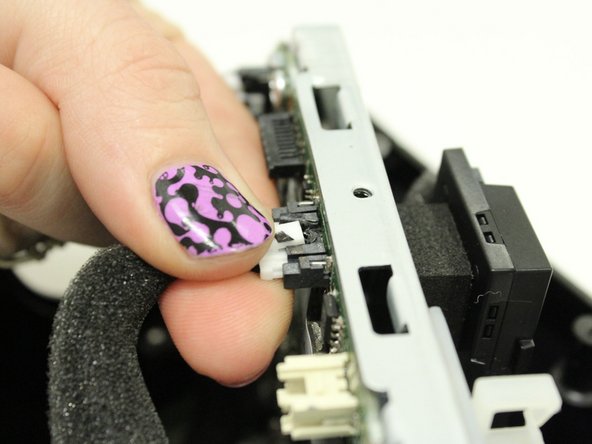
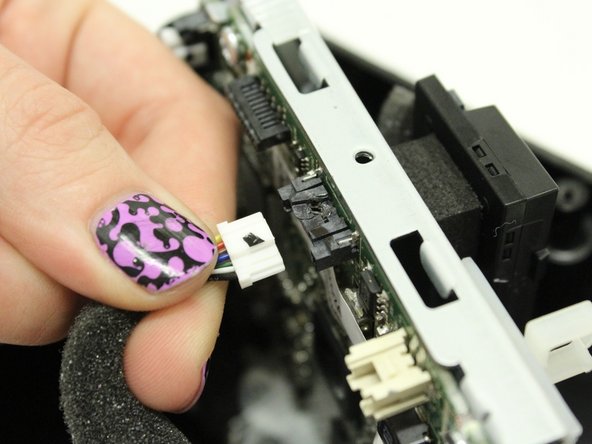
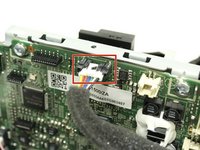
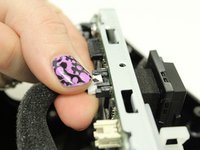
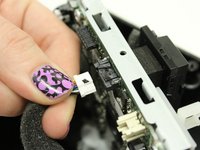
    • Disconnect white connector by pushing down on the release tab while gently pulling the connector free from the socket.

    • Remove wiring harness and set aside.

    • The other connectors in the wiring harness should already be free from previous steps.

    Ask FixBot

    Add Comment

  12. Samsung Radiant 360 R1 WiFi Module Replacement: step 12, image 1 of 2 Samsung Radiant 360 R1 WiFi Module Replacement: step 12, image 2 of 2
    • Locate and remove the two PH2 Phillips screws from the base of the motherboard assembly.

    • These screws may be extremely tight. Be careful not to snap the plastic when removing the screws.

    Ask FixBot

    Add Comment

  13. Samsung Radiant 360 R1 WiFi Module Replacement: step 13, image 1 of 2 Samsung Radiant 360 R1 WiFi Module Replacement: step 13, image 2 of 2
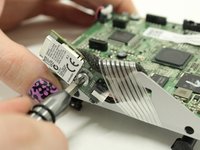
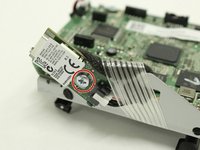
    • Flip the motherboard assembly over and locate the Bluetooth module on the side of the metal frame.

    • Remove the one PH2 Philips screw.

    Ask FixBot

    Add Comment

  14. Samsung Radiant 360 R1 WiFi Module Replacement: step 14, image 1 of 1
    • Press the white tab while gently pulling the Bluetooth module away from the connector and frame.

    Ask FixBot

    Add Comment

  15. Samsung Radiant 360 R1 WiFi Module Replacement, WiFi Module: step 15, image 1 of 3 Samsung Radiant 360 R1 WiFi Module Replacement, WiFi Module: step 15, image 2 of 3 Samsung Radiant 360 R1 WiFi Module Replacement, WiFi Module: step 15, image 3 of 3
    • Disconnect cable from WiFi module.

    • Flip the motherboard assembly over and locate the black WiFi module.

    • Press the white tab on the connector while gently pulling on the connector to disconnect it.

    Ask FixBot

    Add Comment

  16. Samsung Radiant 360 R1 WiFi Module Replacement: step 16, image 1 of 1
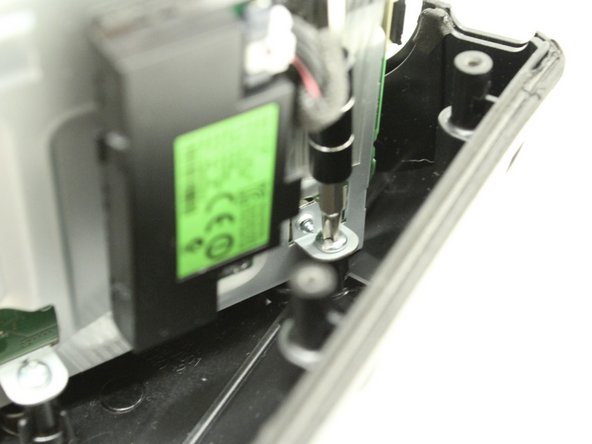
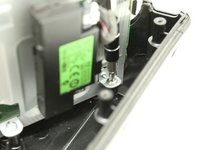
    • Remove the one PH2 Phillips screw from the WiFi module.

    Ask FixBot

    Add Comment

  17. Samsung Radiant 360 R1 WiFi Module Replacement: step 17, image 1 of 2 Samsung Radiant 360 R1 WiFi Module Replacement: step 17, image 2 of 2
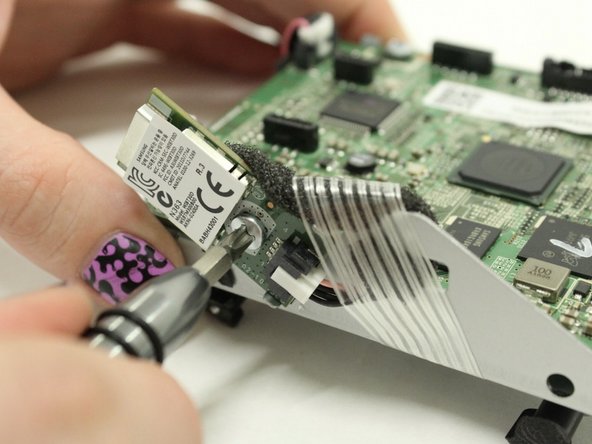
    • Use a flat prying tool to cut under the foam holding the WiFi module to the motherboard assembly.

    • As the foam begins to separate, pull upwards on the WiFi module to keep it from sticking back down.

    Ask FixBot

    Add Comment

Conclusion

To reassemble your device, follow these instructions in reverse order.

Cancel: I did not complete this guide.

Aaron Bristow

Member since: 09/21/17

406 Reputation

3 Guides authored

1 Guide Comment

Hi,

I am new here. You did an excellent job! I would like to know the point of removing the wifi module. Is it to replace it? If you were to replace it, where would you buy the part? Also, I do not have the R1. I have the R7. Do you know if it is similar? Thanks very much

Alex

Alex Duong - Reply Share
Add Comment

View Statistics:

Past 24 Hours: 1

Past 7 Days: 5

Past 30 Days: 23

All Time: 1,043