
Samsung NX2000 Lens Assembly Replacement

Katarina Raic and 3 other contributors
Last updated on Jul 7, 2016
Views: 1.6K
View statistics:
- Past 24 Hours:
- 1
- Past 7 Days:
- 17
- Past 30 Days:
- 93
- All Time:
- 1,608
Comments: 1
1 comment on steps.
Completed: 1 2
1 person has marked this guide "completed." Will you be next?
2 people have marked this guide "completed." Including you — great job!
Favorites: 0 1
No one has favorited (and subscribed to) this guide. Will you be the first?
1 person has favorited (and subscribed to) this guide — and that's you!
Introduction
Go to step 1 ↓This guide will show you how to replace the lens assembly on the Samsung NX2000. It will show you a step by step replacement guide of how to remove parts of lens successfully. Begin with making sure your camera is turned off and removing the lens.
What you need
Tools


-
-
-
Begin by pressing the lens lock button to the right of the lens.
-
Release the button and turn the lens in a clockwise motion until you have removed the lens.
 Ask FixBot
-
-
-
Make sure your camera is turned off and flip your device upside down.
-
Slide the battery switch to the left and open the battery compartment.
-
Push the blue button up inside the battery compartment and remove the battery.
-
-
-
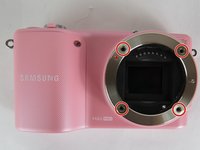
Remove the four 4mm screws highlighted here with the Y0 screwdriver.
-
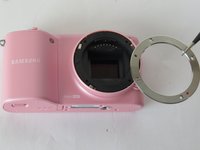
Using a tweezer, gently remove the outer silver lens lining.
-
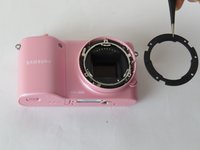
Underneath will lie a black ring, which needs to removed using the same tweezer.
-
-
-
-
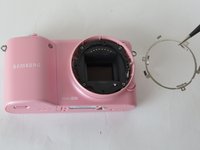
Remove the final silver ring from the lens assembly using a tweezer.
-
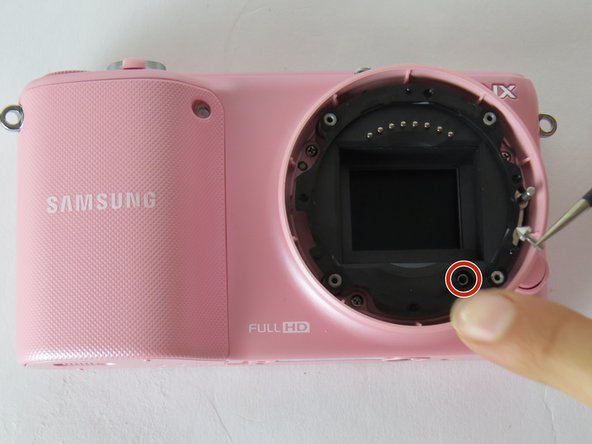
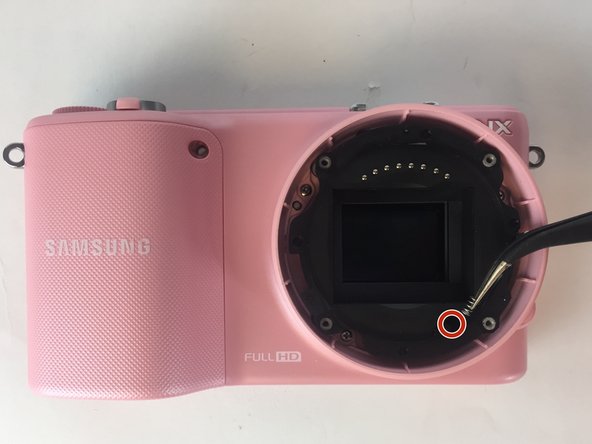
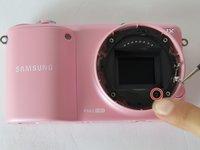
Using a slanted tweezer, remove the highlighted pyramid screw from the compartment shown.
-
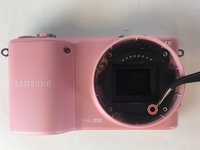
Remove the spring from the same compartment using the same tool.
-
-



To reassemble your device, follow these instructions in reverse order.
Cancel: I did not complete this guide.
One other person completed this guide.

Team

USF Tampa, Team 7-4, Cheng Spring 2016 Member of USF Tampa, Team 7-4, Cheng Spring 2016
USFT-CHENG-S16S7G4
4 Members
60 Guides authored
