Introduction
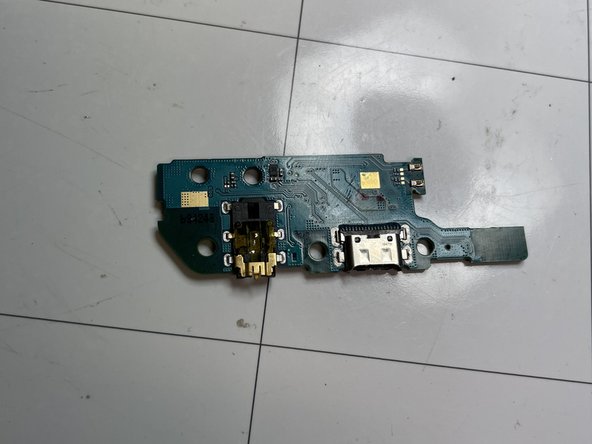
Use this guide in order to replace the charging board of your Samsung Galaxy a20e.
Before disassembling your phone, discharge the battery until it’s below 25%. The battery could catch fire and/or explode if it is accidentally punctured, but the risk becomes lower if the battery is discharged.
You will need replacement adhesive to reattach components when reassembling the device.
What you need
-
-
Insert a SIM eject tool, a SIM eject screwdriver tip, or a straightened paperclip into the small hole on the SIM tray on the left side of the phone.
-
Press firmly with the eject tool to eject the SIM card tray.
-
Remove the SIM card tray.
-
-
-
Lift the display by using a suction cup in order to create a little gap between the phone back cover and the display.
-
Insert a opening pick or a thin tool in the gap and slide it along the entire edge to cut the adhesive.
-
Lift the display with the help of the suction cup to separate the display from the back cover.
-
-
-
-
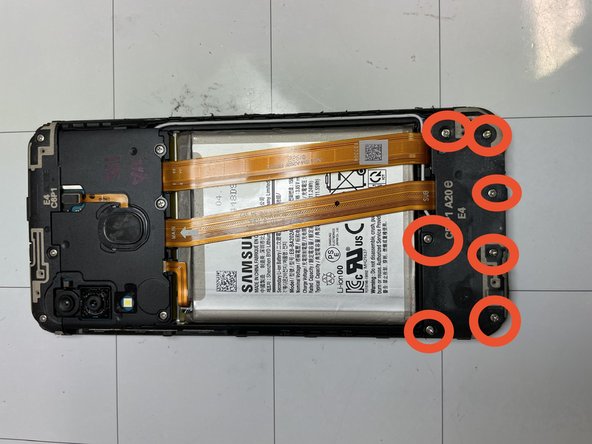
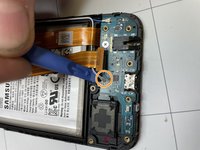
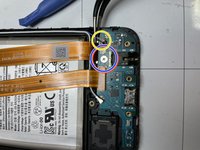
Remove the seven Philips #00 screws.
-
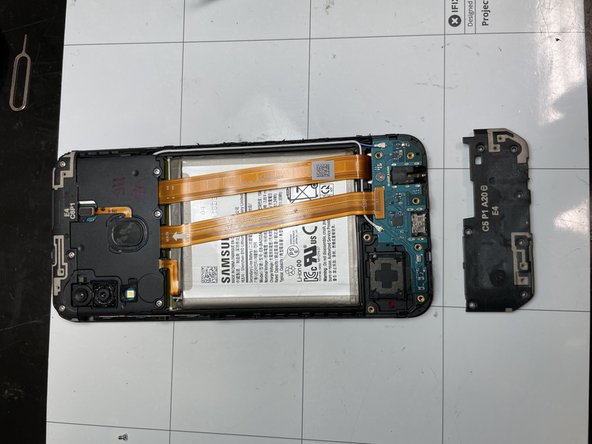
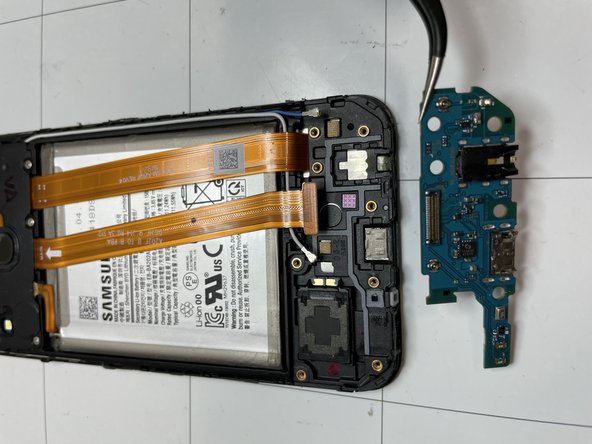
Remove the charging board cover.
-


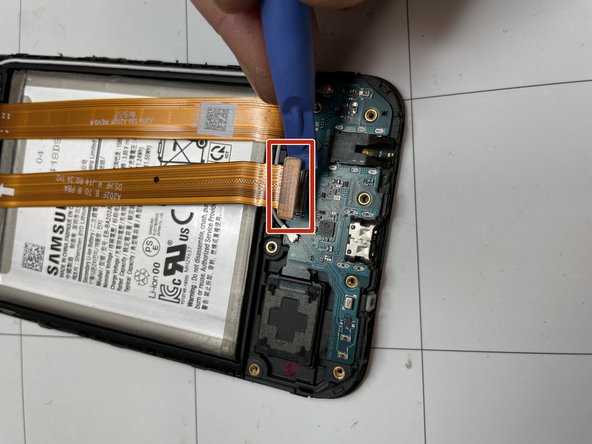
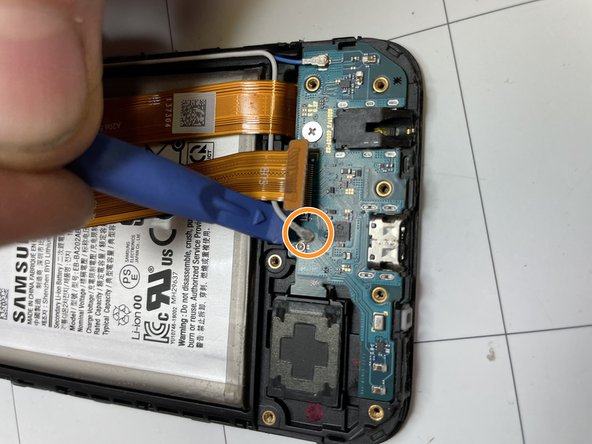
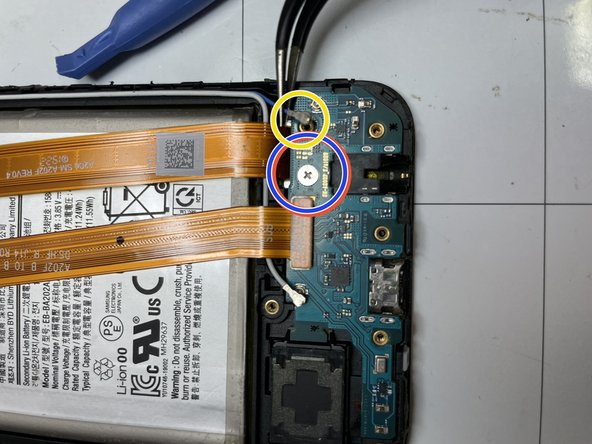
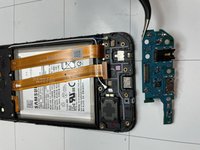
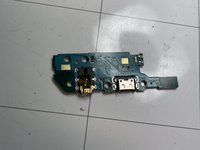
In order to reassemble your device, follow the instructions in reverse order.
Cancel: I did not complete this guide.
One other person completed this guide.
Special thanks to these translators:
100%


These translators are helping us fix the world! Want to contribute?
Start translating ›


