
Samsung Galaxy Tab A 8.0 Digitizer Replacement

nickc75 and
Last updated on Jun 26, 2024
Views: 26K
View statistics:
- Past 24 Hours:
- 2
- Past 7 Days:
- 32
- Past 30 Days:
- 111
- All Time:
- 26,381
Comments: 22
8 comments on steps, 14 guide comments.
Go to guide commentsCompleted: 16 17
16 people have marked this guide "completed." Will you be next?
17 people have marked this guide "completed." Including you — great job!
Favorites: 11 12
11 people have favorited (and subscribed to) this guide. Will you be next?
12 people have favorited (and subscribed to) this guide — including you!
Community-Contributed Guide
An awesome member of our community made this guide. It was not created by iFixit staff.
What you need
Tools


-
-
-
First thing I did was put Packing Tape on cracked screen so when I removed digitizer broken glass wouldnt go everywhere. I then used a Hairdryer to heat the tablet so I can remove the screen. Next time I will use a heat gun, will work much better.
 Ask FixBot
-
-
-
Screen finally came off, but I broke the cable from the old Digitizer. Thats ok, you dont need it anyway
-
-
-
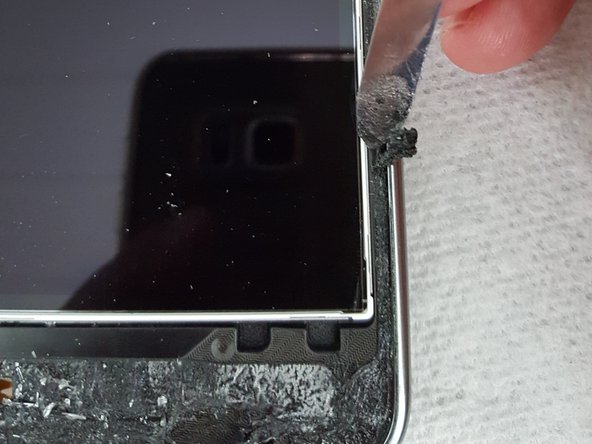
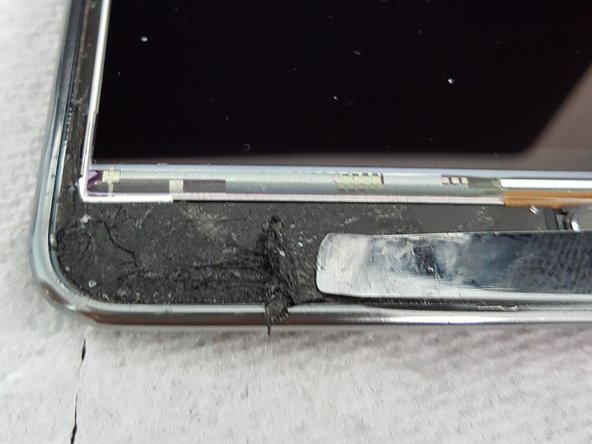
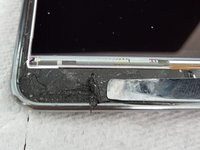
Removing adhesive with Metal Spudger. Tape was really sticky, took a good 20 minutes to clean off
-
-
-
-
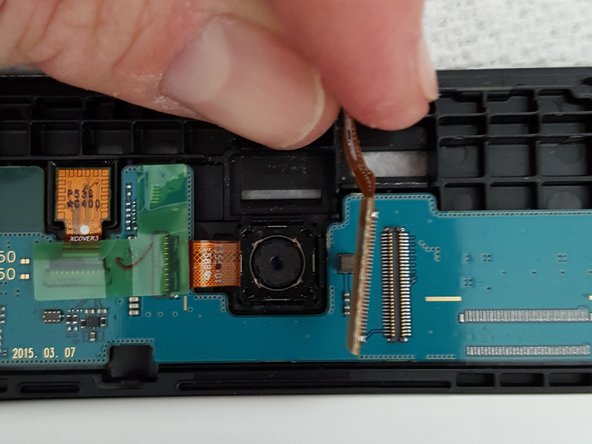
Next I removed Digitizer cable from back of tablet. Just pull it slightly and it comes right off.
-
-
-
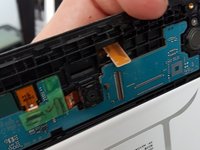
Time to put on new Digitizer. Stand up the Digitizer and Tablet and put the Digitizer cable through the hole to the back and plug in.
-
-
-
Install Digitizer with LCD on bottom cover and snap together, be careful when closing it.
-
-
-
I pushed the Digitizer in gently and it cracked! Cant believe it. Looks like I need to get another Digitizer. I turned it on and everything works great though, but im back to square one.
-
-




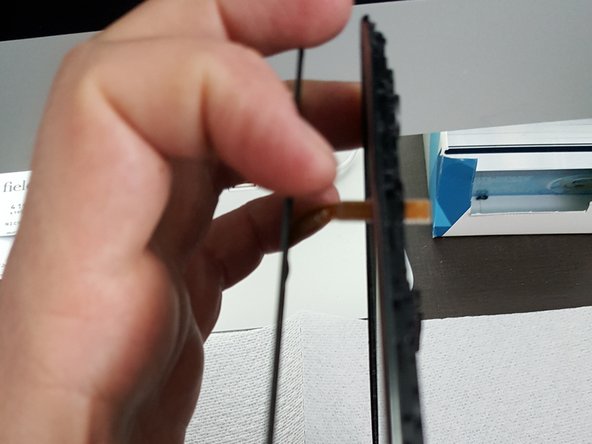
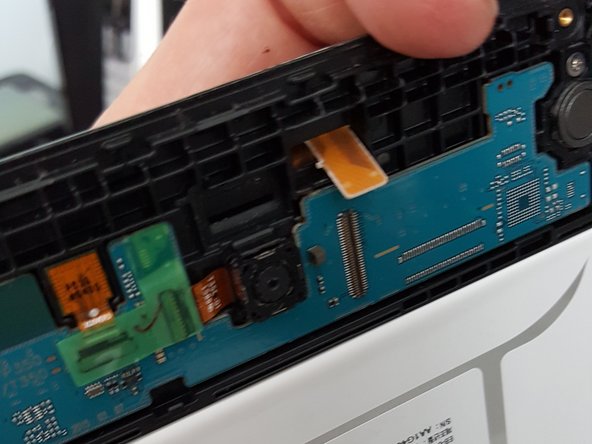





To reassemble your device, follow these instructions in reverse order.
Cancel: I did not complete this guide.
16 other people completed this guide.

14 Guide Comments
Hye, is this the same with Galaxy Tab A 8" with S Pen
If my glass isn't cracked, but the screen looks like it is cracked underneath the glass, is that the lcd digitizer or is it something else? Thank you.
Ooh, I just found a combo on ebay for the glass, digitizer, and display all together for about $100. How difficult do you think it would be to remove the lcd? it looks like it would be easier to replace all of it instead of just the digitizer, and my problem isn't with the digitizer or the glass- just the LCD display, which is kind of strange. Where I am it's really really cold, and i kept getting in and out of the car last night, so I think the hot car to sub freezing temps over and over again might have done in the display.
