
Samsung Galaxy Note7 Screen Assembly Replacement

Kugel Fisch and one other contributor
Last updated on Dec 3, 2025
Views: 477
View statistics:
- Past 24 Hours:
- 4
- Past 7 Days:
- 22
- Past 30 Days:
- 93
- All Time:
- 477
Comments: 0
No one has left comments on this guide. Will you be first?
Go to guide commentsCompleted: 2 3
2 people have marked this guide "completed." Will you be next?
3 people have marked this guide "completed." Including you — great job!
Favorites: 0 1
No one has favorited (and subscribed to) this guide. Will you be the first?
1 person has favorited (and subscribed to) this guide — and that's you!
Community-Contributed Guide
An awesome member of our community made this guide. It was not created by iFixit staff.
Introduction
Go to step 1 ↓The Samsung Galaxy Note 7 is a rather dangerous phone, but even if it's rare and borderline unusable, it still needs proper documentation and maintenance.
NOTE: This guide assumes that you have a replacement screen + midframe with the other non-motherboard parts (speakers, S-pen compartment, etc).
What you need
Tools


-
-
-
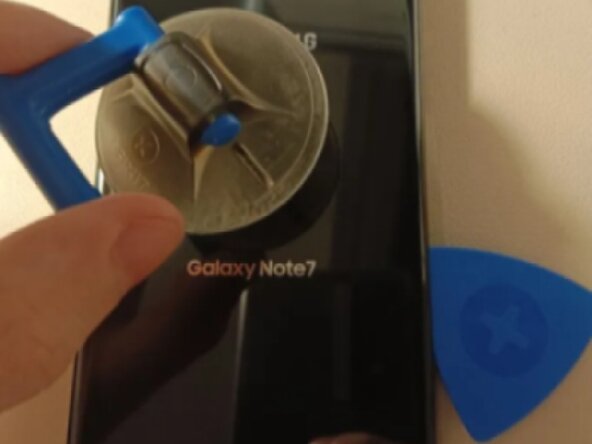
Apply heat to the back panel, use a guitar pick and suction cup to carefully remove the adhesive and remove the back panel.
 Ask FixBot
-
-
-
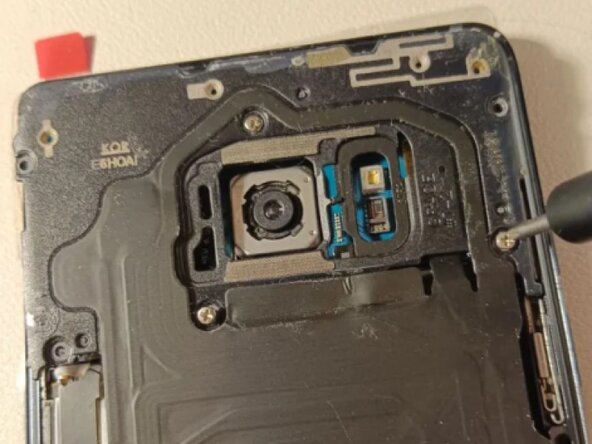
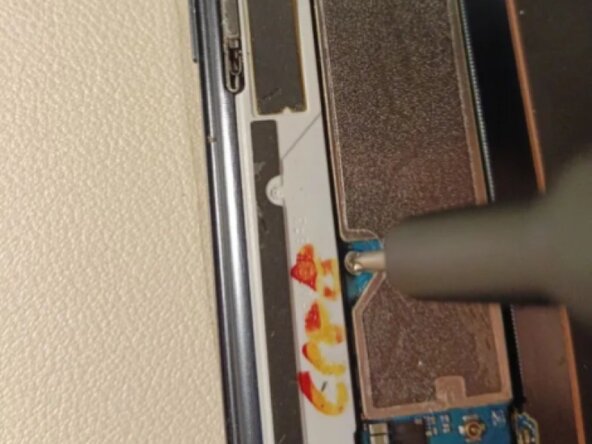
Remove the screws holding the wireless charging and NFC cover in place using a 00 screwdriver, then lift it off.
-
-
-
Carefully disconnect and remove the battery by lifting up the connector with either your fingernail or the flat end of a plastic spudger.
-
-
-
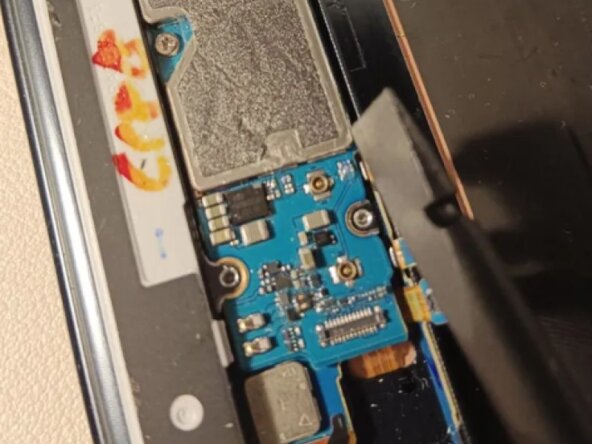
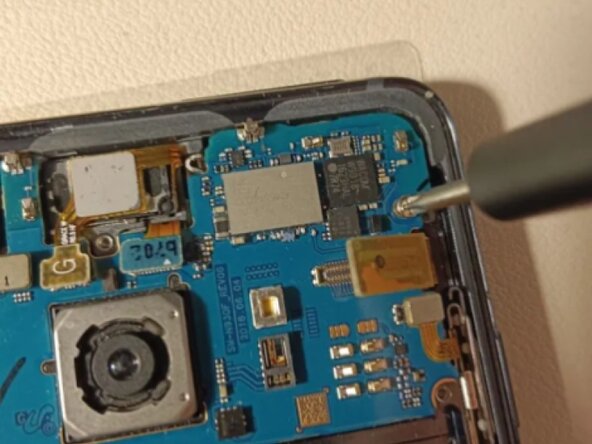
Using the flat end of a plastic spudger, carefully remove and lift up every connector on the board.
-
Make sure to press them a little further upward using the spudger, or else they might end up blocking the motherboard from being lifted up, and can also get stuck underneath it during the reassembly process.
-
-
-
-
Using a plastic spudger, lift up the bottom part of the motherboard, then lift it up and out of the frame.
-
-
-
To reassemble the phone with the new screen + midframe, follow these steps in reverse order.
-
-





To reassemble your device, follow these instructions in reverse order.
Cancel: I did not complete this guide.
2 other people completed this guide.
