15% Off Selected iFixit Tools — Limited Time
Free Shipping on Domestic Orders $75+

Samsung Galaxy Note Edge Display Assembly Replacement

What you need

Video Overview

  1. Samsung Galaxy Note Edge Display Assembly Replacement, Remove the Galaxy Note Edge Battery: step 1, image 1 of 3 Samsung Galaxy Note Edge Display Assembly Replacement, Remove the Galaxy Note Edge Battery: step 1, image 2 of 3 Samsung Galaxy Note Edge Display Assembly Replacement, Remove the Galaxy Note Edge Battery: step 1, image 3 of 3
    • Switch off the device.

    • Remove the back cover and the battery.

    Ask FixBot

    Add Comment

  2. Samsung Galaxy Note Edge Display Assembly Replacement, Remove the Galaxy Note Edge Rear Housing: step 2, image 1 of 3 Samsung Galaxy Note Edge Display Assembly Replacement, Remove the Galaxy Note Edge Rear Housing: step 2, image 2 of 3 Samsung Galaxy Note Edge Display Assembly Replacement, Remove the Galaxy Note Edge Rear Housing: step 2, image 3 of 3
    • Remove the Memory card, the SIM card and the S Pen.

    • Remove the screws by using Screwdriver Phillips #00

    • With a plastic opening tool emove the Back Frame.

    Ask FixBot

    Add Comment

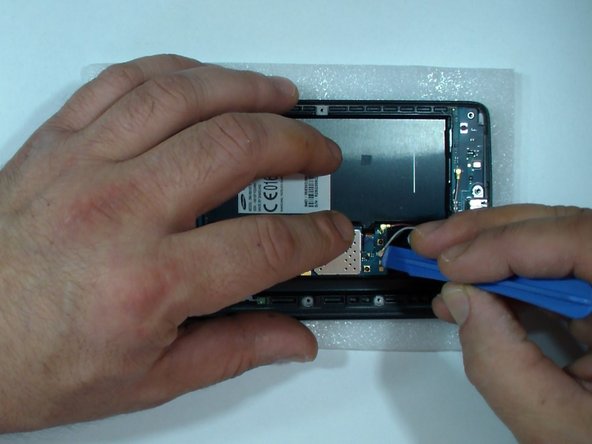
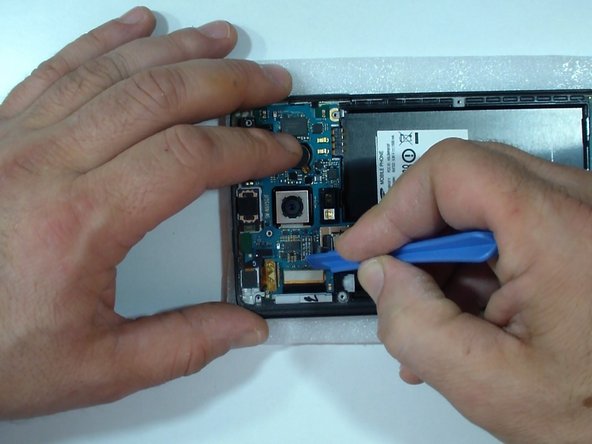
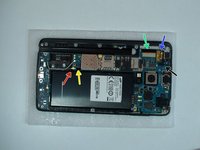
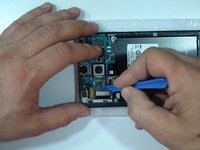
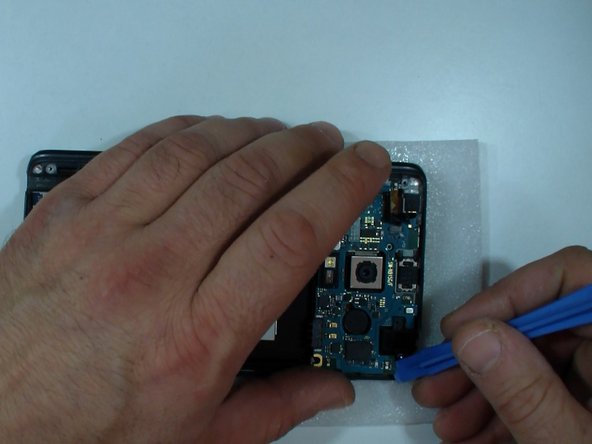
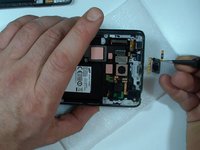
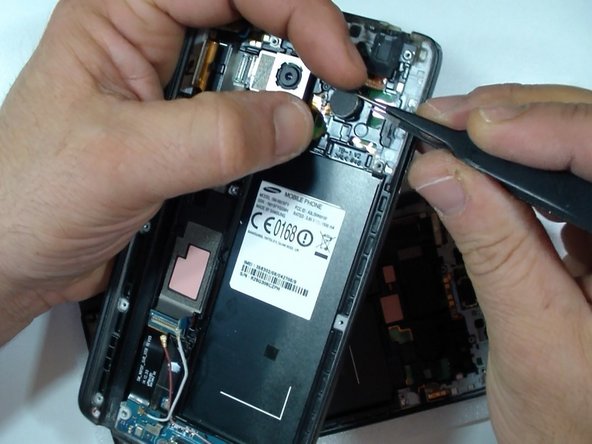
  3. Samsung Galaxy Note Edge Display Assembly Replacement, Remove the Galaxy Note Edge Motherboard 1: step 3, image 1 of 3 Samsung Galaxy Note Edge Display Assembly Replacement, Remove the Galaxy Note Edge Motherboard 1: step 3, image 2 of 3 Samsung Galaxy Note Edge Display Assembly Replacement, Remove the Galaxy Note Edge Motherboard 1: step 3, image 3 of 3
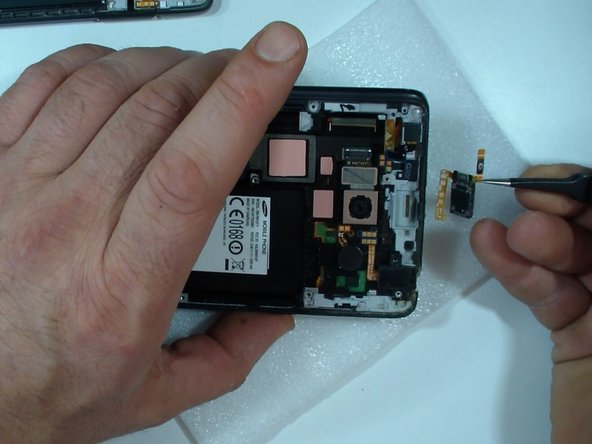
    • Disconnect one by one:

    • Coaxial antenna cable (x2)

    • Home Button flex cable

    • Display Flex cable

    • Stylus Sensor flex cable

    • Front Camera flex cable

    Ask FixBot

    Add Comment

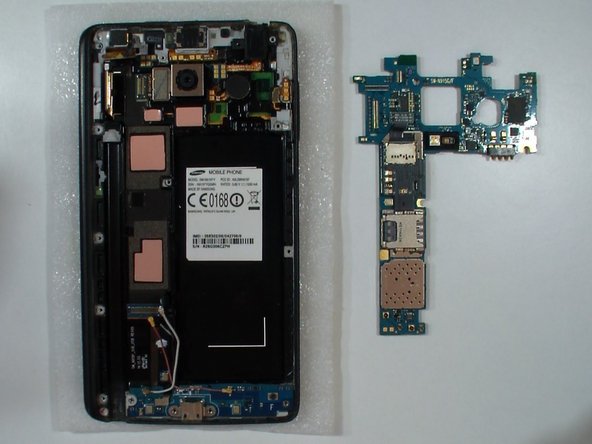
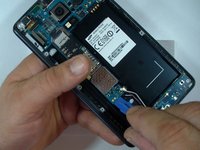
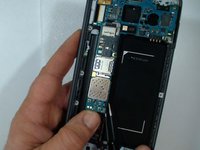
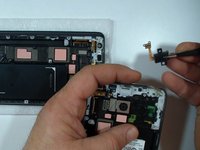
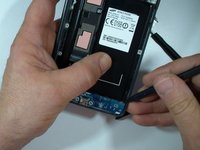
  4. Samsung Galaxy Note Edge Display Assembly Replacement, Remove the Galaxy Note Edge Motherboard 2: step 4, image 1 of 3 Samsung Galaxy Note Edge Display Assembly Replacement, Remove the Galaxy Note Edge Motherboard 2: step 4, image 2 of 3 Samsung Galaxy Note Edge Display Assembly Replacement, Remove the Galaxy Note Edge Motherboard 2: step 4, image 3 of 3
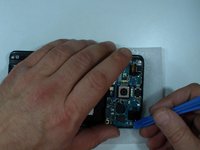
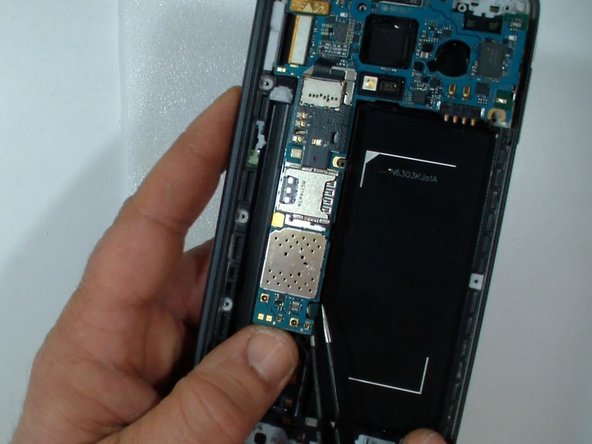
    • Pry up the connector on the back of the board to release the bottom part of motherboard.

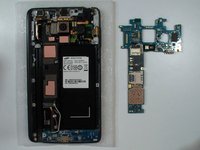
    • Gently remove the logic board.

    Ask FixBot

    Add Comment

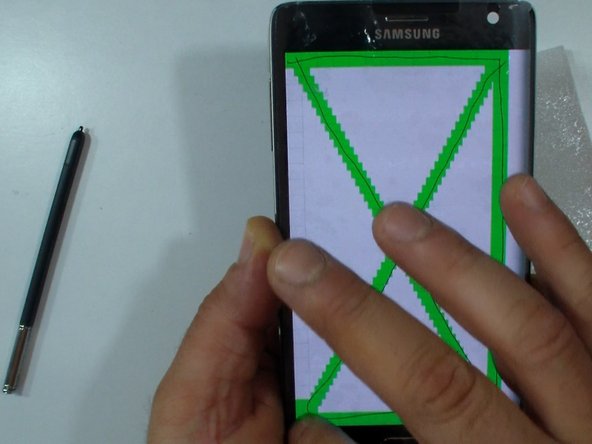
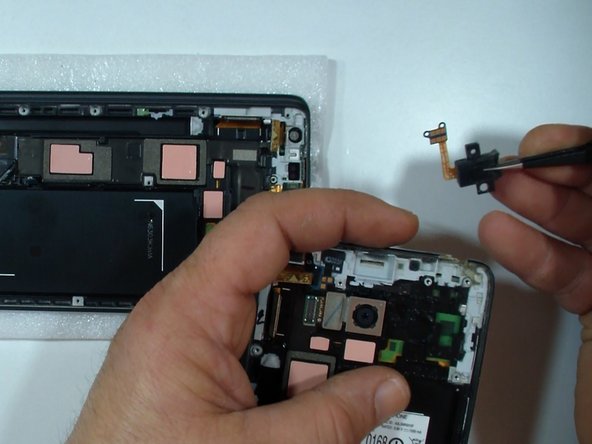
  5. Samsung Galaxy Note Edge Display Assembly Replacement, Test the new spare part: step 5, image 1 of 3 Samsung Galaxy Note Edge Display Assembly Replacement, Test the new spare part: step 5, image 2 of 3 Samsung Galaxy Note Edge Display Assembly Replacement, Test the new spare part: step 5, image 3 of 3
    • I prefer to test the new spare part before install it.

    • Transfer the Power button / Loud speaker flex cable.

    • Install the mother board.

    • Test the display.

    • To prevent damage to the put back the back frame before the test.

    Ask FixBot

    Add Comment

  6. Samsung Galaxy Note Edge Display Assembly Replacement, Check the Thermal Pads: step 6, image 1 of 1
    • Check the quality of the thermal pads (if the spare part is not original).

    • If its necessary use the thermal pads from the old assembly.

    Ask FixBot

    Add Comment

  7. Samsung Galaxy Note Edge Display Assembly Replacement, Transfer all the parts from the old Display assembly - Part 1: step 7, image 1 of 3 Samsung Galaxy Note Edge Display Assembly Replacement, Transfer all the parts from the old Display assembly - Part 1: step 7, image 2 of 3 Samsung Galaxy Note Edge Display Assembly Replacement, Transfer all the parts from the old Display assembly - Part 1: step 7, image 3 of 3
    • Insert wisdom here.

    Ask FixBot

    Add Comment

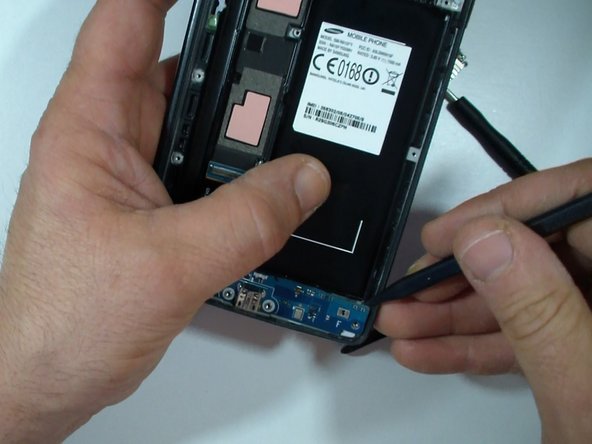
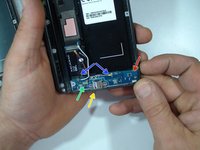
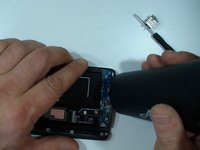
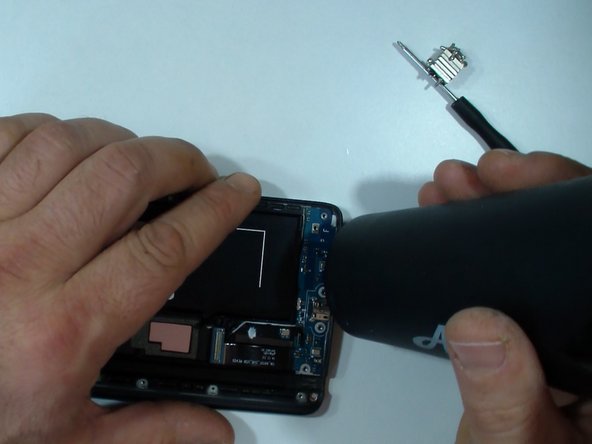
  8. Samsung Galaxy Note Edge Display Assembly Replacement, Remove the Galaxy Note Edge Charging Port Flex Assembly.: step 8, image 1 of 3 Samsung Galaxy Note Edge Display Assembly Replacement, Remove the Galaxy Note Edge Charging Port Flex Assembly.: step 8, image 2 of 3 Samsung Galaxy Note Edge Display Assembly Replacement, Remove the Galaxy Note Edge Charging Port Flex Assembly.: step 8, image 3 of 3
    • Remove the black Phillips screw,

    • the the charging port plate,

    • disconnect the Home buttons flex cable

    • and the coaxial antenna cable (x2).

    • Use hot air and a plastic opening tool to remove the Charging Port flex assembly.

    Ask FixBot

    Add Comment

  9. Samsung Galaxy Note Edge Display Assembly Replacement, Reassembling: step 9, image 1 of 1
    • To reassemble your device, follow these instructions in reverse order.

    Ask FixBot

    Add Comment

Conclusion

To reassemble your device, follow these instructions in reverse order.

Cancel: I did not complete this guide.

3 other people completed this guide.

ZFix

Member since: 12/09/13

197,225 Reputation

330 Guides authored

Team

Master Techs Member of Master Techs

Community

333 Members

1,495 Guides authored

0 Guide Comments

Add Comment

View Statistics:

Past 24 Hours: 0

Past 7 Days: 14

Past 30 Days: 46

All Time: 2,682