Free Shipping on Domestic Orders $75+

Samsung Fascinate Camera Replacement

What you need

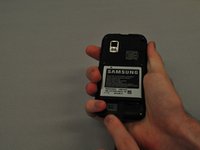
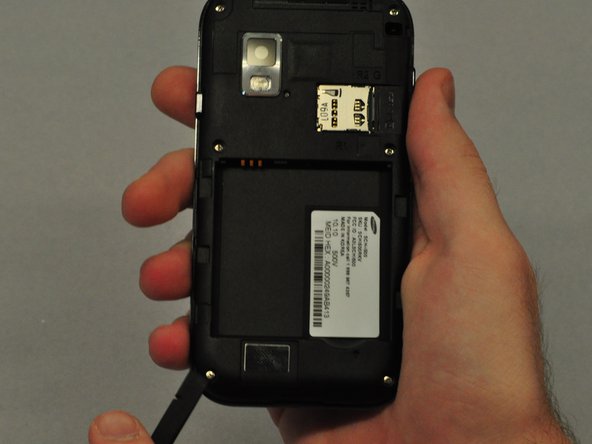
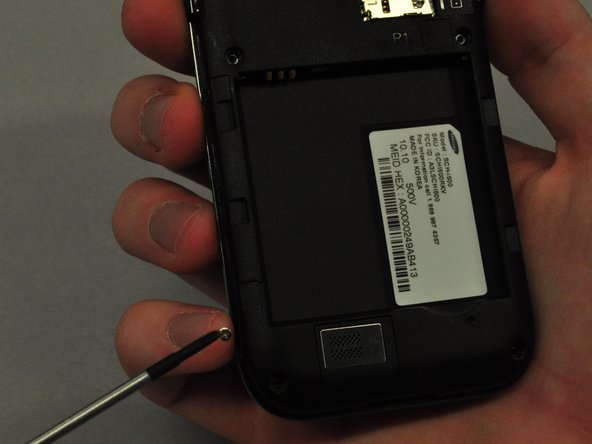
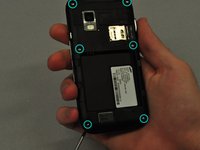
  1. Samsung Fascinate Camera Replacement, Back Case: step 1, image 1 of 3 Samsung Fascinate Camera Replacement, Back Case: step 1, image 2 of 3 Samsung Fascinate Camera Replacement, Back Case: step 1, image 3 of 3
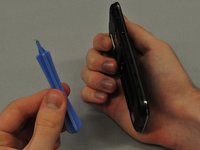
    • To remove the back case of the Samsung Galaxy S, you may need a spudger.

    • Identify the slit which is at the bottom edge of the phone.

    Ask FixBot

    Add Comment

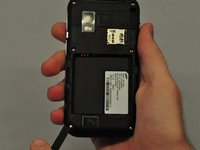
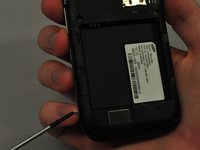
  2. Samsung Fascinate Camera Replacement: step 2, image 1 of 2 Samsung Fascinate Camera Replacement: step 2, image 2 of 2
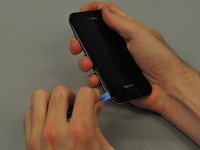
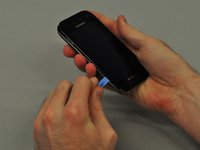
    • Insert the edge of the spudger into the slit and use it to pry the back case off of the phone.

    Ask FixBot

    Add Comment

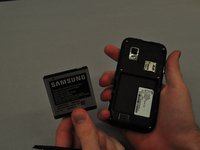
  3. Samsung Fascinate Camera Replacement, Battery: step 3, image 1 of 2 Samsung Fascinate Camera Replacement, Battery: step 3, image 2 of 2
    • Insert the spudger into the space between the battery and the phone and pry the battery out as you slide it along the underside the battery.

    Ask FixBot

    Add Comment

  4. Samsung Fascinate Camera Replacement, Speaker: step 4, image 1 of 3 Samsung Fascinate Camera Replacement, Speaker: step 4, image 2 of 3 Samsung Fascinate Camera Replacement, Speaker: step 4, image 3 of 3
    • Use the screwdriver to unscrew each of the 6 silver screws holding the main case to the LCD touchscreen.

    • If the screws are stuck, use the spudger to pry them out.

    Ask FixBot

    Add Comment

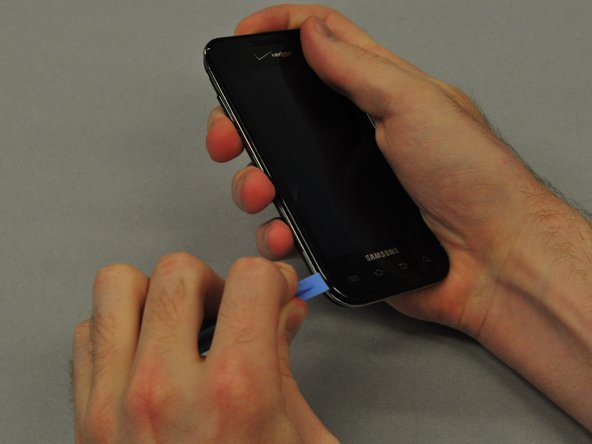
  5. Samsung Fascinate Camera Replacement: step 5, image 1 of 3 Samsung Fascinate Camera Replacement: step 5, image 2 of 3 Samsung Fascinate Camera Replacement: step 5, image 3 of 3
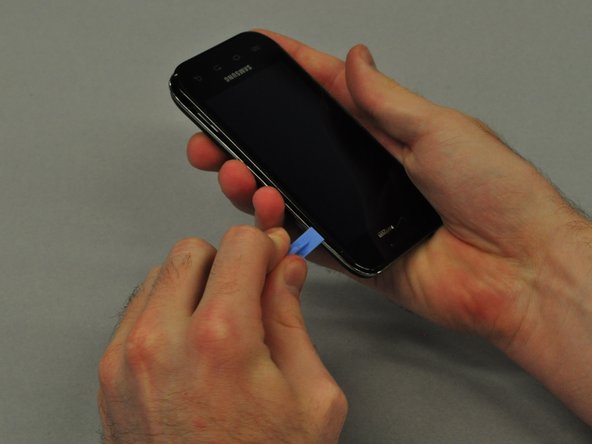
    • Use the plastic opening tool to pry the main case from the LCD touchscreen.

    • Insert the thin edge of the plastic opening tool into the groove between the silver edge and black edge.

    • Run the tool all the way around the edge of the phone until you hear each of the clips detach.

    Ask FixBot

    Add Comment

  6. Samsung Fascinate Camera Replacement: step 6, image 1 of 3 Samsung Fascinate Camera Replacement: step 6, image 2 of 3 Samsung Fascinate Camera Replacement: step 6, image 3 of 3
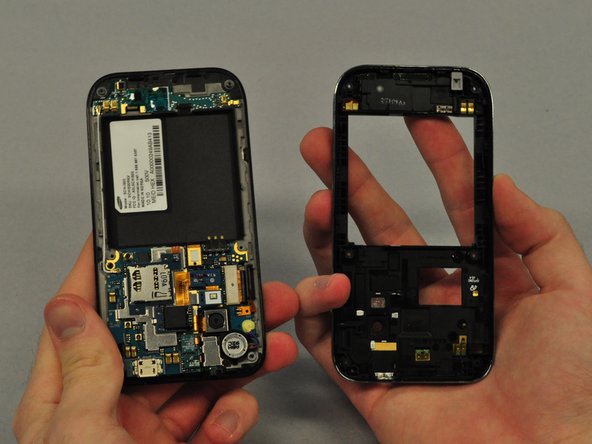
    • Once the clips are detached, separate the main case from the LCD touchscreen.

    Ask FixBot

    Add Comment

  7. Samsung Fascinate Camera Replacement: step 7, image 1 of 3 Samsung Fascinate Camera Replacement: step 7, image 2 of 3 Samsung Fascinate Camera Replacement: step 7, image 3 of 3
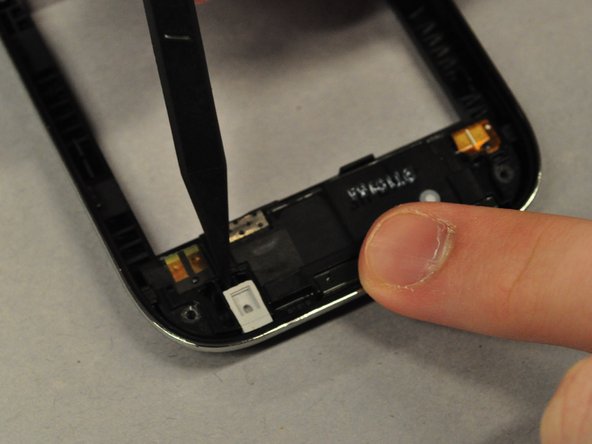
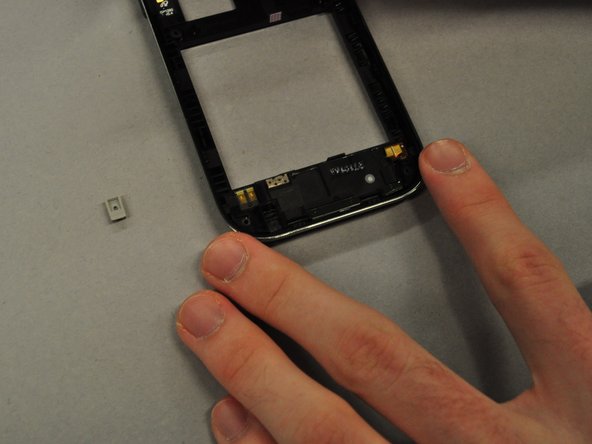
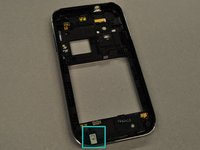
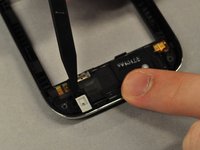
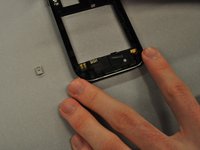
    • Use the spudger to pry out the grey rubber rectangular component from the main case.

    Ask FixBot

    Add Comment

  8. Samsung Fascinate Camera Replacement: step 8, image 1 of 3 Samsung Fascinate Camera Replacement: step 8, image 2 of 3 Samsung Fascinate Camera Replacement: step 8, image 3 of 3
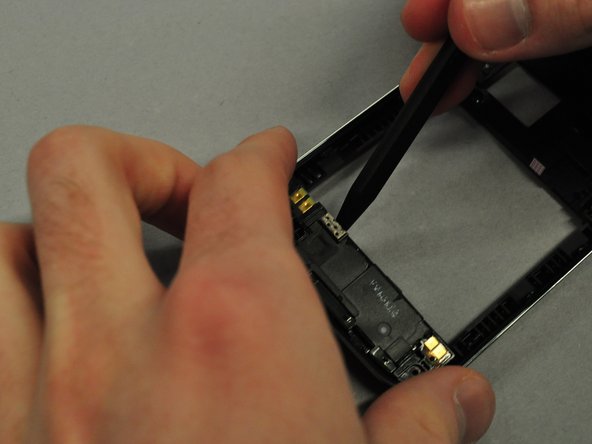
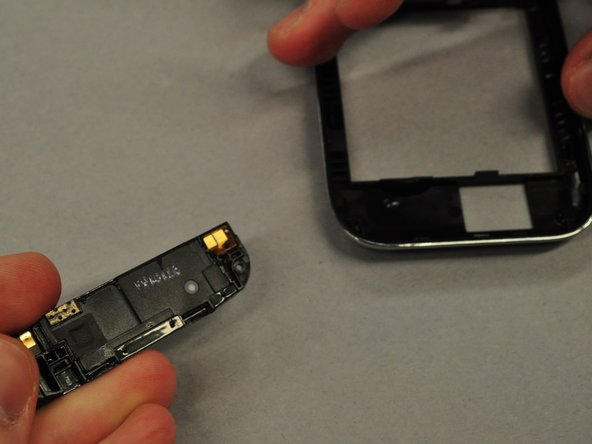
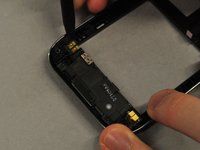
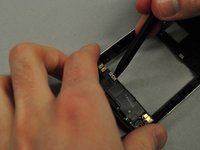
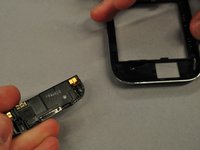
    • Use the spudger to pry along the groove between the speaker and the main case.

    • Once the speaker is unclipped it should pop out easily.

    Ask FixBot

    Add Comment

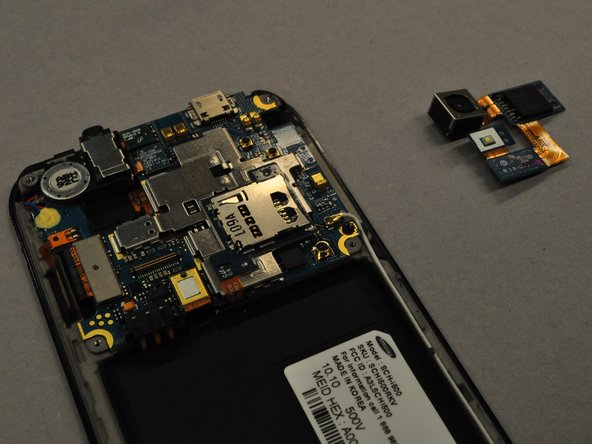
  9. Samsung Fascinate Camera Replacement, Camera: step 9, image 1 of 3 Samsung Fascinate Camera Replacement, Camera: step 9, image 2 of 3 Samsung Fascinate Camera Replacement, Camera: step 9, image 3 of 3
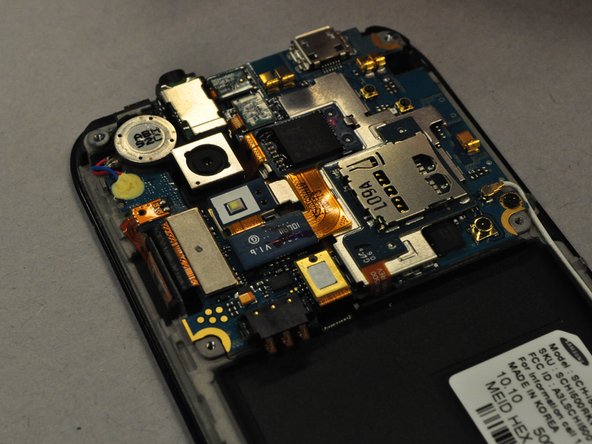
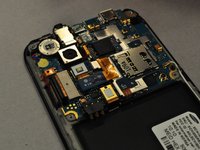
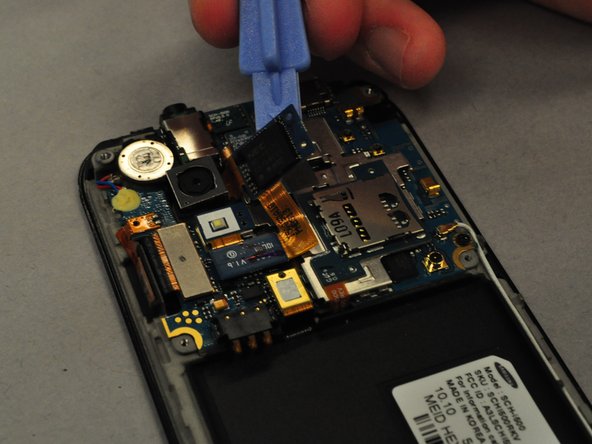
    • Using the plastic opening tool, you will need to detach the black square component which is boxed in blue.

    • Pry camera unit attached to it off the motherboard.

    Ask FixBot

    Add Comment

Conclusion

To reassemble your device, follow these instructions in reverse order.

Cancel: I did not complete this guide.

3 other people completed this guide.

Kevin Carlson

Member since: 04/22/11

236 Reputation

6 Guides authored

Team

Cal Poly, Team 25-25, Garner Spring 2011 Member of Cal Poly, Team 25-25, Garner Spring 2011

CPSU-GARNER-S11S25G25

4 Members

6 Guides authored

0 Guide Comments

Add Comment

View Statistics:

Past 24 Hours: 6

Past 7 Days: 15

Past 30 Days: 51

All Time: 4,850