Samsung Eternity Microphone Replacement

What you need

    • Remove the back battery cover.

  1. Samsung Eternity Microphone Replacement: step 2, image 1 of 1
    • Using a nylon spudger, remove the phone's battery.

  2. Samsung Eternity Microphone Replacement: step 3, image 1 of 1
    • Remove six (4.28 x 1.25)mm screws using the Phillips #00 screwdriver.

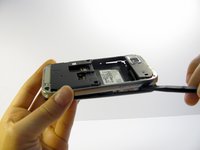
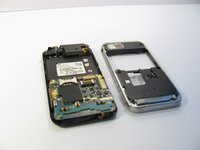
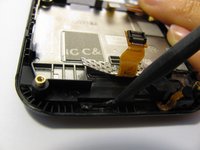
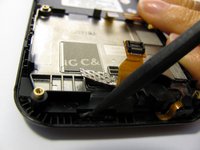
  3. Samsung Eternity Microphone Replacement: step 4, image 1 of 2 Samsung Eternity Microphone Replacement: step 4, image 2 of 2
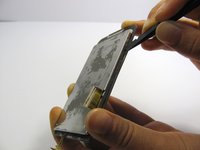
    • Use a nylon spudger to gently pry the silver plastic back plate from the body of the phone.

  4. Samsung Eternity Microphone Replacement, Motherboard: step 5, image 1 of 1
    • It is very easy to rip motherboard cables and damage fragile motherboard clips. Be careful when you are removing every component.

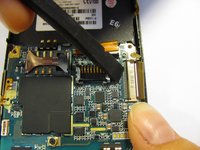
    • Pull the antenna plug out of its socket.

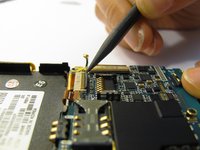
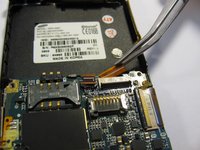
  5. Samsung Eternity Microphone Replacement: step 6, image 1 of 3 Samsung Eternity Microphone Replacement: step 6, image 2 of 3 Samsung Eternity Microphone Replacement: step 6, image 3 of 3
    • Pop the two black hinged-release levers toward their ribbons, then slide the ribbons out.

  6. Samsung Eternity Microphone Replacement: step 7, image 1 of 1
    • Pop the red hinged-release lever away from its ribbon. Then pull it out.

  7. Samsung Eternity Microphone Replacement: step 8, image 1 of 1
    • Peel the button sensor on the side of the motherboard off of the case.

  8. Samsung Eternity Microphone Replacement: step 9, image 1 of 3 Samsung Eternity Microphone Replacement: step 9, image 2 of 3 Samsung Eternity Microphone Replacement: step 9, image 3 of 3
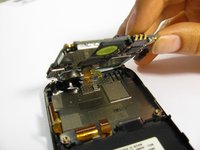
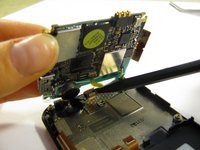
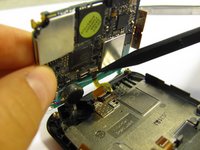
    • Slightly pull up one side of the motherboard.

    • Pull the button/microphone plug out of its socket.

    • Pop the red hinged-release lever away from its ribbon, then slide the ribbon out.

  9. Samsung Eternity Microphone Replacement: step 10, image 1 of 1
    • You have successfully removed the motherboard from the phone.

  10. Samsung Eternity Microphone Replacement, Digitizer and Screen: step 11, image 1 of 1
    • Flip the phone over so you are looking at the front screen of the phone.

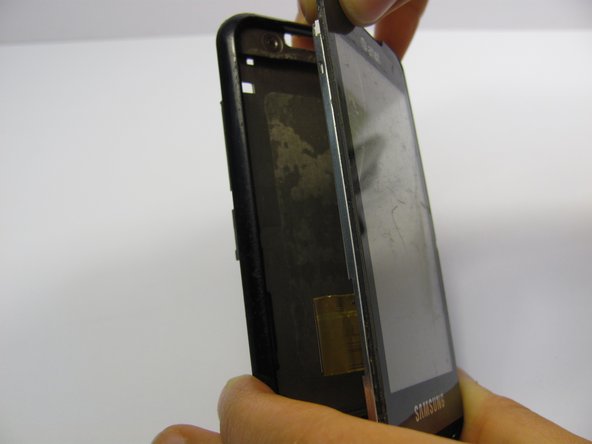
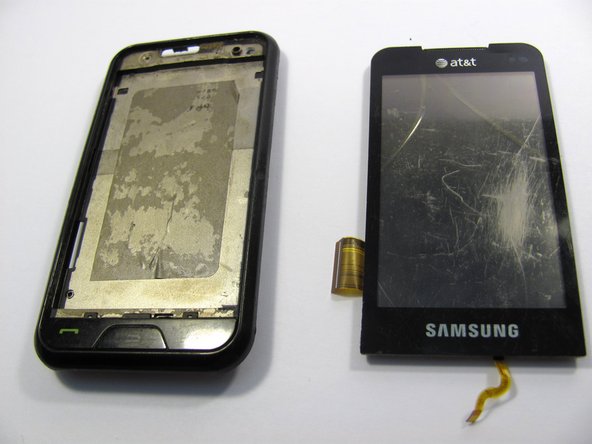
  11. Samsung Eternity Microphone Replacement: step 12, image 1 of 3 Samsung Eternity Microphone Replacement: step 12, image 2 of 3 Samsung Eternity Microphone Replacement: step 12, image 3 of 3
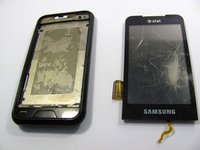
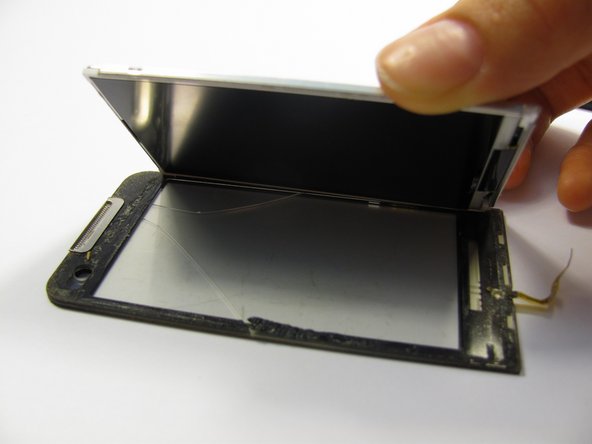
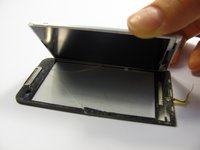
    • Use a small tool to pry the digitizer and screen (together) from the frame of the phone.

    • This may take some time and careful work because it is glued down to the frame.

    • Be careful when you pull the lower part of this piece away from the phone frame because there is a ribbon attached to the digitizer that you don't want to break. There is also a ribbon on the side of the screen to be aware of.

  12. Samsung Eternity Microphone Replacement: step 13, image 1 of 3 Samsung Eternity Microphone Replacement: step 13, image 2 of 3 Samsung Eternity Microphone Replacement: step 13, image 3 of 3
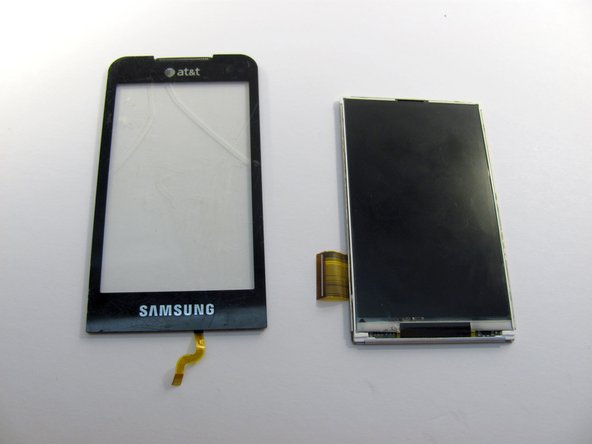
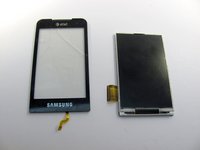
    • Next, carefully pull the digitizer away from the screen.

    • At this point you can replace either the screen or the digitizer.

    • Cleaning the screen with a glass cleaning cloth before reassembling will remove any smudges or fingerprints from disassembling the device.

  13. Samsung Eternity Microphone Replacement, Microphone: step 14, image 1 of 1
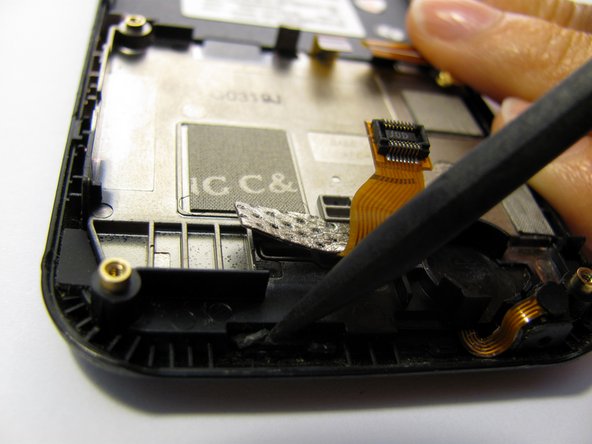
    • Pop the microphone up and out of its small housing.

  14. Samsung Eternity Microphone Replacement: step 15, image 1 of 1
    • Peel up the black tape on the bottom of the back case.

  15. Samsung Eternity Microphone Replacement: step 16, image 1 of 1
    • Use the spudger to release the front buttons from the phones frame.

    • Don't try and pull the front buttons completely away from the phone. There are clips that still are holding them to the phone.

  16. Samsung Eternity Microphone Replacement: step 17, image 1 of 3 Samsung Eternity Microphone Replacement: step 17, image 2 of 3 Samsung Eternity Microphone Replacement: step 17, image 3 of 3
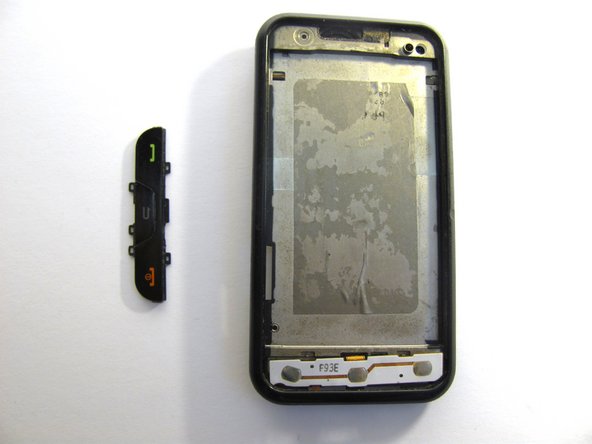
    • Use the spudger to remove three plastic lasso hooks that are holding the front buttons to the case.

    • The front button plastic assembly should come right off.

  17. Samsung Eternity Microphone Replacement: step 18, image 1 of 1
    Tool used on this step:
    Tweezers
    $4.99
    Buy
    • Use tweezers to release the button logic board away from the phone's casing.

    • Do not try and completely remove the component. There are logic ribbons that need to be guided through the phone's back casing.

  18. Samsung Eternity Microphone Replacement: step 19, image 1 of 1
    • You should be able to see two cables connected to the front button board.

    • Carefully slide these two cables through their respective holes in the body of the camera.

  19. Samsung Eternity Microphone Replacement: step 20, image 1 of 1
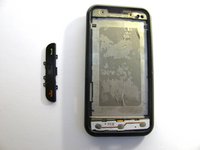
    • The front button board should slide out. At this time you can replace the button/microphone component.

Conclusion

To reassemble your device, follow these instructions in reverse order.

One other person completed this guide.

Michelle Haddock

Member since: 04/20/11

45 Reputation

3 Guides authored

Team

Cal Poly, Team 15-11, Regan Spring 2011 Member of Cal Poly, Team 15-11, Regan Spring 2011

CPSU-REGAN-S11S15G11

5 Members

14 Guides authored

0 Guide Comments

Add Comment

View Statistics:

Past 24 Hours: 0

Past 7 Days: 0

Past 30 Days: 14

All Time: 2,245