Introduction
This guide is on how to replace the battery in a SHARP EL-W535XG WriteView calculator. Although this calculator is solar-powered, the battery in a SHARP EL-W535XG WriteView calculator operates the total functionality of the calculator. Therefore, when the LR44 battery dies, the whole calculator will stop working. This can become troublesome for users. Following the steps of this guide thoroughly, users with this problem can effectively replace their battery in this calculator.
What you need
-
-
Turn off the calculator by pressing both the [2NDF ] and [ON] buttons at the same time.
-
-


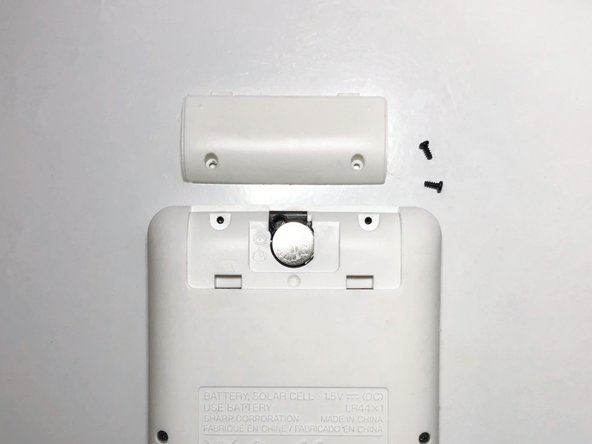
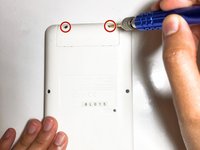
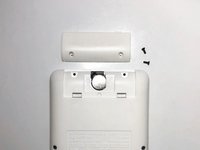

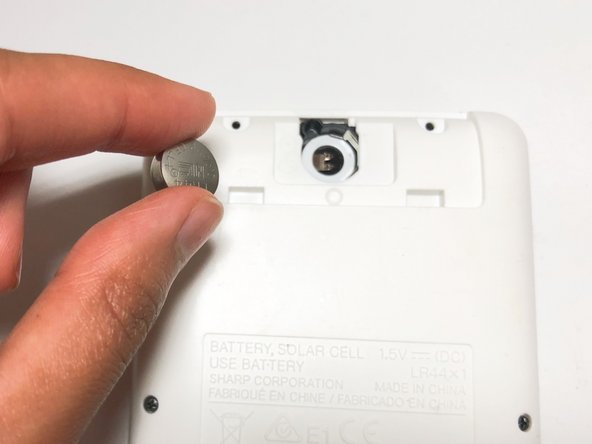
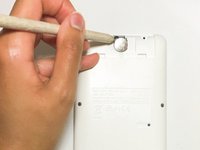
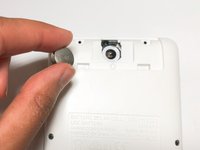


To reassemble your device, follow these instructions in reverse order.


Team

York University, Team 1-7, O'Regan Fall 2021 Member of York University, Team 1-7, O'Regan Fall 2021
YORK-O'REGAN-F21S1G7
1 Member
1 Guide authored
