Introduction
Use this guide to replace a faulty switch trigger in your Ryobi P411.
The switch trigger is the part that is seen on the outside of the sander that you press to turn the device on. If your sander is not turning on, the cause might be a broken or faulty switch trigger.
Before replacing the switch trigger, make sure to review the troubleshooting page to make sure nothing else is impeding your Ryobi P411 from turning on. Make sure to remove the removable battery before you begin.
What you need
-
-
-
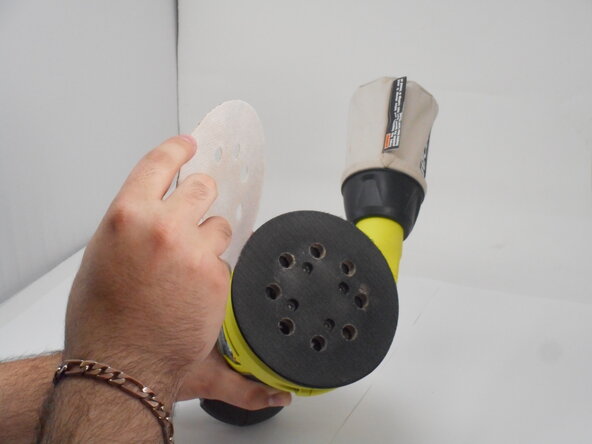
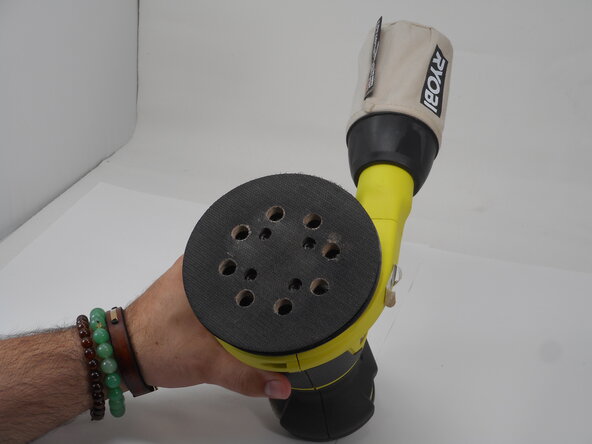
Remove the sanding pad to expose the screws at the bottom of the sander.
 Ask FixBot
-
-
-
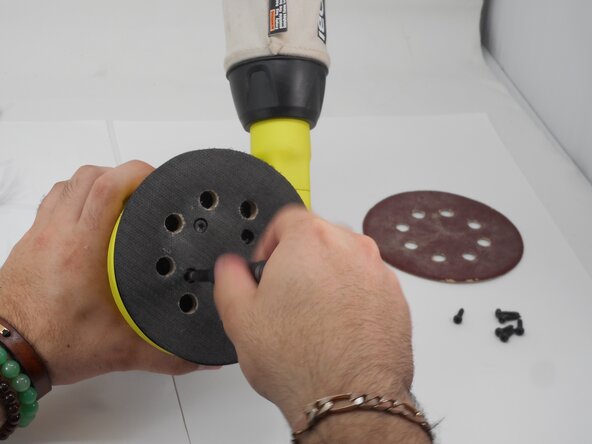
Remove the four M5 x 8.9mm screws with a T6 Torx screwdriver.
-
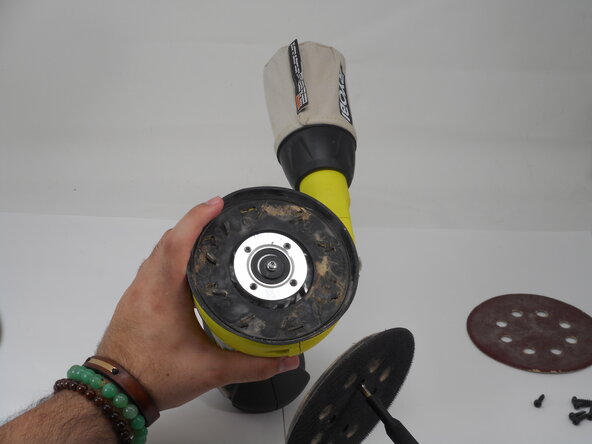
Remove the pad assembly.
-
-
-
-
-
-
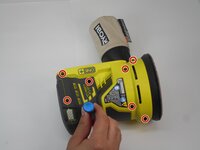
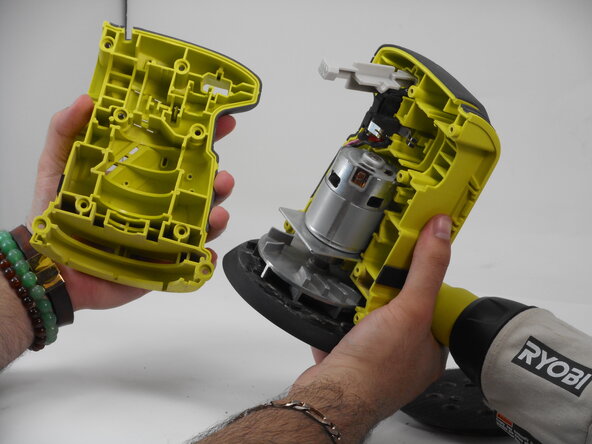
Use a Phillips #1 screwdriver to remove the eight M4 x 18.5mm screws from the side of the casing.
-
-
-
-
-
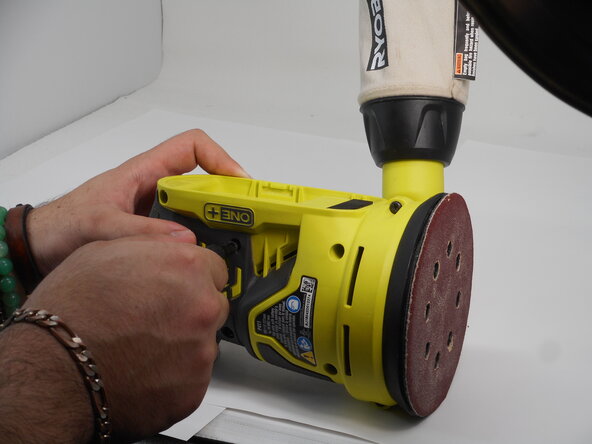
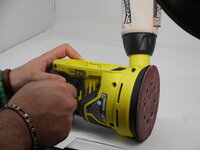
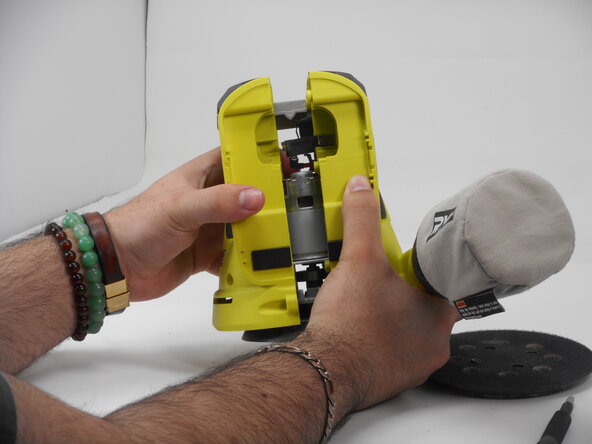
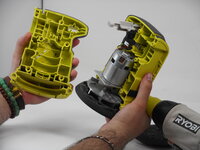
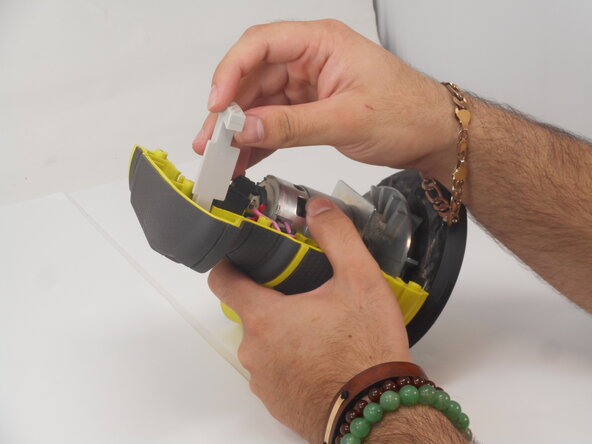
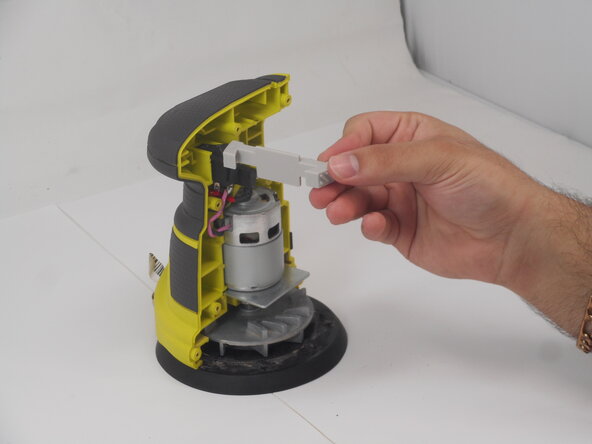
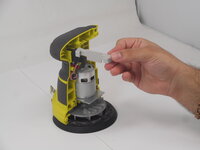
Push the switch trigger gently from the back to pull it out from the open face of the sander.
-
-







To reassemble your device, follow these instructions in reverse order.
Cancel: I did not complete this guide.
One other person completed this guide.

Team

University of Memphis, Team 3-4, Sneed Spring 2025 Member of University of Memphis, Team 3-4, Sneed Spring 2025
UM-SNEED-S25S3G4
4 Members
72 Guides authored
