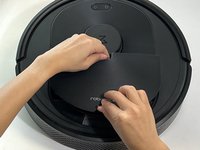
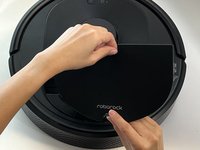
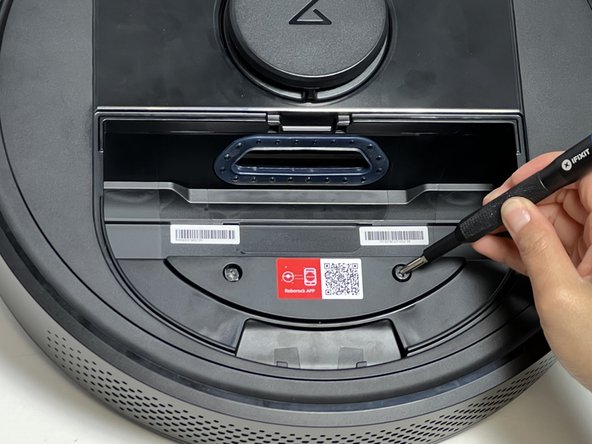
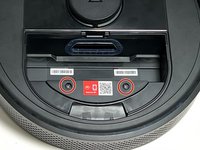
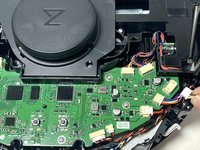
Roborock Q5 Suction Motor Replacement

What you need

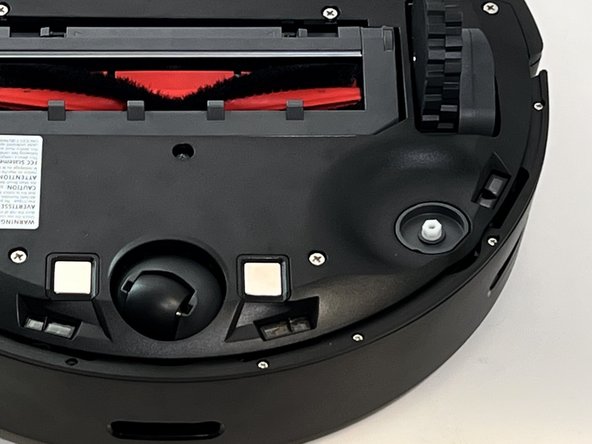
  1. Roborock Q5 Suction Motor Replacement, Side Brush: step 1, image 1 of 1
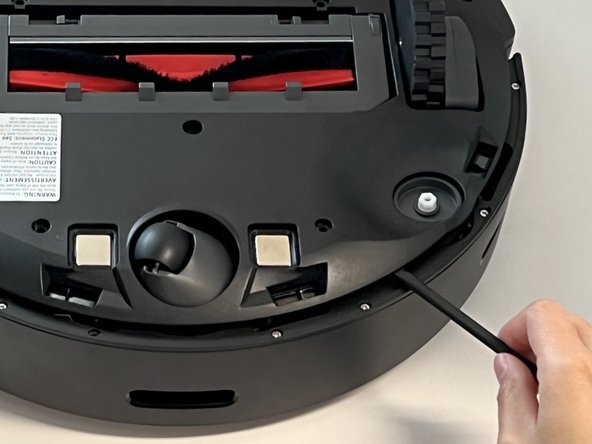
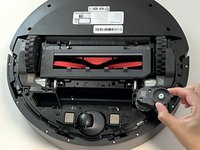
    • Power off your Roborock and place the device on a flat surface with the wheels facing up.

    • Position the robot so the five-pronged side brush is on the bottom right side.

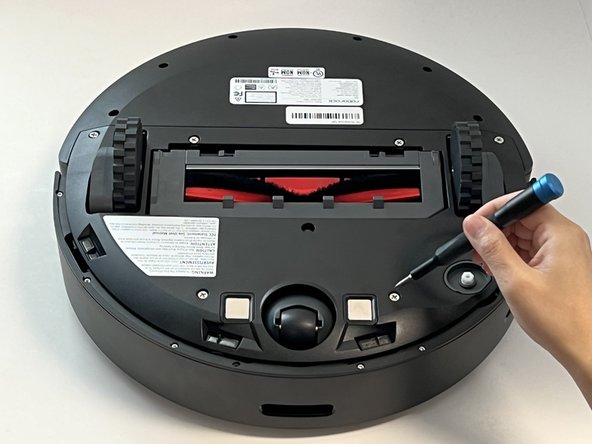
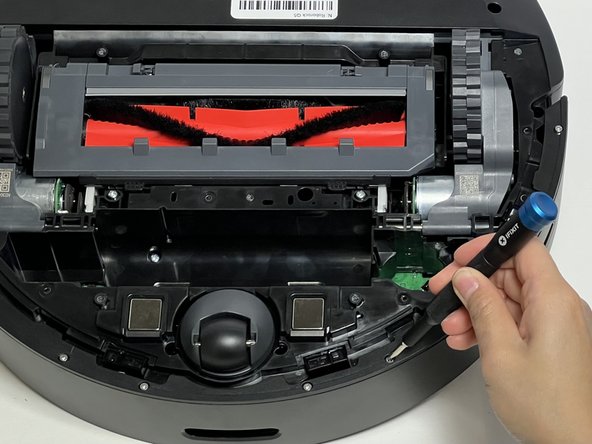
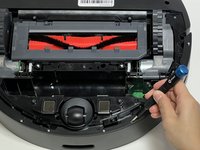
  2. Roborock Q5 Suction Motor Replacement: step 2, image 1 of 2 Roborock Q5 Suction Motor Replacement: step 2, image 2 of 2
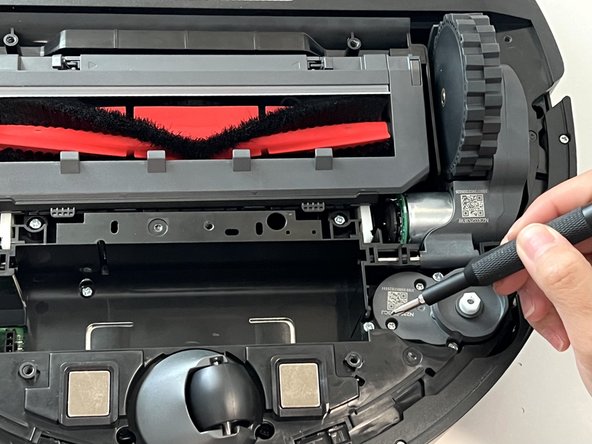
    • Use a Phillips #2 screwdriver to loosen the single captive side brush screw.

    • The screw is attached to the side brush so they cannot be separated.

  3. Roborock Q5 Suction Motor Replacement: step 3, image 1 of 2 Roborock Q5 Suction Motor Replacement: step 3, image 2 of 2
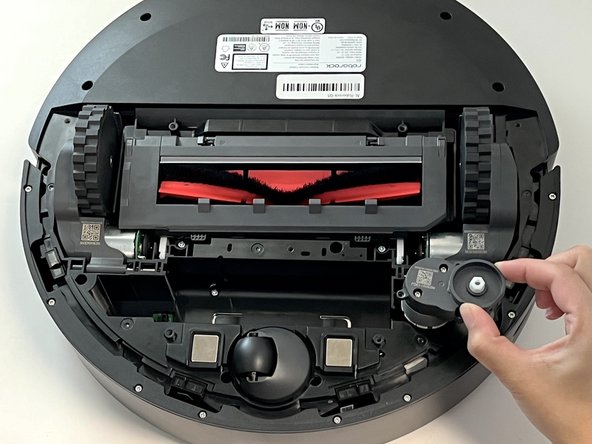
    • Lift the side brush up and off.

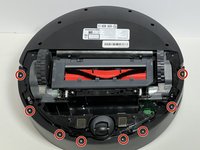
  4. Roborock Q5 Suction Motor Replacement, Battery: step 4, image 1 of 3 Roborock Q5 Suction Motor Replacement, Battery: step 4, image 2 of 3 Roborock Q5 Suction Motor Replacement, Battery: step 4, image 3 of 3
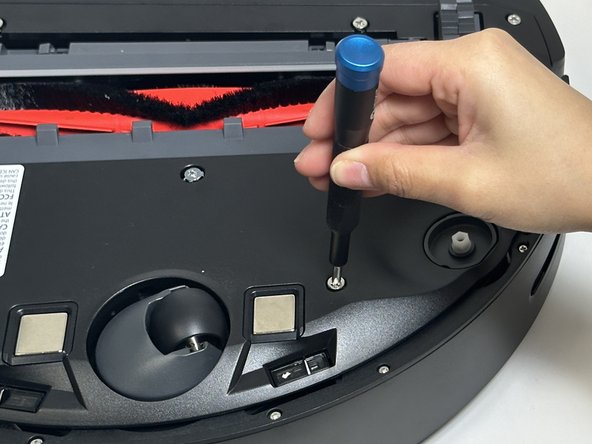
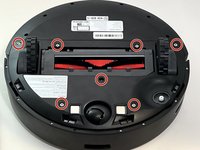
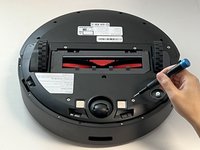
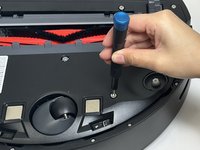
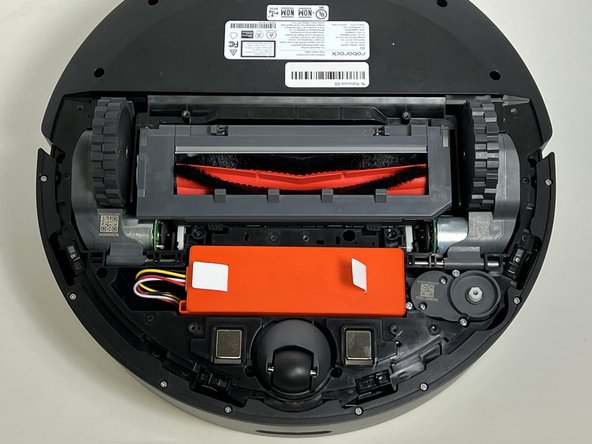
    • Use a Phillips screwdriver to remove the seven 15 mm screws from the bottom panel.

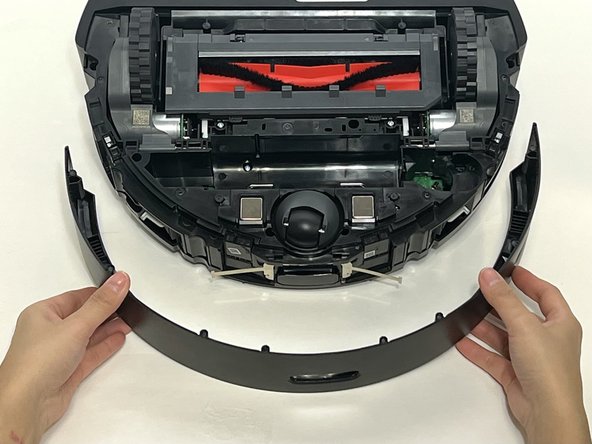
  5. Roborock Q5 Suction Motor Replacement: step 5, image 1 of 3 Roborock Q5 Suction Motor Replacement: step 5, image 2 of 3 Roborock Q5 Suction Motor Replacement: step 5, image 3 of 3
    • Gently lift off the bottom panel cover.

    • If the bottom panel is stuck, use a plastic spudger along the edges to gently lift it out of place, then remove it by hand.

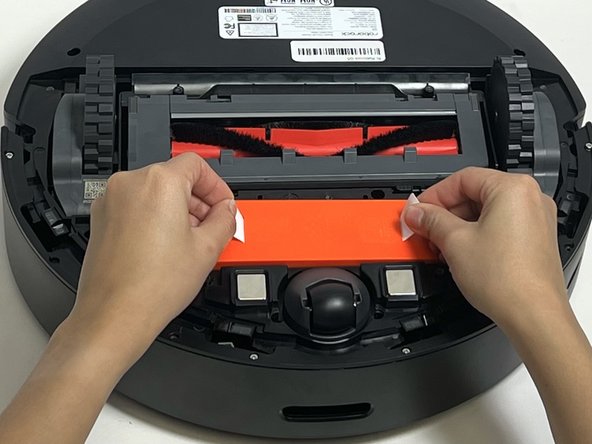
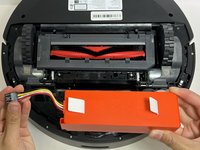
  6. Roborock Q5 Suction Motor Replacement: step 6, image 1 of 3 Roborock Q5 Suction Motor Replacement: step 6, image 2 of 3 Roborock Q5 Suction Motor Replacement: step 6, image 3 of 3
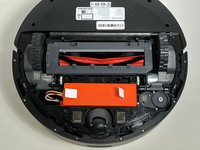
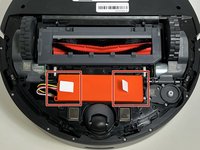
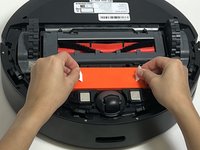
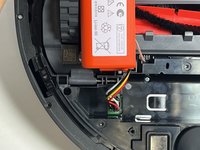
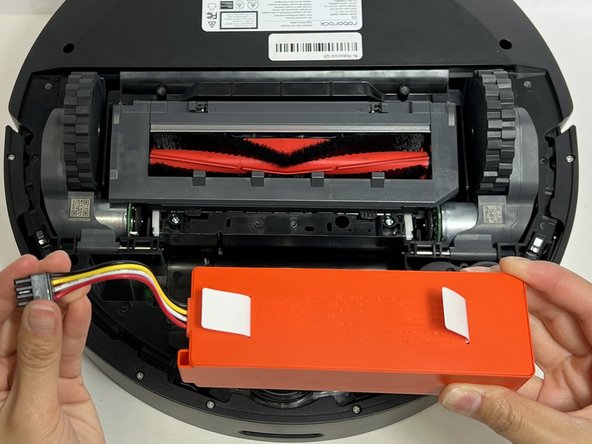
    • Use the two white straps to lift the battery out slightly to reveal the battery connector.

    • The battery is still connected to the robot vacuum. Take care not to strain the battery cable.

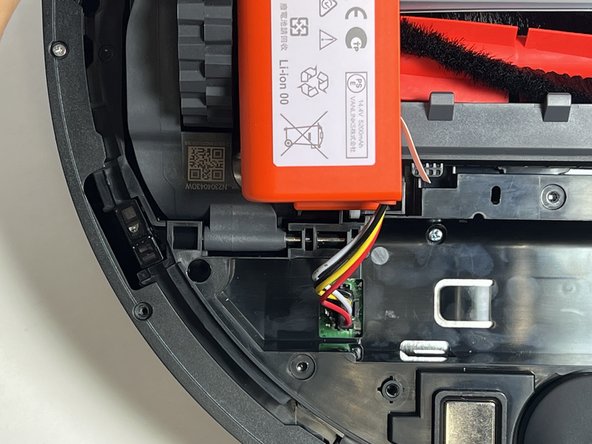
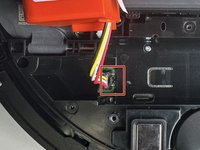
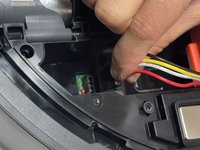
  7. Roborock Q5 Suction Motor Replacement: step 7, image 1 of 3 Roborock Q5 Suction Motor Replacement: step 7, image 2 of 3 Roborock Q5 Suction Motor Replacement: step 7, image 3 of 3
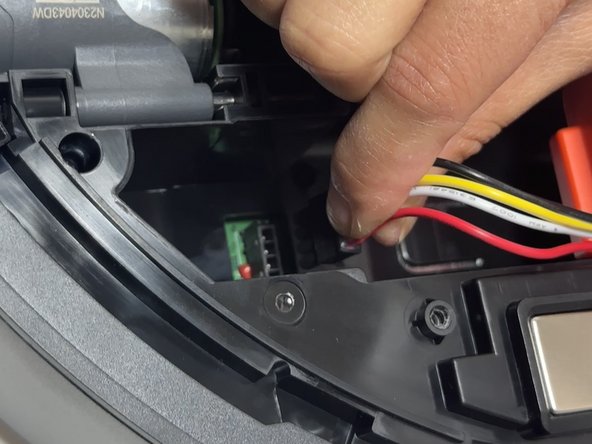
    • Using moderate pressure, squeeze and pull on the four-wire connector to disconnect the battery from the robot vacuum.

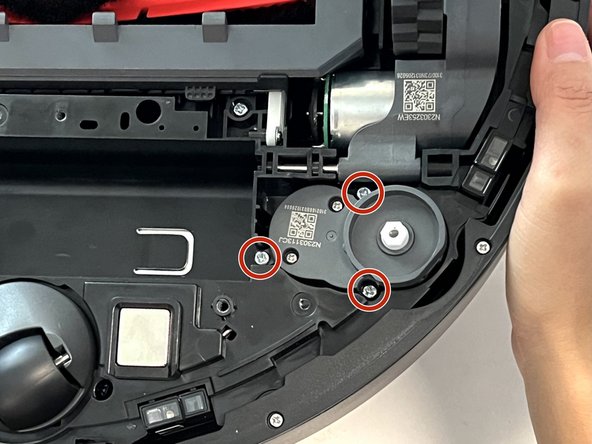
  8. Roborock Q5 Suction Motor Replacement, Suction Motor: step 8, image 1 of 3 Roborock Q5 Suction Motor Replacement, Suction Motor: step 8, image 2 of 3 Roborock Q5 Suction Motor Replacement, Suction Motor: step 8, image 3 of 3
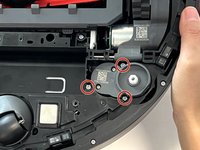
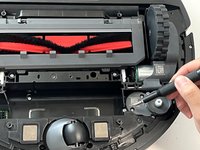
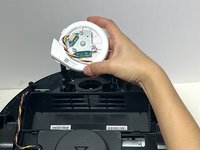
    • Remove the three 10 mm Phillips screws that secure the side brush motor.

    • Gently lift the side brush motor up and out of its housing.

  9. Roborock Q5 Suction Motor Replacement: step 9, image 1 of 2 Roborock Q5 Suction Motor Replacement: step 9, image 2 of 2
    • Use a Phillips screwdriver to remove the eight 11 mm Phillips screws that secure the front sensor panel cover.

  10. Roborock Q5 Suction Motor Replacement: step 10, image 1 of 2 Roborock Q5 Suction Motor Replacement: step 10, image 2 of 2
    • Gently lift the thin black front sensor panel cover bracket.

    • Gently pull the front sensor panel cover away from the robot.

  11. Roborock Q5 Suction Motor Replacement: step 11, image 1 of 1
    • Use a Phillips screwdriver to remove one 14 mm screw from the battery housing.

    • Use a Phillips #2 screwdriver to remove the eleven deep-set 14 mm screws from the bottom panel.

  12. Roborock Q5 Suction Motor Replacement: step 12, image 1 of 2 Roborock Q5 Suction Motor Replacement: step 12, image 2 of 2
    • Carefully flip the device to place it with the wheels down.

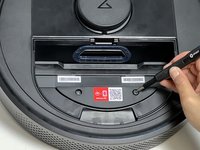
    • Pinch the two dustbin retaining tabs together and pull up on the dustbin to remove it.

  13. Roborock Q5 Suction Motor Replacement: step 13, image 1 of 2 Roborock Q5 Suction Motor Replacement: step 13, image 2 of 2
    • Use a Phillips screwdriver to remove the two 15 mm Phillips screws that secure the front panel cover.

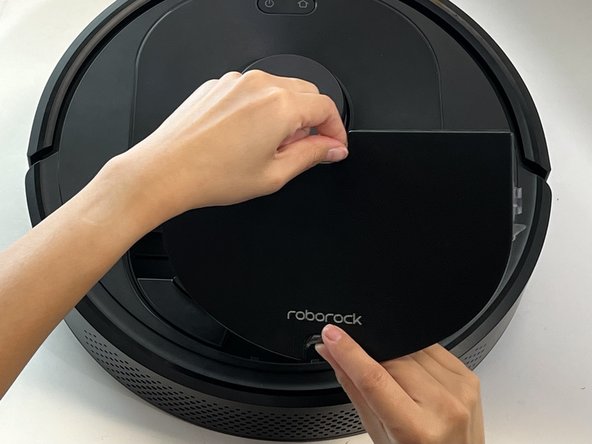
  14. Roborock Q5 Suction Motor Replacement: step 14, image 1 of 3 Roborock Q5 Suction Motor Replacement: step 14, image 2 of 3 Roborock Q5 Suction Motor Replacement: step 14, image 3 of 3
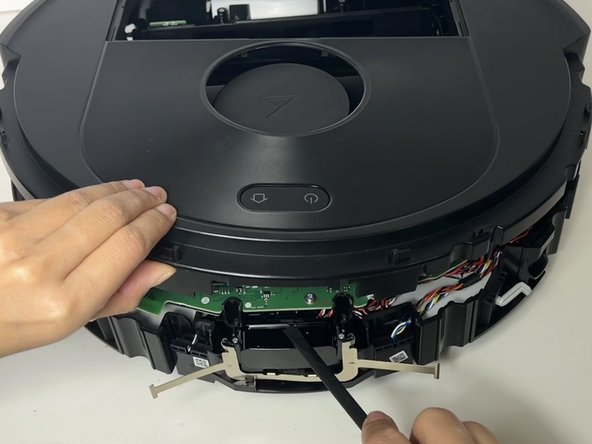
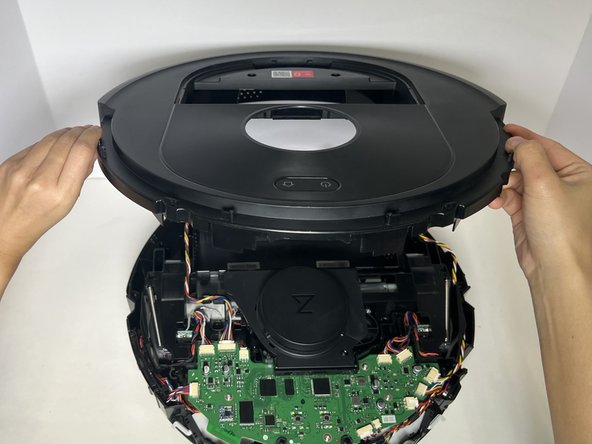
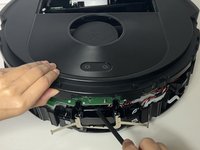
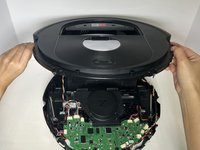
    • Use a spudger to pry up the top case.

    • Lift and remove the top case.

  15. Roborock Q5 Suction Motor Replacement: step 15, image 1 of 2 Roborock Q5 Suction Motor Replacement: step 15, image 2 of 2
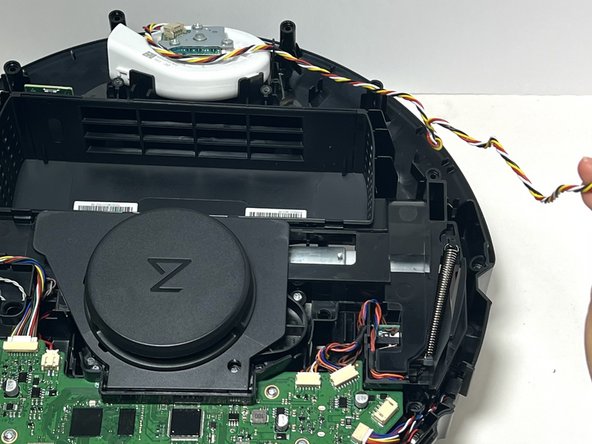
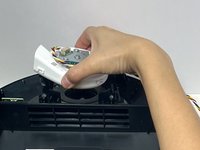
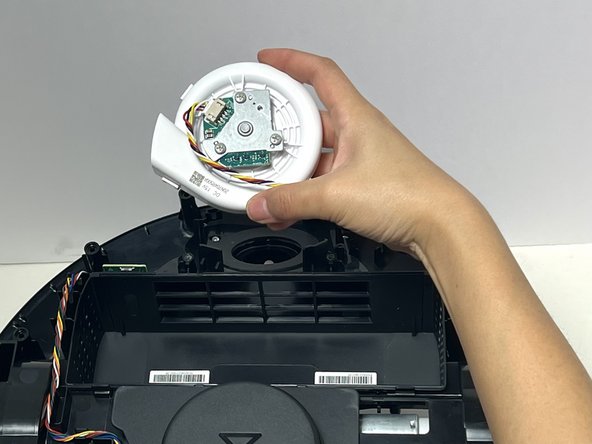
    • Lift the suction motor from its housing at the top of the robot.

  16. Roborock Q5 Suction Motor Replacement: step 16, image 1 of 3 Roborock Q5 Suction Motor Replacement: step 16, image 2 of 3 Roborock Q5 Suction Motor Replacement: step 16, image 3 of 3
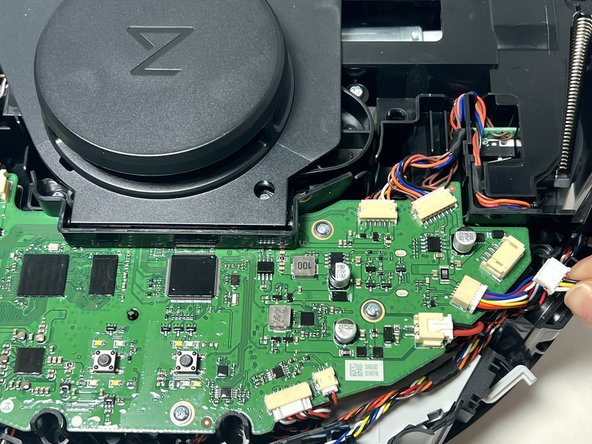
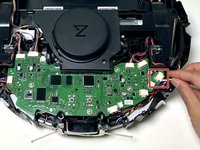
    • Grip the white suction motor connector and pull it directly out of its port.

    • Do not pull on the wires.

Conclusion

To reassemble your device, follow these instructions in reverse order.

Jon Panaro

Member since: 01/29/24

351 Reputation

2 Guides authored

0 Guide Comments

Add Comment

View Statistics:

Past 24 Hours: 1

Past 7 Days: 11

Past 30 Days: 51

All Time: 631