Free Shipping on Domestic Orders $75+

Right Temple

Prerequisite Only
This is a prerequisite-only guide! This guide is part of another procedure and isn’t meant to be used alone.

What you need

    1. Right Temple, Remove the screw covers: step 1, image 1 of 2 Right Temple, Remove the screw covers: step 1, image 2 of 2
      Tool used on this step:
      Tweezers
      $4.99
      Buy
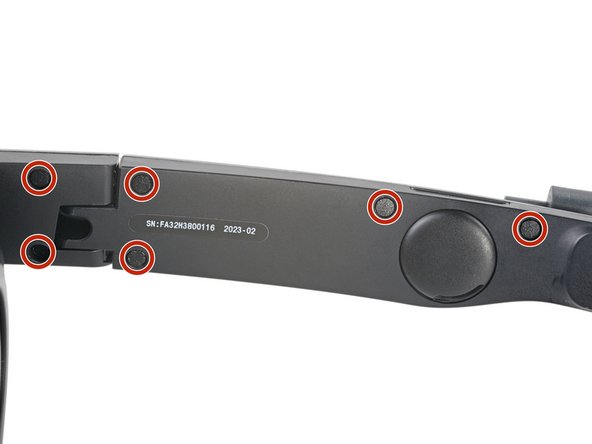
      • Use tweezers to remove the six screw covers from the right temple.

      Ask FixBot

      Add Comment

    2. Right Temple, Unfasten the right temple: step 2, image 1 of 2 Right Temple, Unfasten the right temple: step 2, image 2 of 2
      • Use a T5 Torx screwdriver to remove the six 4.9 mm‑long screws securing the two right temple halves.

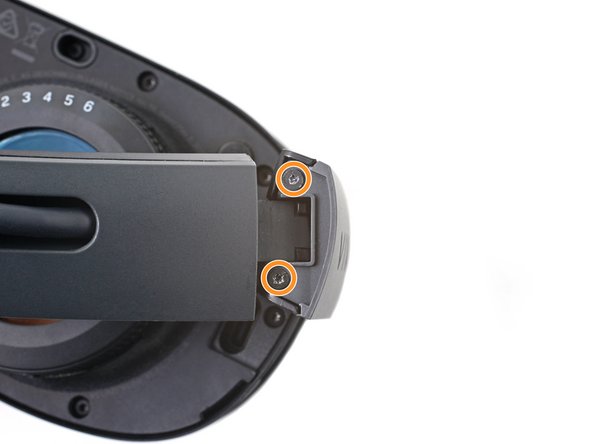
      • Use a T5 Torx screwdriver to remove the two 3.5 mm‑long screws securing the right hinge cover.

      Ask FixBot

      Add Comment

    3. Right Temple, Remove the outer hinge cover: step 3, image 1 of 3 Right Temple, Remove the outer hinge cover: step 3, image 2 of 3 Right Temple, Remove the outer hinge cover: step 3, image 3 of 3
      • Insert the flat end of a spudger in the gap between the right outer and inner hinge covers.

      • Slide the spudger along the gap to separate the clips securing the outer hinge cover.

      • Remove the outer hinge cover.

      Ask FixBot

      Add Comment

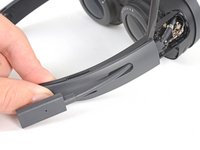
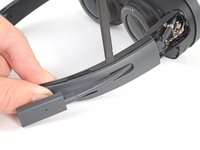
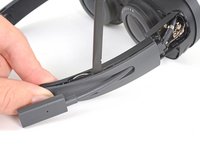
    4. Right Temple, Remove the outer temple: step 4, image 1 of 3 Right Temple, Remove the outer temple: step 4, image 2 of 3 Right Temple, Remove the outer temple: step 4, image 3 of 3
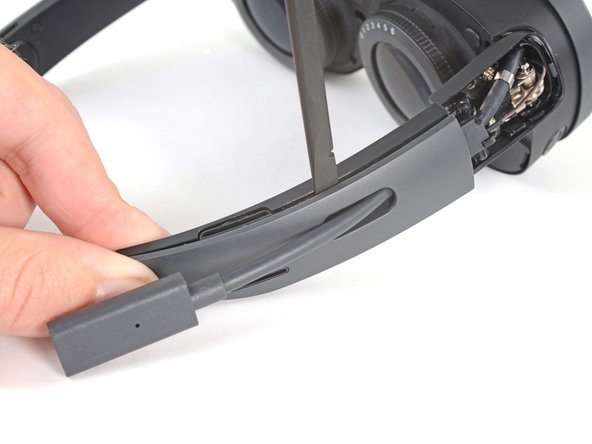
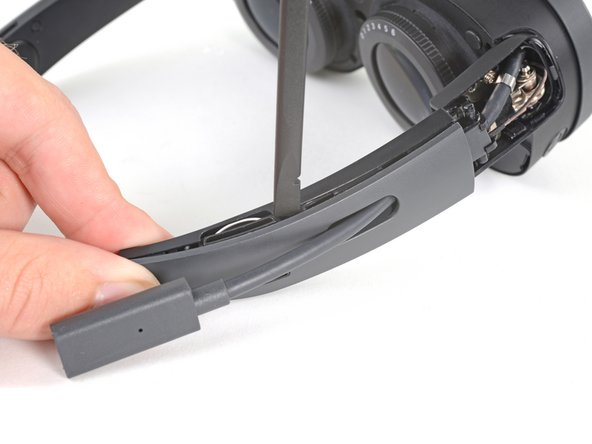
      • Insert the flat end of a spudger in the gap between the outer and inner temple.

      • Slide the spudger along the gap to separate the clips securing the outer temple.

      Ask FixBot

      Add Comment

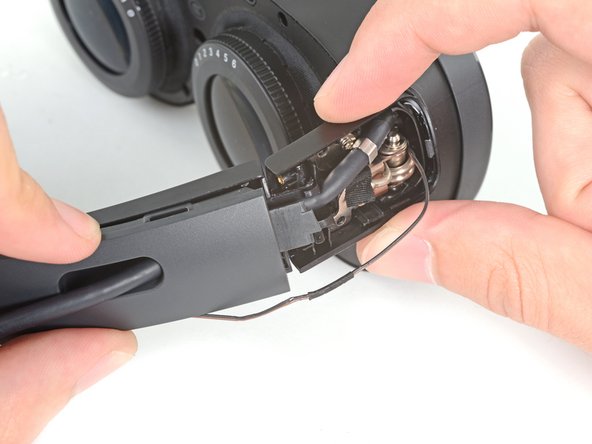
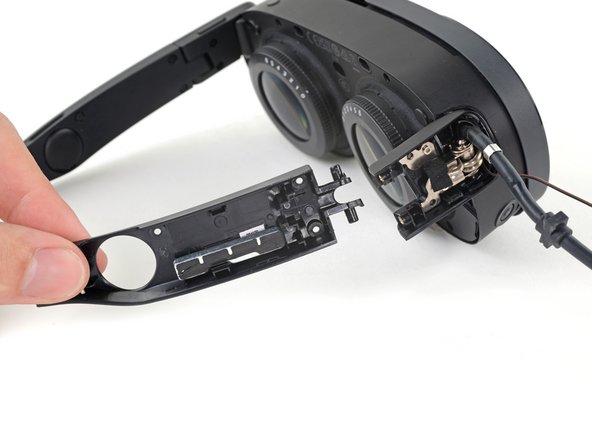
    5. Right Temple: step 5, image 1 of 3 Right Temple: step 5, image 2 of 3 Right Temple: step 5, image 3 of 3
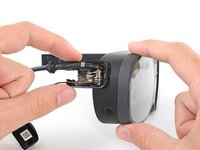
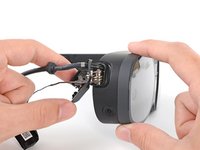
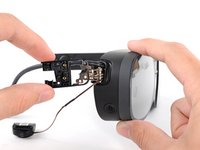
      • Slide the top of the outer temple out of its slot in the hinge.

      Ask FixBot

      Add Comment

    6. Right Temple: step 6, image 1 of 2 Right Temple: step 6, image 2 of 2
      Tool used on this step:
      Tesa 61395 Tape
      $10.95
      Buy
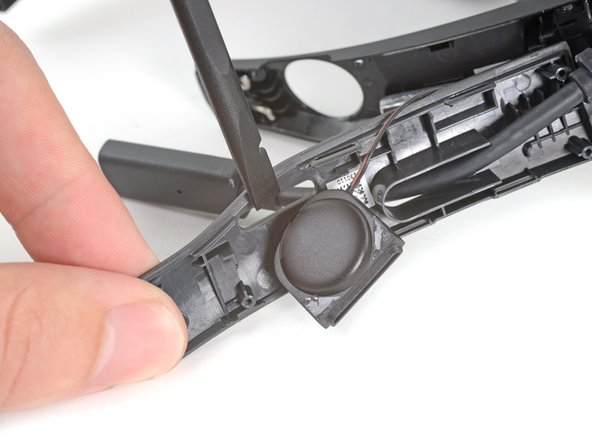
      • The speaker is lightly adhered to the outer temple.

      • Rotate the outer temple towards you to access the speaker.

      • Slide the flat end of a spudger under the speaker to separate its adhesive.

      • During reassembly, if your speaker adhesive isn't sticky, use double-sided tape to re-adhere the speaker to the outer temple.

      Ask FixBot

      Add Comment

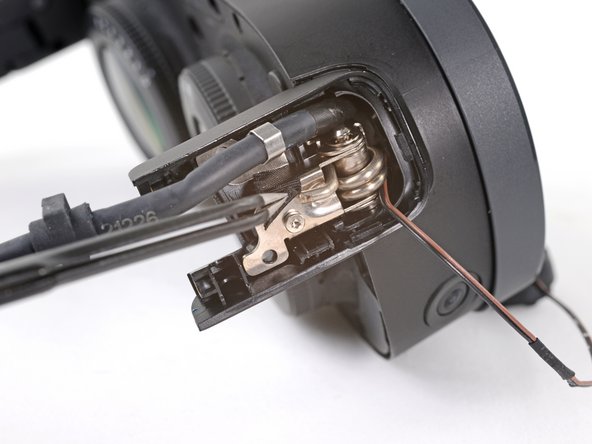
    7. Right Temple: step 7, image 1 of 3 Right Temple: step 7, image 2 of 3 Right Temple: step 7, image 3 of 3
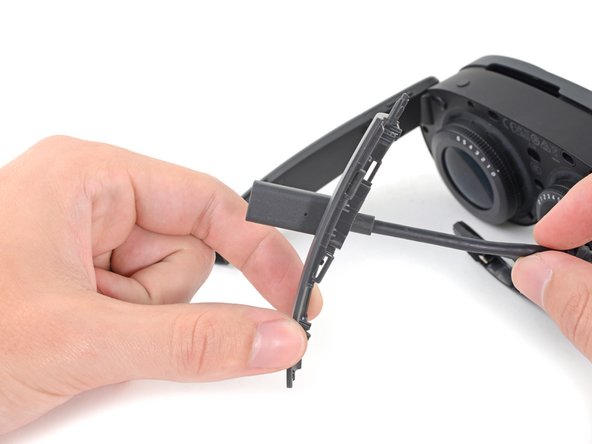
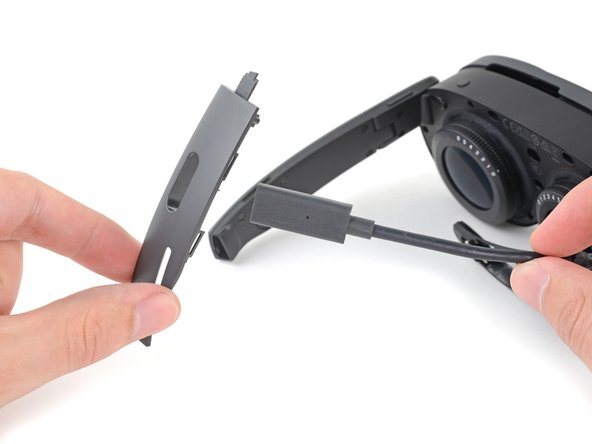
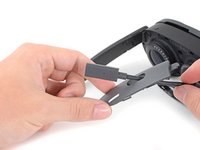
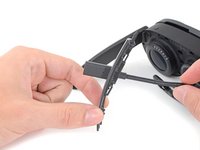
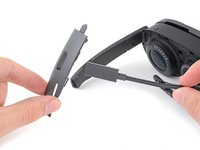
      • Thread the outer temple off of the USB‑C cable and remove it.

      Ask FixBot

      Add Comment

    8. Right Temple: step 8, image 1 of 2 Right Temple: step 8, image 2 of 2
      • Pull the inner temple out of its slot in the hinge and remove it.

      Ask FixBot

      Add Comment

    9. Right Temple, Peel the hinge tape: step 9, image 1 of 2 Right Temple, Peel the hinge tape: step 9, image 2 of 2
      • Use tweezers to peel back the black tape covering one of the inner hinge cover screws.

      Ask FixBot

      Add Comment

    10. Right Temple, Unfasten the inner hinge cover: step 10, image 1 of 1
      • Use a T5 Torx screwdriver to remove the two screws securing the inner hinge cover:

      • One 3.1 mm‑long screw

      • One 4.9 mm‑long screw

      Ask FixBot

      Add Comment

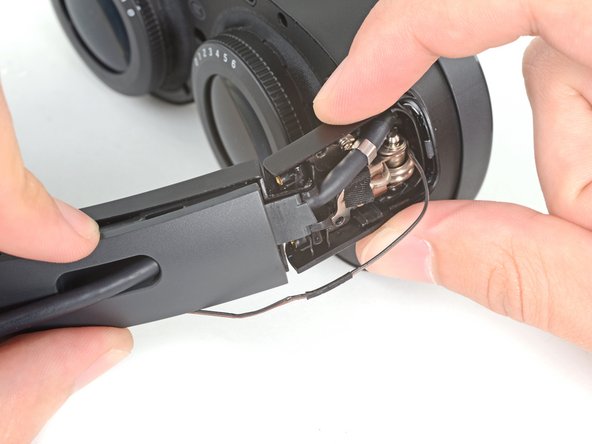
    11. Right Temple, Remove the inner hinge cover: step 11, image 1 of 3 Right Temple, Remove the inner hinge cover: step 11, image 2 of 3 Right Temple, Remove the inner hinge cover: step 11, image 3 of 3
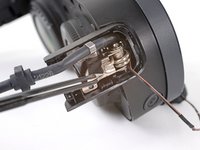
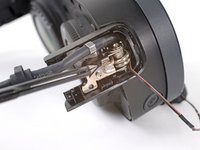
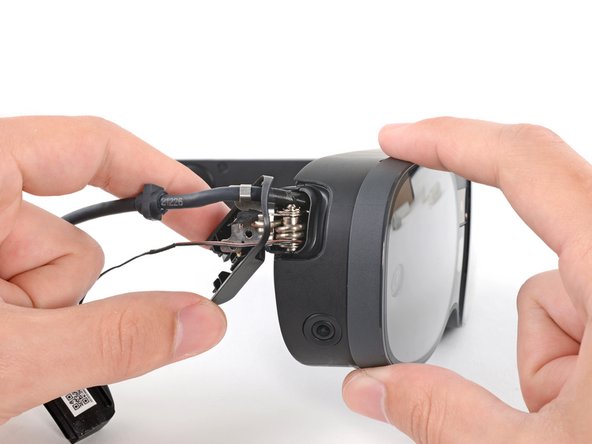
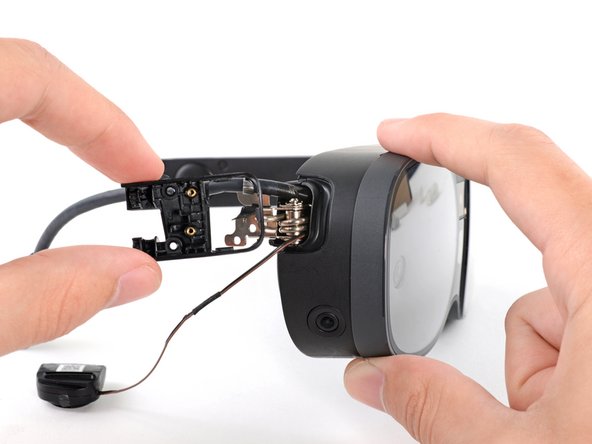
      • Rotate the inner hinge cover off its groove in the frame.

      • Thread the inner hinge cover off of the USB-C and speaker cables and remove it.

      Ask FixBot

      Add Comment

Conclusion

To reassemble your device, follow these instructions in reverse order.

Cancel: I did not complete this guide.

Alex Diaz-Kokaisl

Member since: 01/16/22

249,970 Reputation

1,203 Guides authored

Team

Guide Team Member of Guide Team

Staff

10 Members

61,630 Guides authored

0 Guide Comments

Add Comment

View Statistics:

Past 24 Hours: 0

Past 7 Days: 2

Past 30 Days: 10

All Time: 114