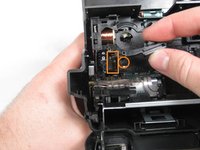
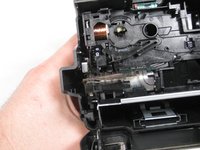
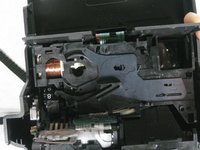
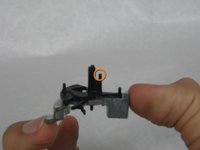
Free Shipping on Domestic Orders $75+

Repairing Polaroid One-Step 600 Shutter

Views: 37K

View statistics:

Past 24 Hours:
3
Past 7 Days:
46
Past 30 Days:
177
All Time:
37,157
Comments: 6

5 comments on steps, 1 guide comment.

Go to guide comments
Completed: 7

7 people have marked this guide "completed." Will you be next?

Favorites: 6

6 people have favorited (and subscribed to) this guide. Will you be next?

Time Required: 1 hour
Difficulty: Very difficult
Repairing Polaroid One-Step 600 Shutter

Introduction

Go to step 1 ↓

This repair guide will show you how to replace the shutter in your Polaroid camera. However, you should be careful with your Polaroid, as the plastic is very fragile.

What you need

Tools

  • Spudger
    4.9
    1. Repairing Polaroid One-Step 600 Shutter, Repairing Polaroid One-Step 600 Shutter: step 1, image 1 of 3 Repairing Polaroid One-Step 600 Shutter, Repairing Polaroid One-Step 600 Shutter: step 1, image 2 of 3 Repairing Polaroid One-Step 600 Shutter, Repairing Polaroid One-Step 600 Shutter: step 1, image 3 of 3
      • THIS REPAIR GUIDE IS VERY DIFFICULT AND SHOULD ONLY BE FOLLOWED IF YOU HAVE EXPERT MECHANICAL EXPERIENCE.

      • Open the flash/ lens compartment of the Polaroid camera to a 30 degree angle with the horizontal.

      Ask FixBot

      Add Comment

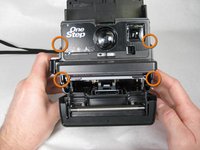
    2. Repairing Polaroid One-Step 600 Shutter: step 2, image 1 of 3 Repairing Polaroid One-Step 600 Shutter: step 2, image 2 of 3 Repairing Polaroid One-Step 600 Shutter: step 2, image 3 of 3
      • Separate the flash section of the camera from the main body by unhooking the sides.

      • BE CAREFUL NOT TO YANK THE TWO SECTIONS APART BECAUSE THE BAND WIRE STILL ATTACHES THEM!

      Ask FixBot

      Add Comment

    3. Repairing Polaroid One-Step 600 Shutter: step 3, image 1 of 1
      • Open the battery/ cartridge compartment fully.

      Ask FixBot

      Add Comment

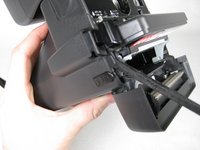
    4. Repairing Polaroid One-Step 600 Shutter: step 4, image 1 of 3 Repairing Polaroid One-Step 600 Shutter: step 4, image 2 of 3 Repairing Polaroid One-Step 600 Shutter: step 4, image 3 of 3
      • Insert spudger in between face of camera and sides where the four tabs are located.

      Ask FixBot

      Add Comment

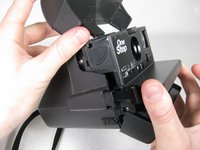
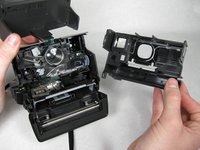
    5. Repairing Polaroid One-Step 600 Shutter: step 5, image 1 of 2 Repairing Polaroid One-Step 600 Shutter: step 5, image 2 of 2
      • Once tabs are released, pull face of camera straight out.

      Ask FixBot

      Add Comment

    6. Repairing Polaroid One-Step 600 Shutter: step 6, image 1 of 1
      Tool used on this step:
      Tweezers
      $4.99
      Buy
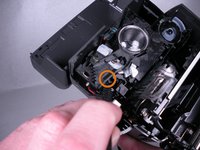
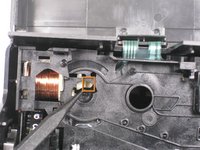
      • Carefully use tweezers to remove the spring from the hooks.

      • CAUTION: You may lose the spring if it pops off the hooks.

      Ask FixBot

      Add Comment

    7. Repairing Polaroid One-Step 600 Shutter: step 7, image 1 of 2 Repairing Polaroid One-Step 600 Shutter: step 7, image 2 of 2
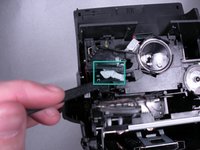
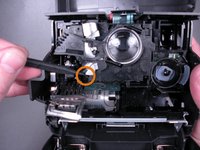
      • Use the spudger to release the latch for the shutter mechanism.

      • Rotate the shutter mechanism clockwise until it stops.

      • If latch was successfully released, shutter mechanism should touch top plastic brace.

      Ask FixBot

      Add Comment

    8. Repairing Polaroid One-Step 600 Shutter: step 8, image 1 of 3 Repairing Polaroid One-Step 600 Shutter: step 8, image 2 of 3 Repairing Polaroid One-Step 600 Shutter: step 8, image 3 of 3
      • Release the two tabs that hold lens plate in position.

      Ask FixBot

      Add Comment

    9. Repairing Polaroid One-Step 600 Shutter: step 9, image 1 of 1
      • Remove the lens plate by pulling down, then away from the camera.

      Ask FixBot

      Add Comment

    10. Repairing Polaroid One-Step 600 Shutter: step 10, image 1 of 3 Repairing Polaroid One-Step 600 Shutter: step 10, image 2 of 3 Repairing Polaroid One-Step 600 Shutter: step 10, image 3 of 3
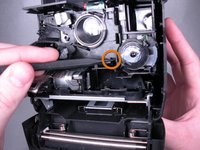
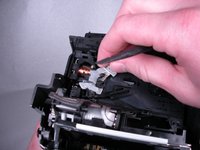
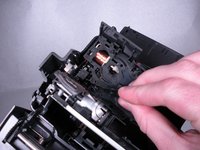
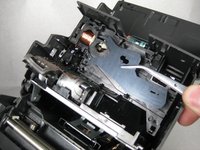
      • Remove the shutter mechanism from the camera.

      • Remove black latch piece from the camera.

      • Remove shutter plates from the camera.

      Ask FixBot

      Add Comment

    11. Repairing Polaroid One-Step 600 Shutter: step 11, image 1 of 3 Repairing Polaroid One-Step 600 Shutter: step 11, image 2 of 3 Repairing Polaroid One-Step 600 Shutter: step 11, image 3 of 3
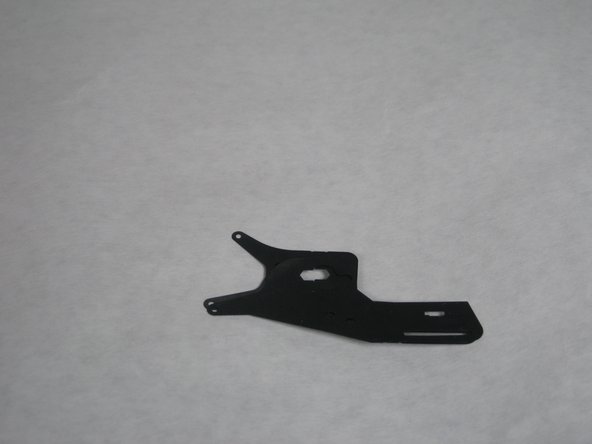
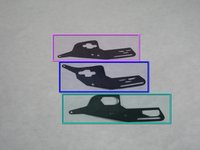
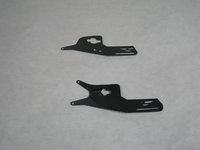
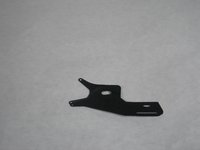
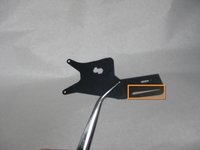
      • To replace the shutter pieces in the camera, first make sure they are in the proper order.

      • The shutter piece at the bottom of the first picture belongs on the bottom.

      • The shutter piece in the middle of the first picture goes in the middle (second picture).

      • The shutter piece at the top of the first picture goes on top (third picture).

      Ask FixBot

      Add Comment

    12. Repairing Polaroid One-Step 600 Shutter: step 12, image 1 of 3 Repairing Polaroid One-Step 600 Shutter: step 12, image 2 of 3 Repairing Polaroid One-Step 600 Shutter: step 12, image 3 of 3
      • By looking at the first picture, line up the long, skinny slots on the three shutter pieces.

      • In the second picture, notice the pin inside the circle.

      • Line up the slots in the shutters with the pin inside the camera as shown in the third picture.

      Ask FixBot

      Add Comment

    13. Repairing Polaroid One-Step 600 Shutter: step 13, image 1 of 3 Repairing Polaroid One-Step 600 Shutter: step 13, image 2 of 3 Repairing Polaroid One-Step 600 Shutter: step 13, image 3 of 3
      • NOTE: The shutter pieces are not included in the first two pictures of this step because they slide around too easily for us to take pictures with them in the camera.

      • Put black plastic piece back into camera, making sure to slide tab into slot (rectangle) and onto the pin (circle).

      • Final assembly for this step should look like the third picture.

      Ask FixBot

      Add Comment

    14. Repairing Polaroid One-Step 600 Shutter: step 14, image 1 of 2 Repairing Polaroid One-Step 600 Shutter: step 14, image 2 of 2
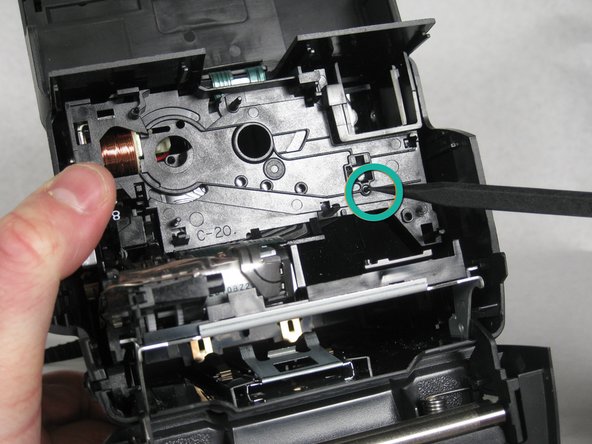
      • CAUTION: The next two steps are incredibly difficult!

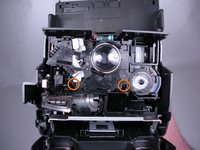
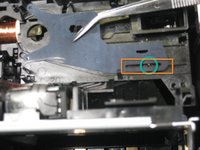
      • First, you must align the tab (circled) with the slot (rectangle).

      • Do not put pieces together until after reading the next step!!!

      Ask FixBot

      Add Comment

    15. Repairing Polaroid One-Step 600 Shutter: step 15, image 1 of 3 Repairing Polaroid One-Step 600 Shutter: step 15, image 2 of 3 Repairing Polaroid One-Step 600 Shutter: step 15, image 3 of 3
      • REMINDER: This step is very difficult and may require multiple attempts.

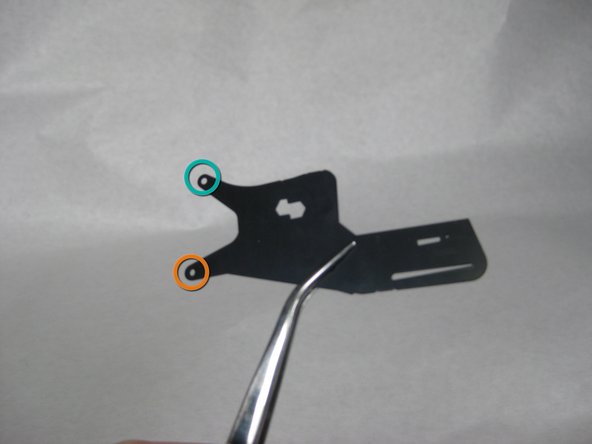
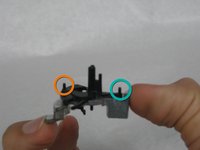
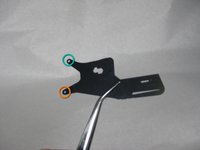
      • Align teal and orange circled tabs from the first picture with the respective teal and orange holes in the shutter pieces.

      • After the shutter mechanism is placed into the camera, make sure all three shutter pieces are attached correctly.

      • NOTE: When correctly attached, the shutter pieces will slide in opposite directions when the shutter mechanism is rotated.

      • To finish putting the Polaroid back together, follow steps 9 through 1 in reverse.

      Ask FixBot

      Add Comment

Finish Line

Cancel: I did not complete this guide.

7 other people completed this guide.

Kimberly

Member since: 01/21/10

185 Reputation

1 Guide authored

Team

Cal Poly, Team 16-31, Maness Winter 2010 Member of Cal Poly, Team 16-31, Maness Winter 2010

CPSU-MANESS-W10S16G31

4 Members

48 Guides authored

1 Guide Comment

I'm pretty sure every type 600 polaroid camera is built the same so this should work with other 600 cameras. I followed this guide for my polaroid 640 land camera and it was exactly the same.

Camdyn - Reply Share

Add Comment

View Statistics:

Past 24 Hours: 3

Past 7 Days: 46

Past 30 Days: 177

All Time: 37,157