Introduction
This is a quick guide on replacing a faulty joystick on an N64. If you have a controller with a wobbly joystick, this is the way to resolve your issue.
This can also be considered a mod if you are upgrading the joystick to a redesigned replacement. Upgrading is recommended because the Nintendo 64 has a poorly designed joystick that is prone to breaking and because the redesigned joystick has better control.
What you need
-
-
-
Begin by removing the 7 #0 Phillips screws from the back of the controller grips as shown.
-
Remove the 2 #00 Phillips screws from the expansion slot
-
Remove the rear housing and set aside.
 Ask FixBot
-
-
-
-
Gently remove the Z-Button membrane and board by sliding them to the left and pulling out of the joystick assembly.
-
Remove the 3 #00 Phillips screws holding the joystick assembly in place.
-
-
-
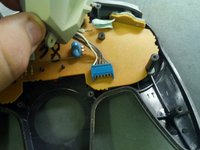
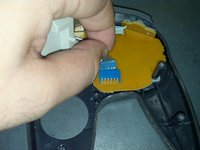
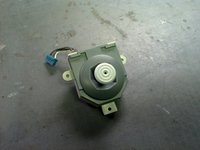
Disconnect the joystick data cable and remove the old joystick.
-
To install your new joystick, simply follow these instructions in reverse.
-
-


Test out your controller! It should be feeling like new.
Cancel: I did not complete this guide.
34 other people completed this guide.

4 Guide Comments
If you don't line up the z button accurately it can be tricky getting the case back on.
Hi, I've been trying to put a Zedlabz N64 joystick replacement in, and I've managed to install it but having so much trouble trying to get the case back on. I put the original back on and had no issues at all. I've tried everything but can't seem to match it up. Anyone got any ideas?
Is the new one too big? Hitting somewhere? You might need to dremel the places where it hits.
