This translation was generated by a machine and has not been reviewed by a person yet. Speak this language? Review it.
Introduction
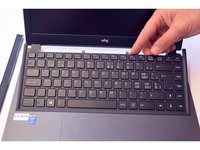
This guide shows how to remove and replace the keyboard on a why! W840xx laptop. Shut down and unplug the computer before removing the power button cover, the four keyboard screws, and its cable.
What you need
-
-
-
Unlock the battery latch on the right.
-
Unlock the battery lock on the left.
-
Remove the battery pack from its slot.
 Ask FixBot
-
-
-
-
-
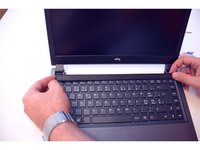
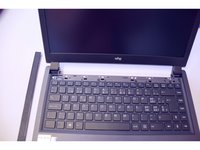
Gently detach the first clip from the bar with the ON / OFF button.
-
Gently detach the second clip from the bar with the ON / OFF button.
-
And so on.
-
-
-
-
Flip the laptop over and then untap this bar
-
The four screws that moor the keyboard will appear.
-
Now unscrew these four screws.
-
-
-
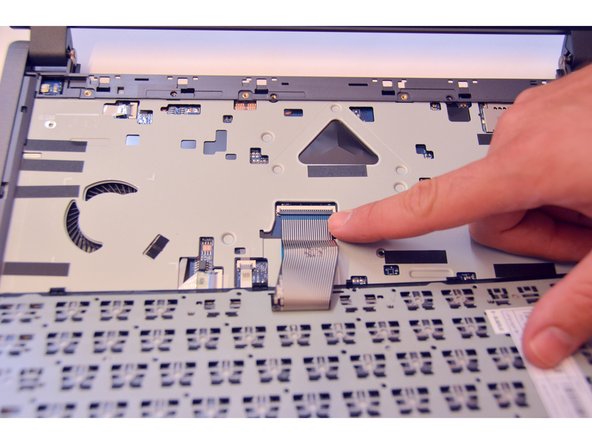
Now gently release the keyboard.
-
Then reverse it.
-
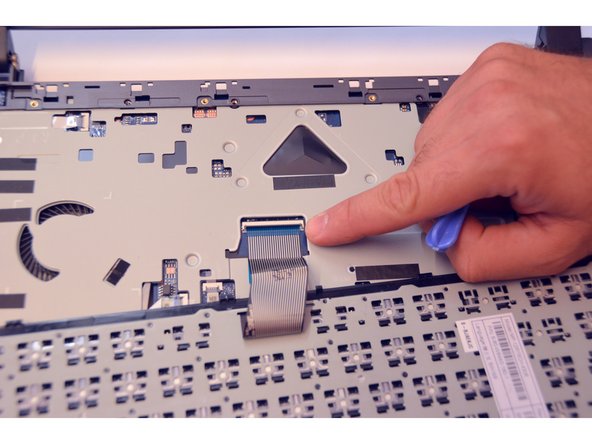
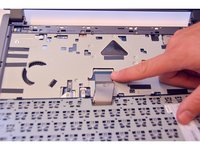
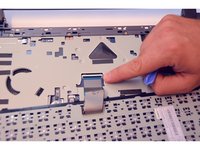
Release now by helping you with a screwdriver the keyboard cable.
-
-





To reassemble your device follow the following instructions in reverse order
Special thanks to these translators:
100%

irlanda is helping us fix the world! Want to contribute?
Start translating ›

