Introduction
This guide shows how to remove and replace the LCD screen of a why! W840xx laptop. You will need to unclip the screen bezel, remove the four fastener screws, and unplug the video cable.
What you need
-
-
-
Unlock the battery latch on the right.
-
Unlock the battery lock on the left.
-
Remove the battery pack from its slot.
 Ask FixBot
-
-
-
-
-
Gently insert the fingernail between the screen frame and the screen glass.
-
De-clipping one by one the fixing points of the frame surrounding the LCD screen
-
-
-
-
Completely detach the frame surrounding the LCD screen.
-
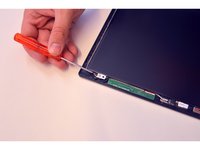
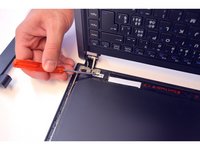
Mark the 2 upper fixing screws of the LCD screen. Unscrew them.
-
Mark the two lower fixing screws on the LCD screen. Unscrew them.
-
-
-
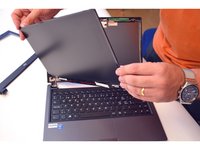
Gently lay the LCD screen on the keyboard.
-
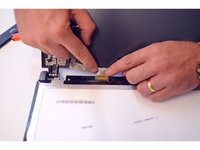
Locate the connector on the LCD screen
-
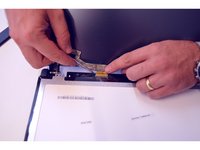
Release the connection cable.
-
-
-
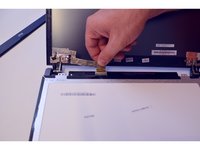
Remove the connector.
-
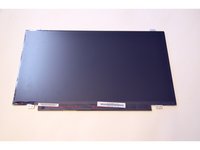
Once the connector is removed, completely remove the LCD screen.
-
-


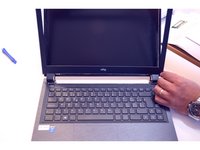




To reassemble your device follow the following instructions in reverse order
Special thanks to these translators:
100%

irlanda is helping us fix the world! Want to contribute?
Start translating ›

1 Guide Comment
I have a ultragear 32gn650-b (31.5" ) and a ultragear 32gn550 (28") . finding replacement screens on these is a b####, and for the right price.
