Introduction
Reset the center of your steering wheel, in case your physical wheel is not synced with in-game wheel.
-
-
-
Connect your steering wheel to your console/computer.
-
On PC, set the rotation angle to 1080° in Thrustmaster Control Panel.
-
On Console, manually set the rotation angle to 1080°.
 Ask FixBot
-
-
-
-
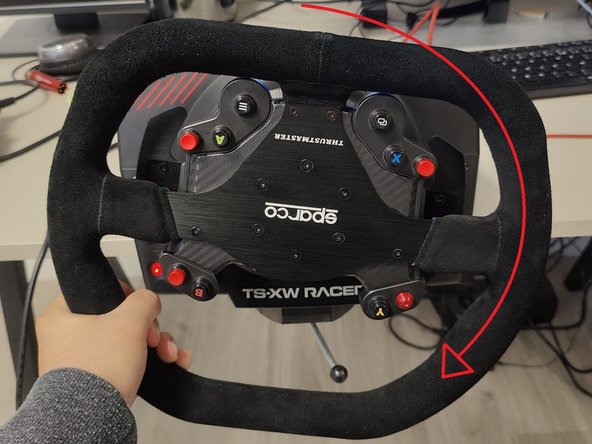
Steer your wheel completely to the left, until it reaches a physical stop.
-
Steer your wheel completely to the right, until it reaches a physical stop.
-
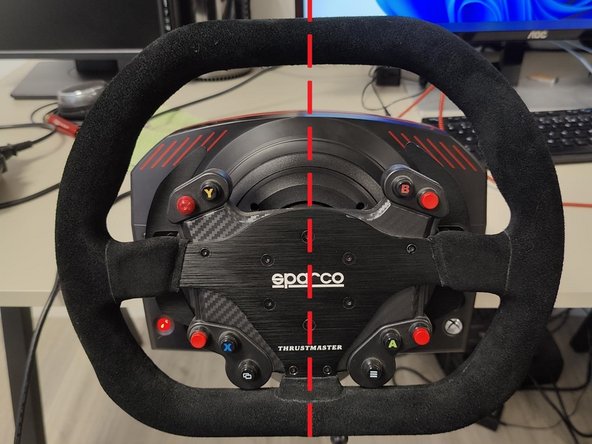
Center your wheel.
-
Press the buttons to recenter your steering wheel. These buttons depend on the steering wheel used, you will find the list on this link.
-
-




Finish Line
Special thanks to these translators:
fr en
100%


These translators are helping us fix the world! Want to contribute?
Start translating ›

