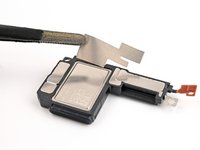
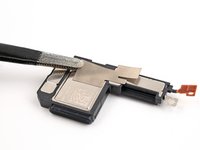
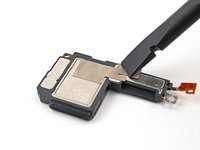
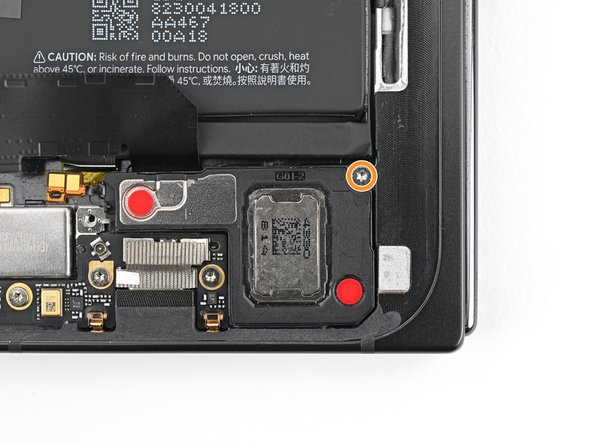
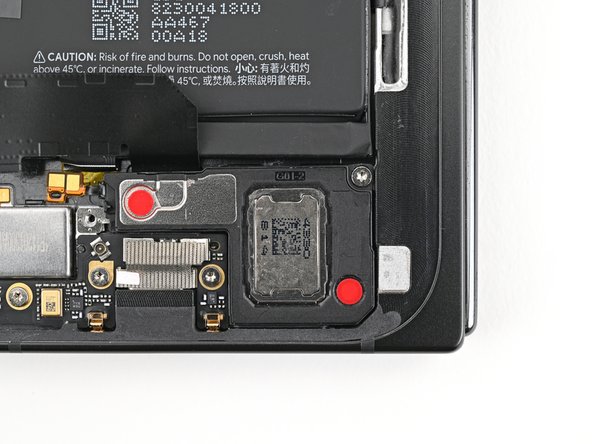
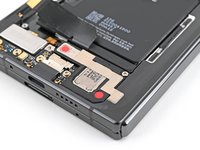
Google Pixel 9 Pro Fold Loudspeaker Reinstallation

Prerequisite Only
This is a prerequisite-only guide! This guide is part of another procedure and isn’t meant to be used alone.
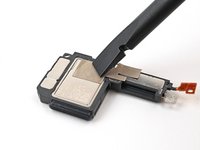
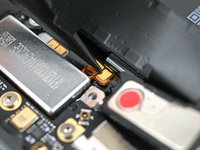
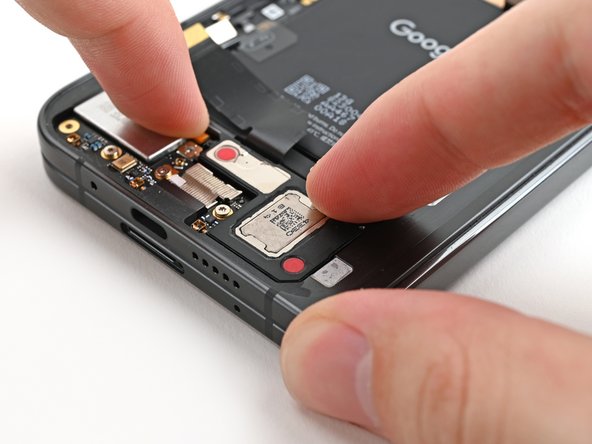
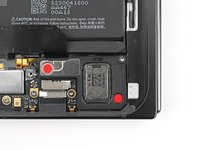
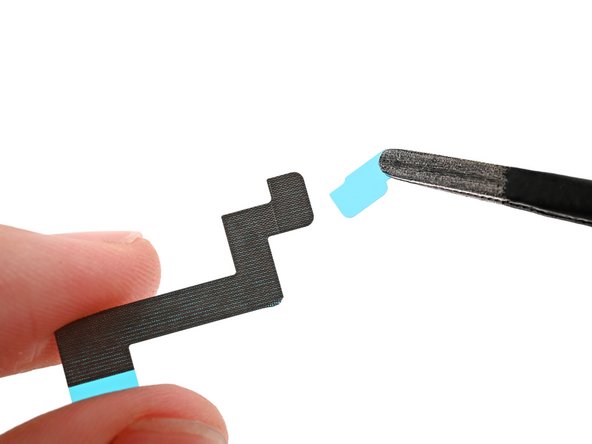
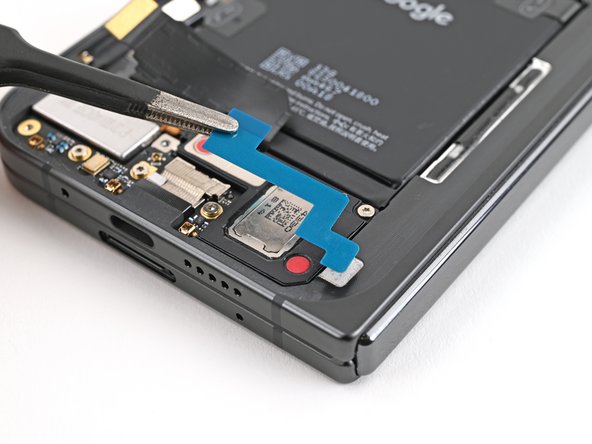
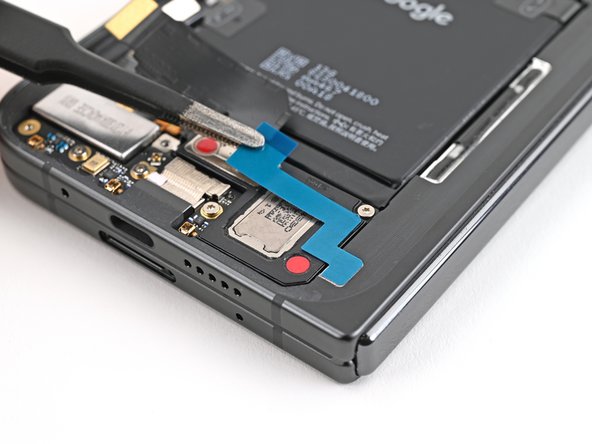
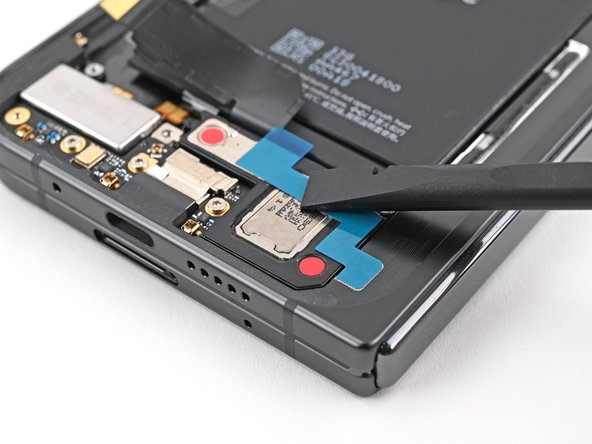
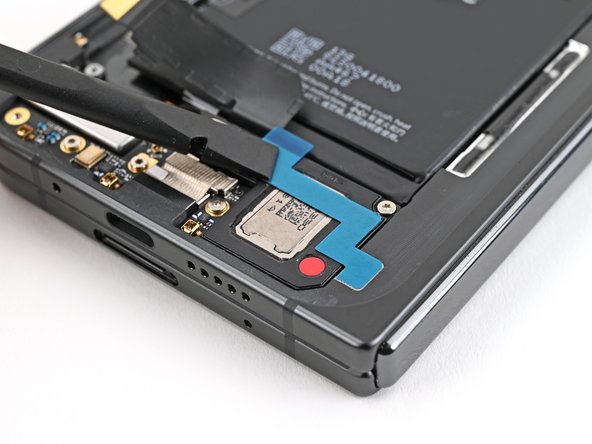
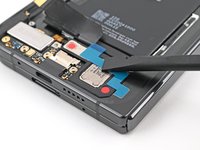
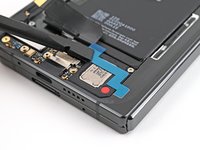
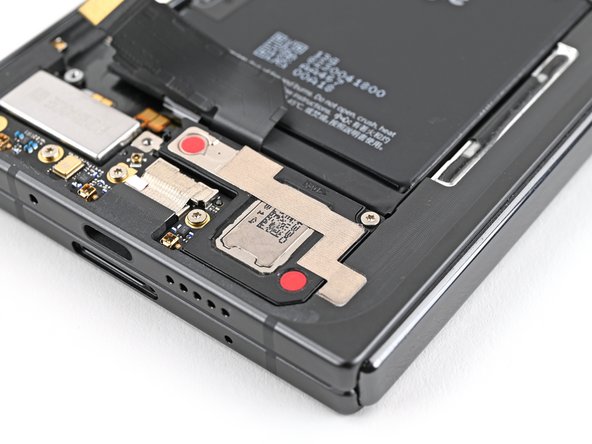
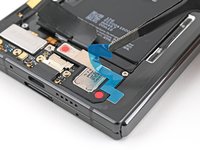
  1. Google Pixel 9 Pro Fold Loudspeaker Reinstallation, Remove the old adhesive: step 1, image 1 of 3 Google Pixel 9 Pro Fold Loudspeaker Reinstallation, Remove the old adhesive: step 1, image 2 of 3 Google Pixel 9 Pro Fold Loudspeaker Reinstallation, Remove the old adhesive: step 1, image 3 of 3
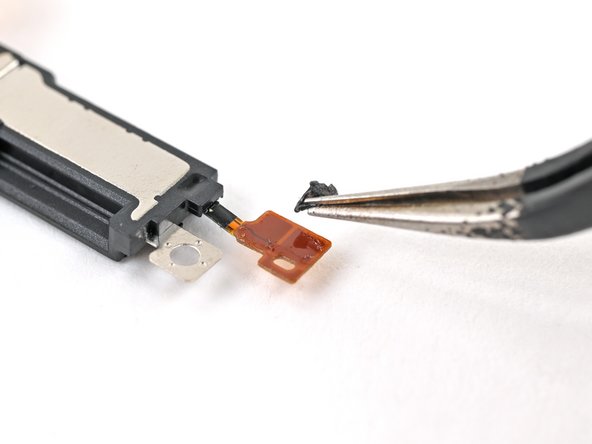
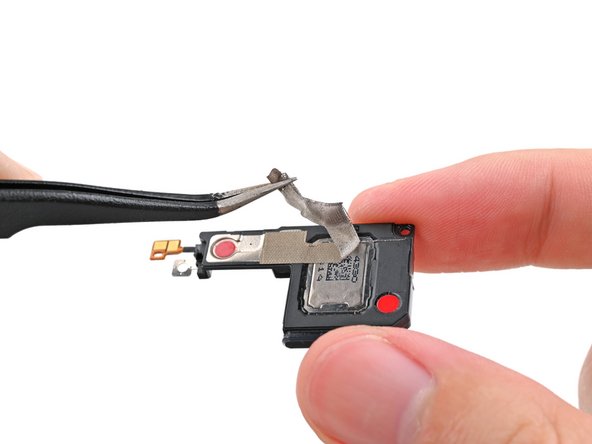
    • The next six steps show how to replace the conductive fabric on the bottom of your loudspeaker and the adhesive on the loudspeaker's cable. Skip these steps if your fabric and adhesive are intact.

    • Use tweezers, or your fingers, to remove the bottom and top conductive fabrics or the loudspeaker cable adhesive if they're not intact.

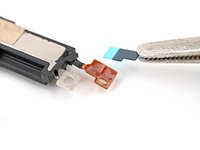
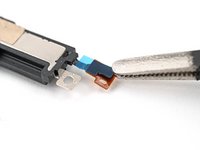
  2. Google Pixel 9 Pro Fold Loudspeaker Reinstallation, Apply the bottom conductive fabric: step 2, image 1 of 2 Google Pixel 9 Pro Fold Loudspeaker Reinstallation, Apply the bottom conductive fabric: step 2, image 2 of 2
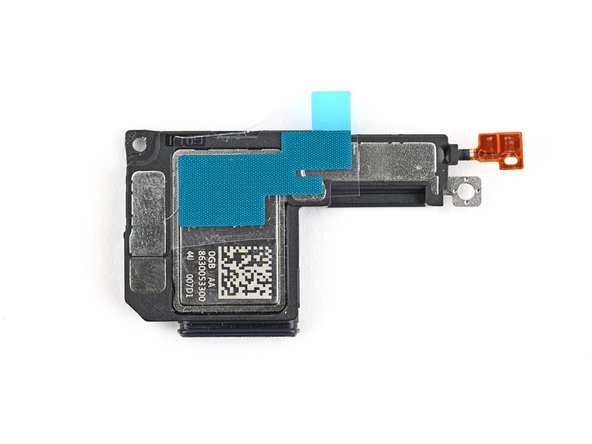
    • Align the bottom loudspeaker conductive fabric on the underside of the loudspeaker.

    • Refer to the second photo for the correct orientation.

  3. Google Pixel 9 Pro Fold Loudspeaker Reinstallation: step 3, image 1 of 2 Google Pixel 9 Pro Fold Loudspeaker Reinstallation: step 3, image 2 of 2
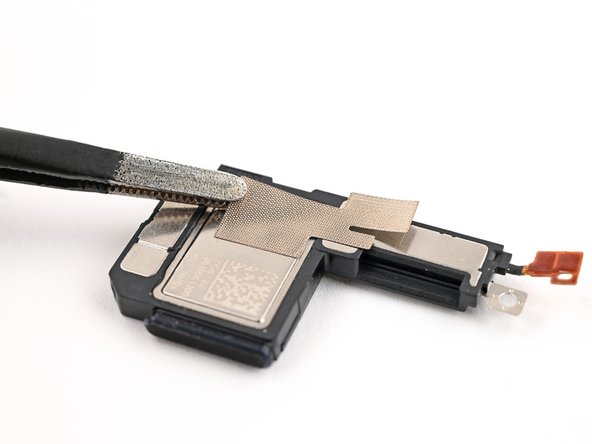
    • Remove the conductive fabric from its clear and colored liners and lay it over its spot on the loudspeaker.

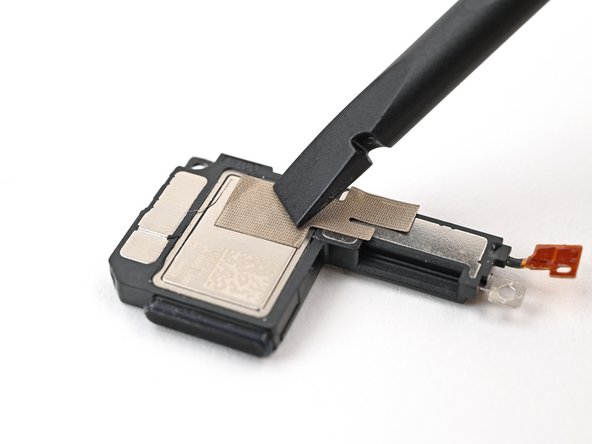
  4. Google Pixel 9 Pro Fold Loudspeaker Reinstallation: step 4, image 1 of 2 Google Pixel 9 Pro Fold Loudspeaker Reinstallation: step 4, image 2 of 2
    • Use the flat end of a spudger, or your fingers, to press down the conductive fabric and adhere it to the loudspeaker.

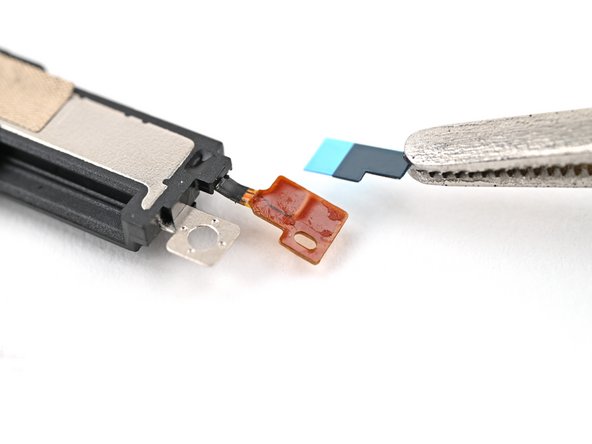
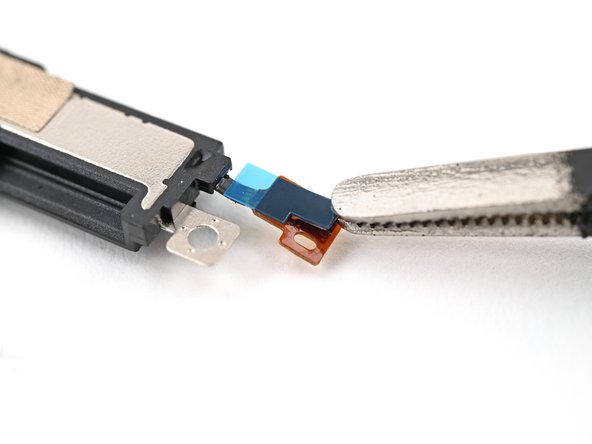
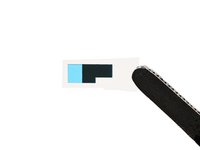
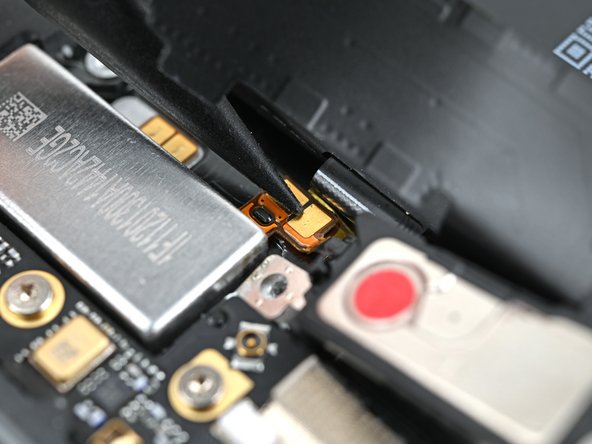
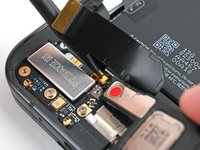
  5. Google Pixel 9 Pro Fold Loudspeaker Reinstallation, Apply the adhesive: step 5, image 1 of 3 Google Pixel 9 Pro Fold Loudspeaker Reinstallation, Apply the adhesive: step 5, image 2 of 3 Google Pixel 9 Pro Fold Loudspeaker Reinstallation, Apply the adhesive: step 5, image 3 of 3
    • Peel the clear liner off the loudspeaker cable adhesive.

    • Align the adhesive over the loudspeaker cable and lay it down, making sure not to cover the hole in the cable.

  6. Google Pixel 9 Pro Fold Loudspeaker Reinstallation: step 6, image 1 of 1
    • Use your fingers to lightly pinch the cable and adhere the adhesive strip.

    • Remove the blue liner from the adhesive strip.

  7. Google Pixel 9 Pro Fold Loudspeaker Reinstallation, Reinstall the loudspeaker: step 7, image 1 of 2 Google Pixel 9 Pro Fold Loudspeaker Reinstallation, Reinstall the loudspeaker: step 7, image 2 of 2
    • Align the hole in the loudspeaker cable over its peg on the frame.

    • Press down the cable with the tip of a spudger, or your finger, to adhere it to the frame.

  8. Google Pixel 9 Pro Fold Loudspeaker Reinstallation: step 8, image 1 of 2 Google Pixel 9 Pro Fold Loudspeaker Reinstallation: step 8, image 2 of 2
    • While pressing the cable down, reinsert the loudspeaker at an angle into its recess and press it flat to the frame.

  9. Google Pixel 9 Pro Fold Loudspeaker Reinstallation: step 9, image 1 of 3 Google Pixel 9 Pro Fold Loudspeaker Reinstallation: step 9, image 2 of 3 Google Pixel 9 Pro Fold Loudspeaker Reinstallation: step 9, image 3 of 3
    • While holding the loudspeaker in place, use a Torx Plus 3IP driver to install the 2.6 mm‑long screw securing the loudspeaker.

  10. Google Pixel 9 Pro Fold Loudspeaker Reinstallation, Apply the top conductive fabric: step 10, image 1 of 2 Google Pixel 9 Pro Fold Loudspeaker Reinstallation, Apply the top conductive fabric: step 10, image 2 of 2
    • The next four steps show how to replace the conductive fabric on the top of the loudspeaker. Skip these steps if your fabric is still intact.

    • Peel off the clear liner on the top loudspeaker conductive fabric.

    • Peel off the small colored liner covering the rounded corner of the fabric.

  11. Google Pixel 9 Pro Fold Loudspeaker Reinstallation: step 11, image 1 of 3 Google Pixel 9 Pro Fold Loudspeaker Reinstallation: step 11, image 2 of 3 Google Pixel 9 Pro Fold Loudspeaker Reinstallation: step 11, image 3 of 3
    • Align the rounded corner of the conductive fabric with the same‑shaped marking on the frame.

    • Lay the fabric down onto the frame and the loudspeaker.

  12. Google Pixel 9 Pro Fold Loudspeaker Reinstallation: step 12, image 1 of 3 Google Pixel 9 Pro Fold Loudspeaker Reinstallation: step 12, image 2 of 3 Google Pixel 9 Pro Fold Loudspeaker Reinstallation: step 12, image 3 of 3
    • Use the flat end of a spudger, or your fingers, to press down the conductive fabric and adhere it to the frame and loudspeaker.

  13. Google Pixel 9 Pro Fold Loudspeaker Reinstallation: step 13, image 1 of 2 Google Pixel 9 Pro Fold Loudspeaker Reinstallation: step 13, image 2 of 2
    • Peel off the large colored liner from the conductive fabric.

Conclusion

To reassemble your device, follow these instructions in reverse order.

Alex Diaz-Kokaisl

Member since: 01/16/22

215,683 Reputation

1,046 Guides authored

Team

iFixit Member of iFixit

Staff

123 Members

23,828 Guides authored

0 Guide Comments

Add Comment

View Statistics:

Past 24 Hours: 0

Past 7 Days: 0

Past 30 Days: 0

All Time: 41