Introduction
When doing replacement work on the amplifier, it is a good time to also replace the thermal paste.
What you need
-
-
-
Carefully remove silica pads, take note: they are very fragile!
-
Remove excessive black putty where needed.
-
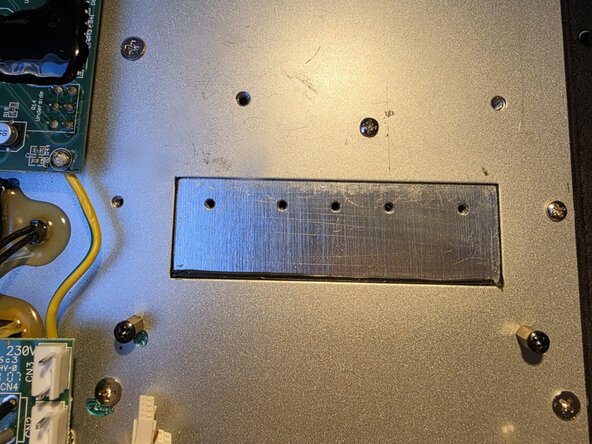
Thoroughly clean back plate with Isopropyl Alcohol (IPA).
-
Clean silica pads as well and store them.
 Ask FixBot
-
-
-


Conclusion
To reassemble your device, follow these instructions in reverse order.
Cancel: I did not complete this guide.
One other person completed this guide.

